1
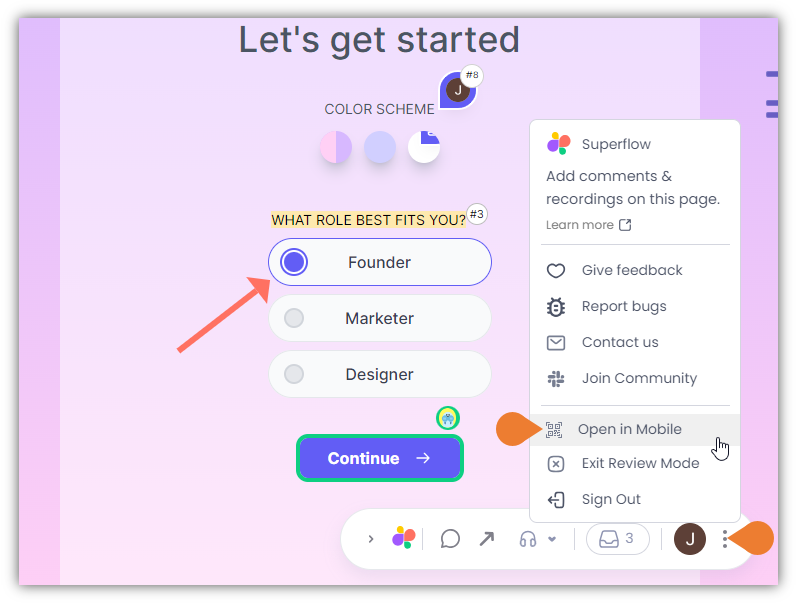
Find the Superflow Toolbar and click the More Options icon
2
A sub-menu will expand, click the Open in Mobile to select
3
A QR Code will appear on the screen
On your mobile device, open the Camera app and scan the QR Code.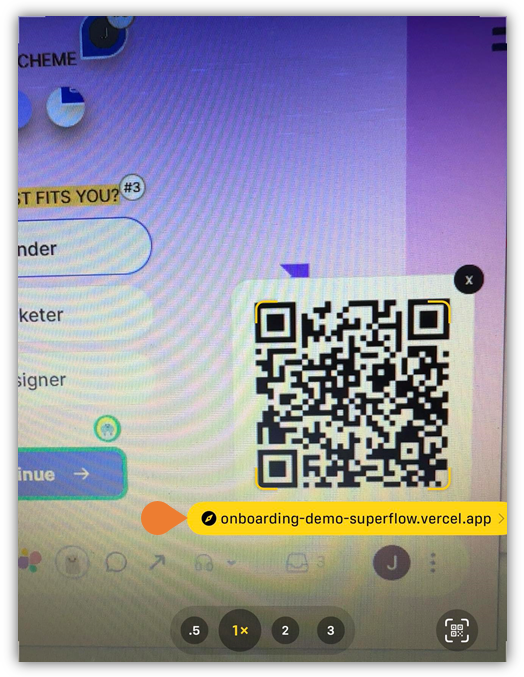
4
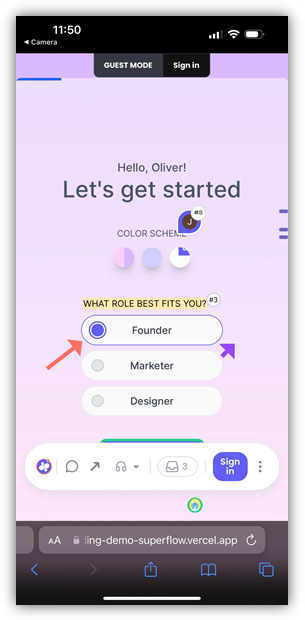
A Link will appear, select the link…
A Link will appear, select the link and the mobile version of the current screen of your desktop/laptop will appear on your mobile device.