1
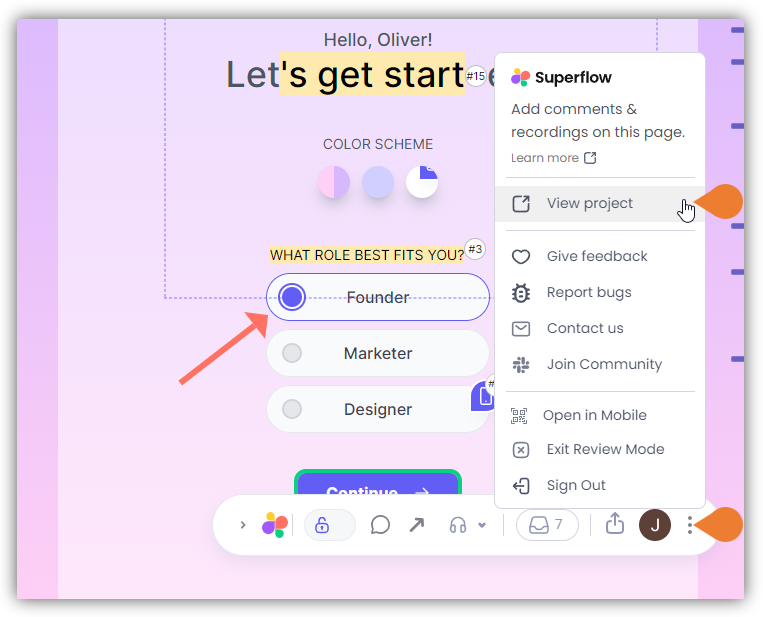
Find the Superflow Toolbar and click the More Options icon
2
A sub-menu will expand, click the View Project option to select
3
A new tab will direct you to the Project Dashboard page
By default, you will be directed to the Dashboard for Comment Status screen when accessing the Project Dashboard.
4
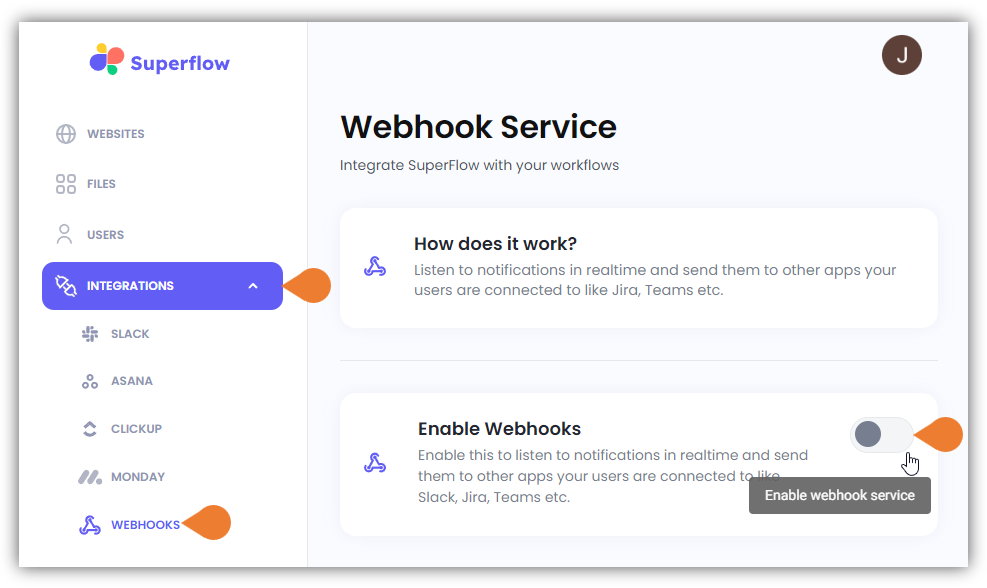
Click the INTEGRATIONS module to access more integration options
5
Select WEBHOOKS to access Webhooks’ integration page
6
Click the Enable Webhooks Toggle bar to enable Webhooks services
7
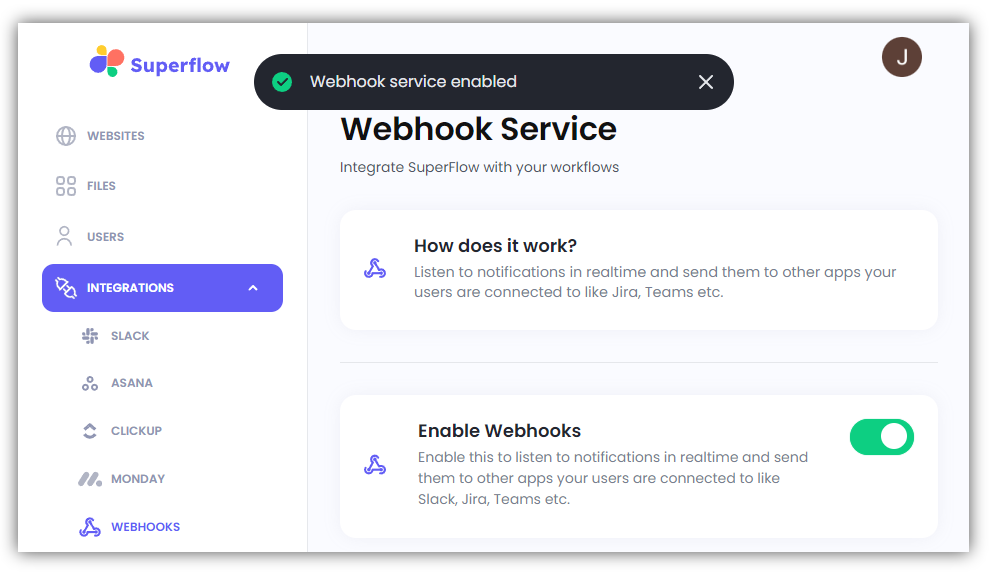
After enabling the Webhooks, a Confirmation message will appear that the Webhook service is…
After enabling the Webhooks, a Confirmation message will appear that the Webhook service is enabled.