

1
Open a Browser and go to the page you want to review
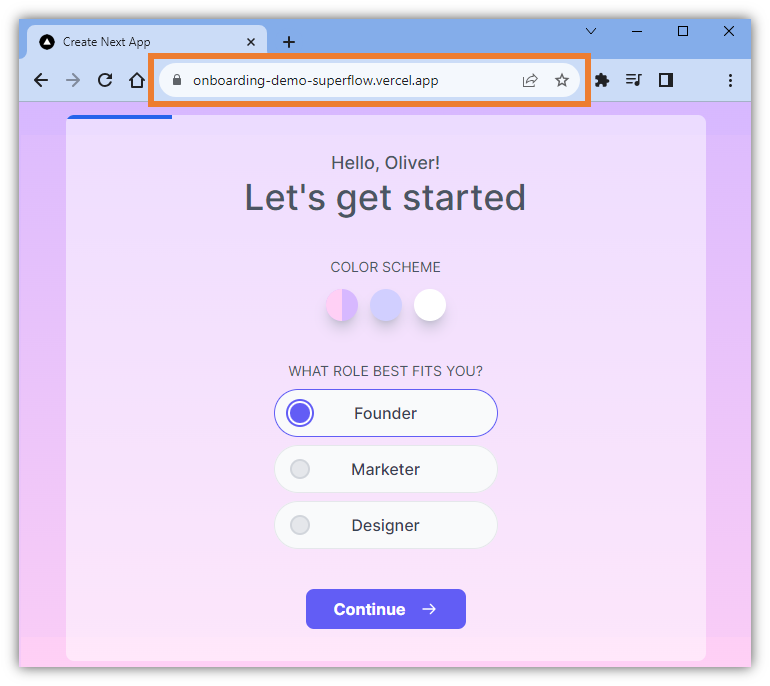
2
In the Address Bar, edit the address by adding this value at the end of the URL: ?review=true
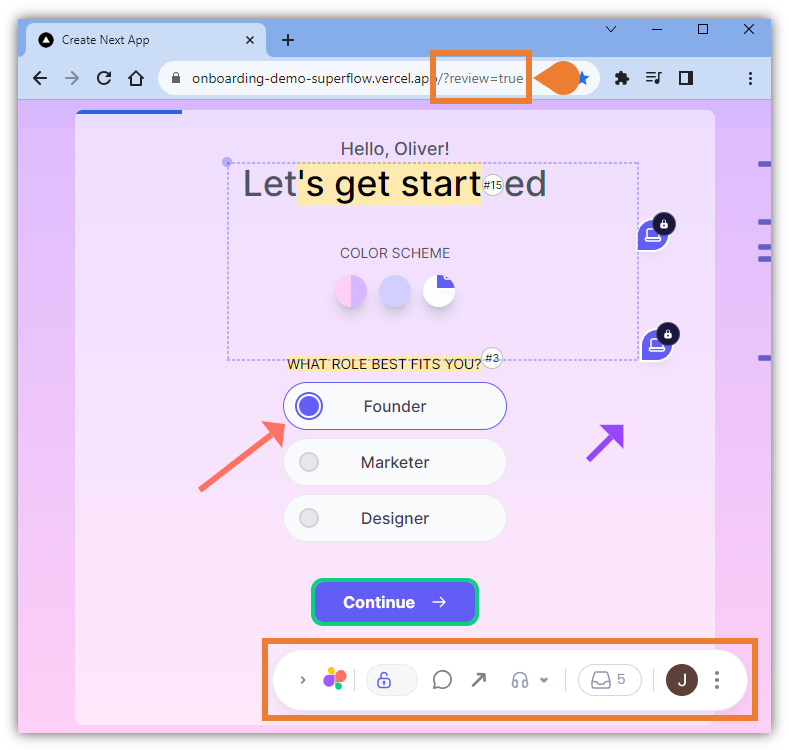
3
Press Enter on your keyboard to enable the Review Mode
4
You will enter the Review Mode and the Superflow Toolbar will be enabled