

1
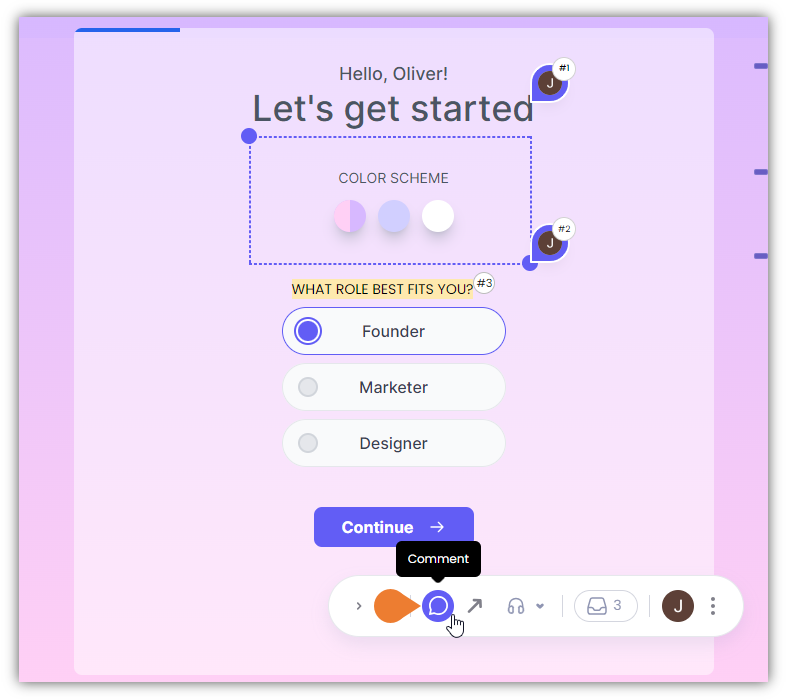
Find the Superflow Toolbar and click the Comment icon to access the comment mode
2
You will enter the Comment Mode as the browser indicates
When you enter the Comment Mode, you will be able to do the following: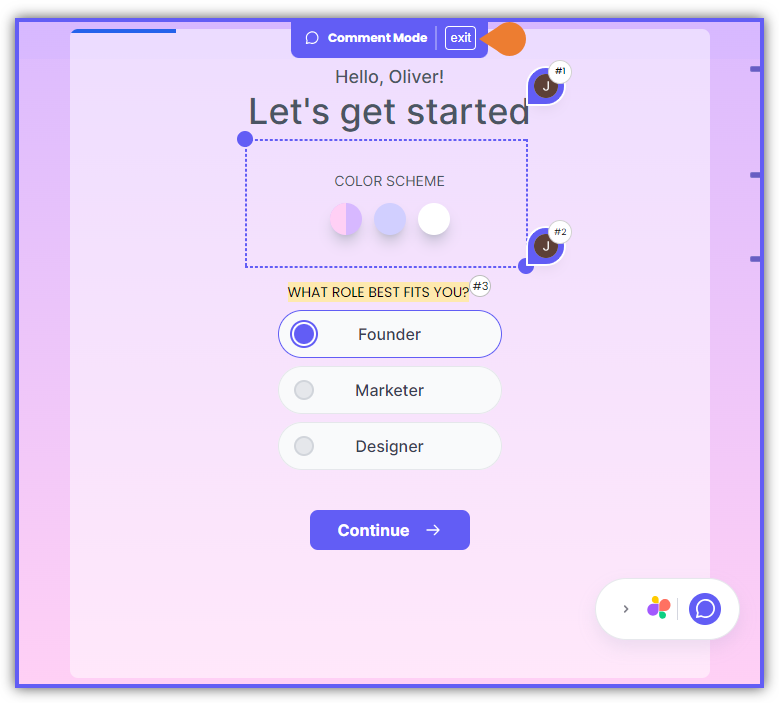
- Comment on Elements
- Comment on Text
- Comment on Images
- Draw a Box Comment
3
To exit the Comment Mode, press the ESC on your keyboard or click the esc to exit indicator on…
To exit the Comment Mode, press the ESC on your keyboard or click the esc to exit indicator on top of the browser.