1
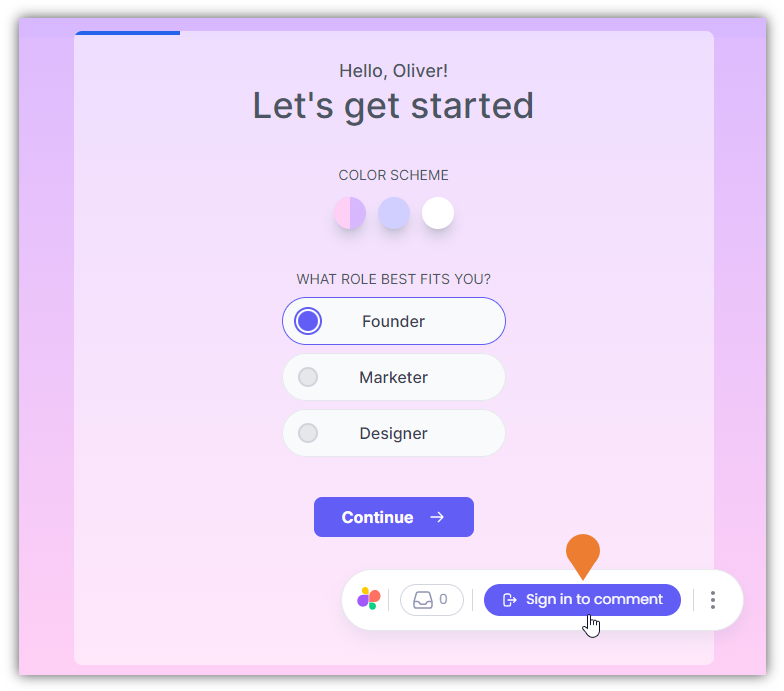
On the Demo Site, find the Superflow Toolbar and click the Sign in to comment button
2
You will be directed to the Superflow login page
There are three (3) methods to login to your account, choose from the following method:
- Sign in with Google
- Sign in with Microsoft
- Work Email
3
In this example, we will be using the Sign in with Google option
4
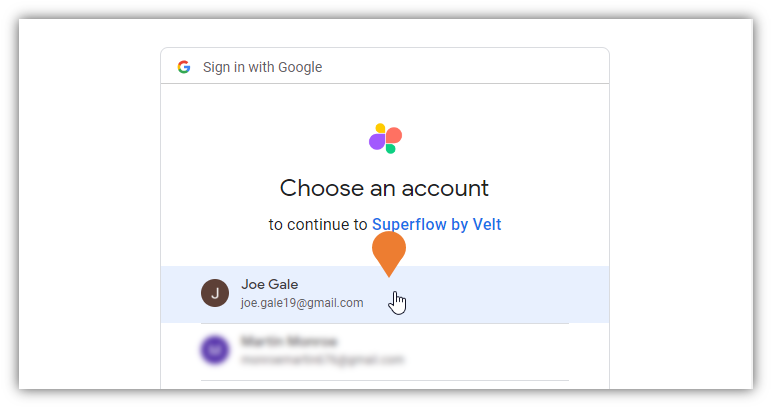
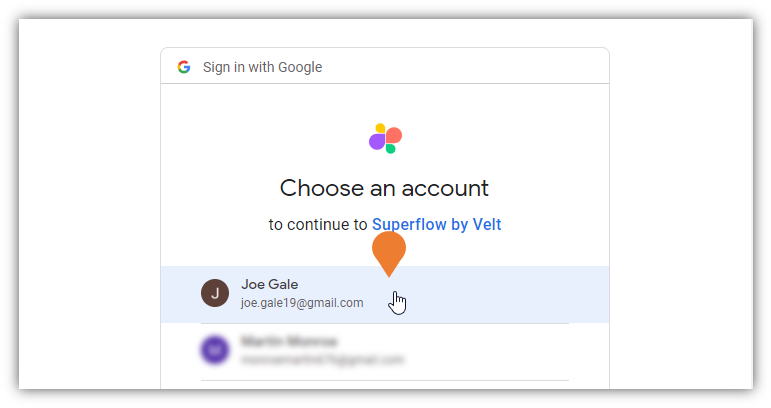
The Email selection panel will appear
Click the email that you want to use to sign in to your Superflow account.