1
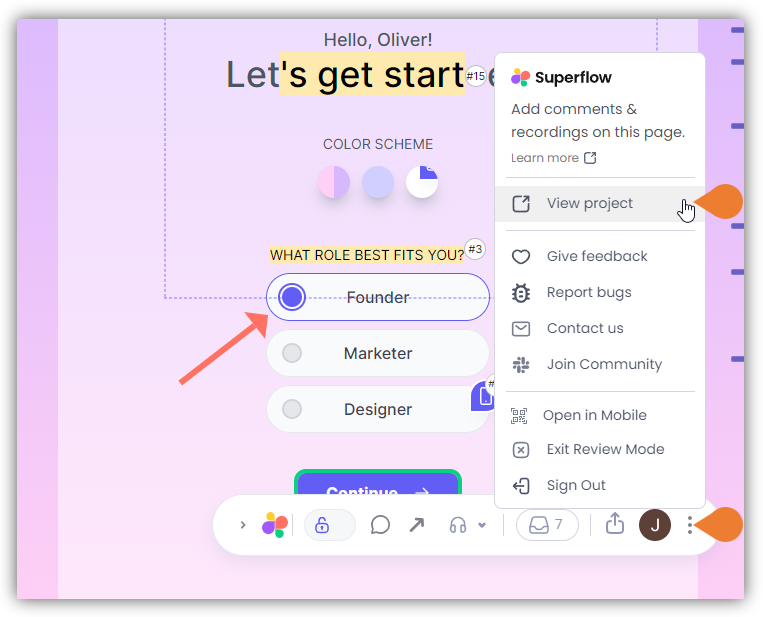
Find the Superflow Toolbar and click the More Options icon
2
A sub-menu will expand, click the View Project option to select
3
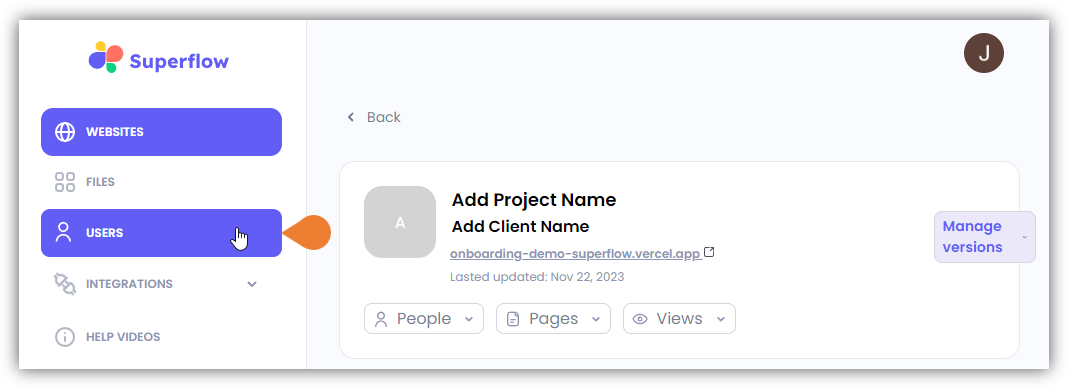
A new tab will direct you to the Project Dashboard page
By default, you will be directed to the Dashboard for Comment Status screen when accessing the Project Dashboard.
4
Click the USERS module to access the Users page
5
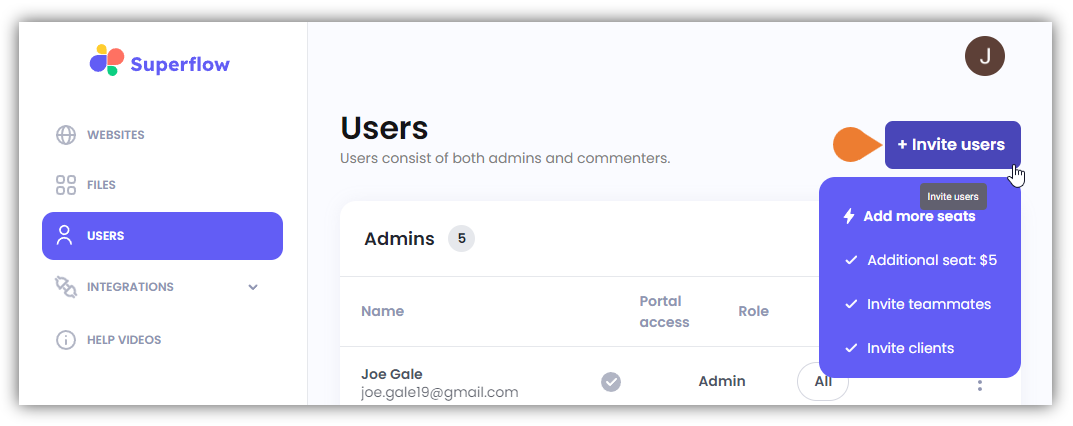
Find and click the + Invite Users button
6
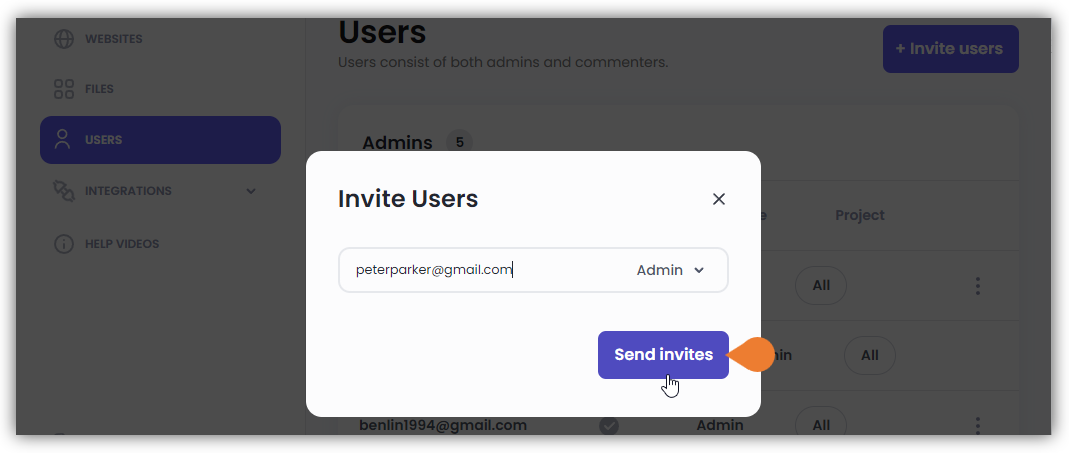
The Invite Users dialog box will appear
In the Email field, enter the user’s email address.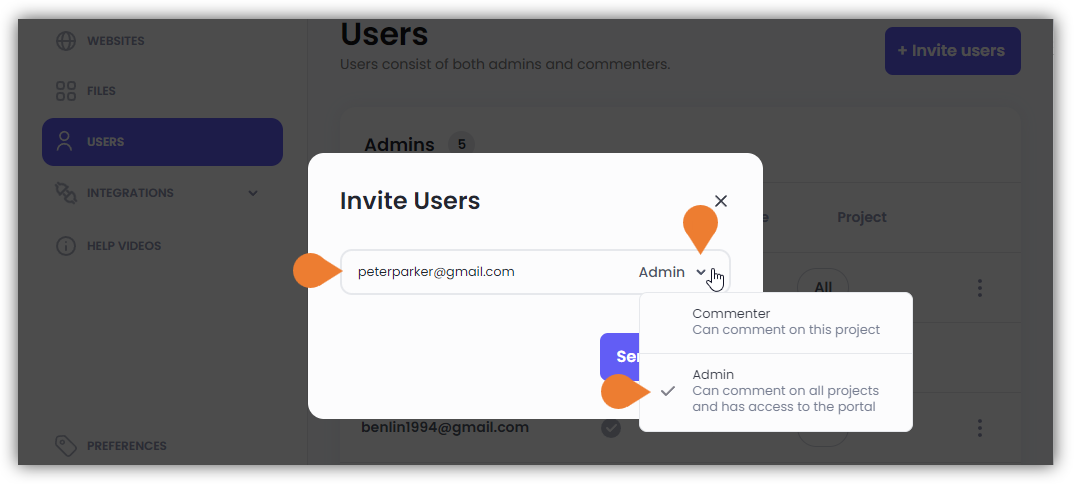
7
Defind the user type by clicking the Drop-Down Menu and selecting the appropriate type:
- Admin: this user type can comment on all projects and has access to the portal.
- Commenter: this user type can only comment on this project and does not have access to the portal.
8
After entering and defining the required credentials, click the Send invites button