
Website markup tools have moved well past annotation: the best ones now run AI-powered QA and review approval workflows that catch issues before any human opens the review. Most tools in this category won't tell you upfront how far their feature set goes before it runs out. Some stop at pinned comments. Others run automated QA checks before a human even opens the review. If you're picking one for client work, that gap matters more than you'd think.
TLDR:
- The better tools in this category go beyond pinning feedback to page elements and serve as full QA, review, and approval infrastructure for client work
- Most tools in this category wait for a human to spot an issue; only one runs QA checks automatically on every deploy
- Key buying criteria include client login requirements, AI automation depth, two-way PM sync, and SOC 2/HIPAA compliance
- SureFeedback suits teams that need data ownership; Pastel fits freelancers; Atarim targets WordPress retainer shops
- Superflow is the only tool with deploy-triggered AI agents, per-client memory, a structured team and client approval workflow, and SOC 2 Type II plus HIPAA with BAA
What Are Website Markup Tools?
A client emails "move the button left" with no screenshot, no URL, and no context. Your team spends 20 minutes guessing which button on which page before anyone touches code. Website markup tools kill that loop: feedback gets pinned to the exact element it references, so nothing gets lost between the inbox and the dev queue.
How We Ranked These Website Markup Tools
We looked at each tool across five factors that matter most to agencies handling client review:
- Ease of client access: can a client leave feedback from a link without installing anything or creating an account?
- AI automation depth: does the tool actively check the site for issues, or does it just organize what humans report?
- Asset type coverage: websites, PDFs, video, images, or some combination?
- PM integrations and two-way sync with tools like Jira, Asana, and Linear
- Security and compliance posture: audit trails, SOC 2, HIPAA where relevant
No proprietary scoring system. We reviewed public pricing pages, feature documentation, and hands-on experience to make the calls here.
Best Overall Website Markup Tool: Superflow
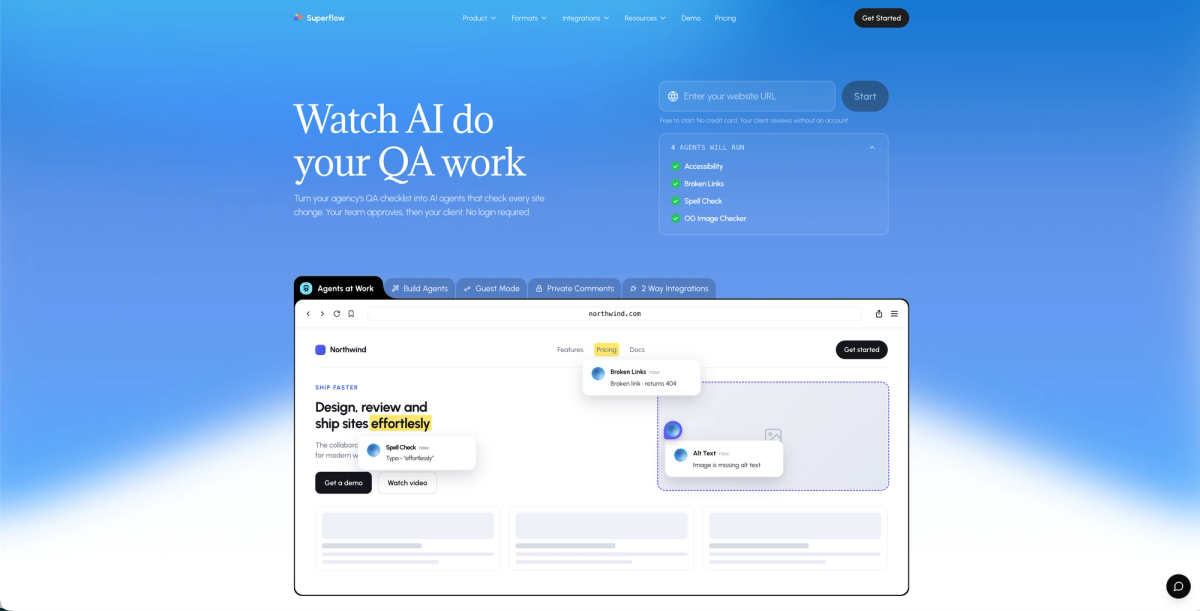
Superflow sits at the top of this list because nothing else in the category runs QA automatically. Every other tool here waits for a human to find a problem and file it. Superflow's AI agents fire on every site change, pin findings to the exact element, and leave your team to make decisions instead of hunting for issues.
The review and approval flow is structured end to end. Agents check every change and post findings as pinned comments on the exact element. Your team reviews and signs off first. Then the client approves from a shared link with no account required. No engineer needed to get started either: one-click installs cover Webflow, WordPress, Framer, and Shopify.
Built-in agents cover accessibility, broken links, spell check, and OG images. If you have a client-specific checklist or brand guide, you can build custom agents from it via a prompt interface. Per-client Memory means the system carries what it learned from project one into project ten.
Core strengths:
- AI agents run on every site change automatically, with no manual trigger needed
- Per-client Memory compounds across projects, so context does not reset between engagements
- Structured approval flow: team reviews and signs off first, then client approves from a shared link with no login required
- Five asset types: websites, video, PDF, images, and Lottie files
- SOC 2 Type II, HIPAA with BAA, full audit trail, SAML/SSO on Enterprise
- Two-way sync with Asana, Monday.com, ClickUp, and Trello
See how client approval without login works
The one real gap: no native Jira sync today if you need it in both directions out of the box. Webhooks and the REST API cover most of that gap for dev-heavy teams. Pricing starts free, with Growth at $24/seat/month (annual) or $29/seat/month (monthly), and Scale at $28/seat/month (annual) or $34/seat/month (monthly).
Markup.io
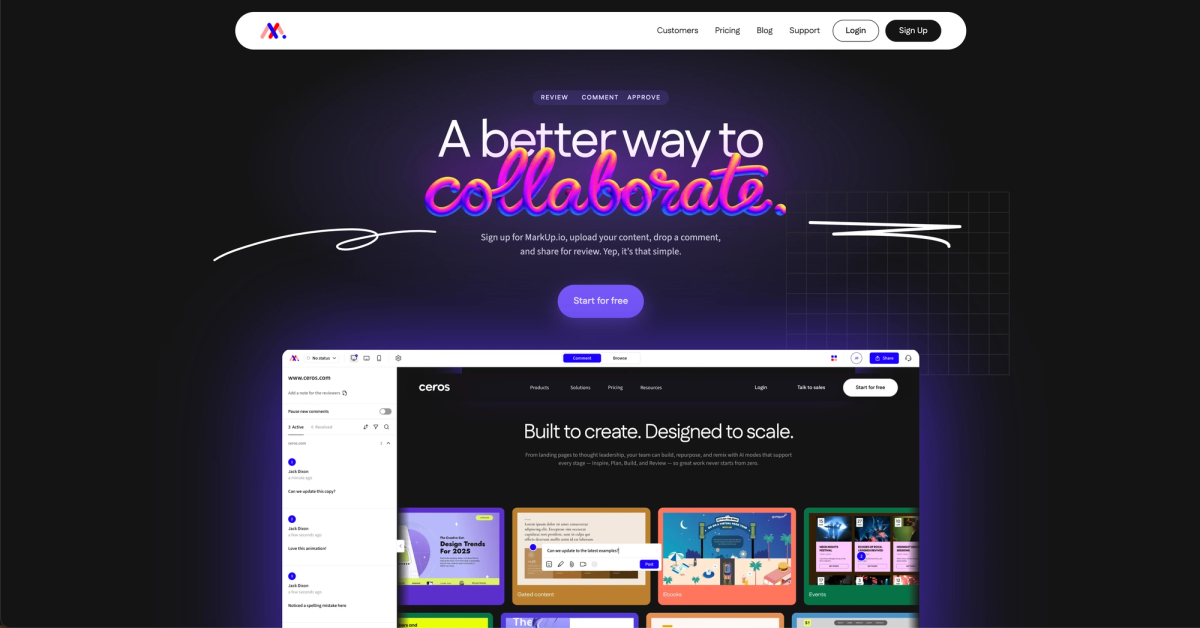
Markup.io routes websites through a proxy canvas so clients can click anywhere and leave a comment, no login required. Pricing now runs on a MarkUp-allowance model: Pro starts at $79/mo (50 MarkUps/month, unlimited users, one workspace), with Business starting at $499/mo. It's worth noting that Markup.io dropped its free plan in a 2024 pricing change, which has pushed some smaller teams to look at alternatives.
What They Offer
- Visual comments on websites, images, PDFs, and video
- Flat $79/month pricing for unlimited users
- Statuses and a per-reviewer sign-off flow
- Native Slack, Teams, Loom, and Zapier integrations
Good for small to mid-size teams that need simple, shared feedback at a predictable cost. Where it falls short: Markup.io has no AI agents, no per-client memory, and no two-way PM sync. If you want QA to happen automatically before anyone opens the review, it won't get you there.
BugHerd
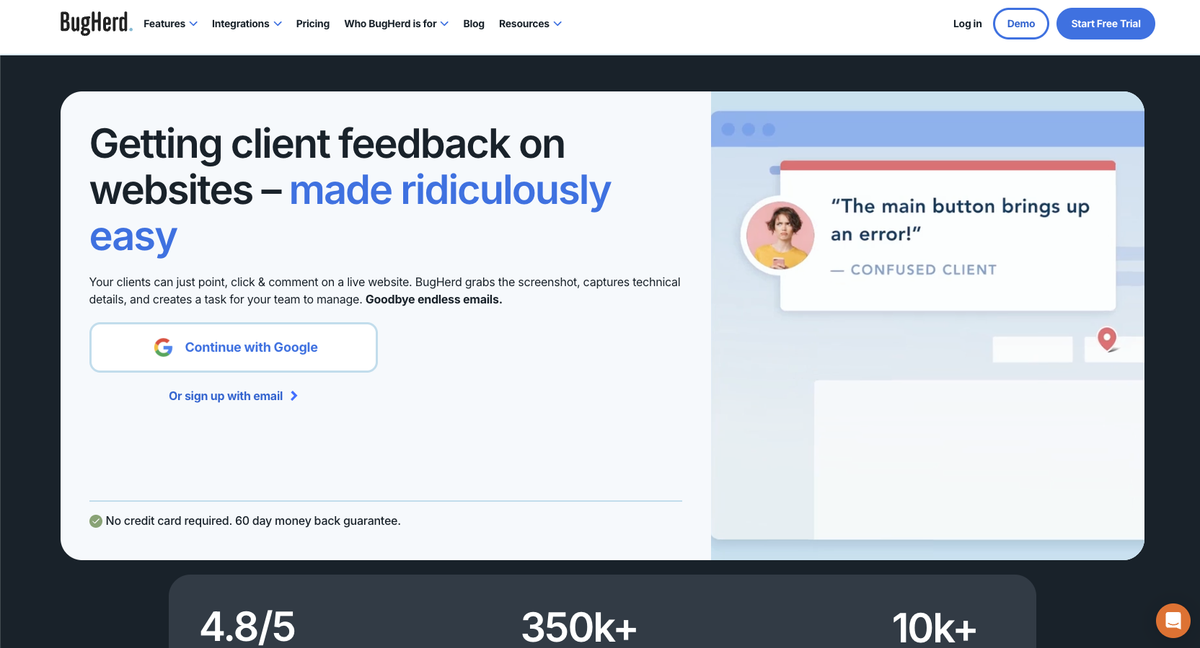
BugHerd is a visual bug-tracking tool built around a simple loop: a client (or team member) clicks on any element of a live site, pins a comment, and a task lands on a Kanban board. It has 350k+ users and strong G2 ratings, and the integration list is one of the widest in the category. Jira, Trello, Asana, ClickUp, Slack, GitHub, and Zapier all connect out of the box.
BugHerd recently launched BugHerd MCP, an AI layer that triages and resolves tasks already on the board after a person has filed them. That is a different problem than the one Superflow's agents solve: BugHerd AI handles what lands in the queue; Superflow agents check the site before anyone has to look.
What They Offer
- Visual pinned comments on live websites, no client login required via guest link
- Kanban board with task triage; MCP AI layer resolves queued tasks after human finds them
- Deep PM and dev integrations: Jira, Trello, Asana, ClickUp, Slack, GitHub, Zapier
- Flat monthly pricing: $50/mo (5 members), $80/mo Studio, $150/mo Premium, plus $8 per extra member
Good fit for dev-heavy teams where Jira is the spine of delivery and a human-led QA pass is the preferred workflow. The gaps: no automated deploy-triggered agents, no per-client Memory, no structured client approval gate (comments only, no recorded sign-off), no Lottie support, and no publicly documented SOC 2 or HIPAA posture. For a full breakdown, see our Superflow vs. BugHerd comparison.
Ruttl
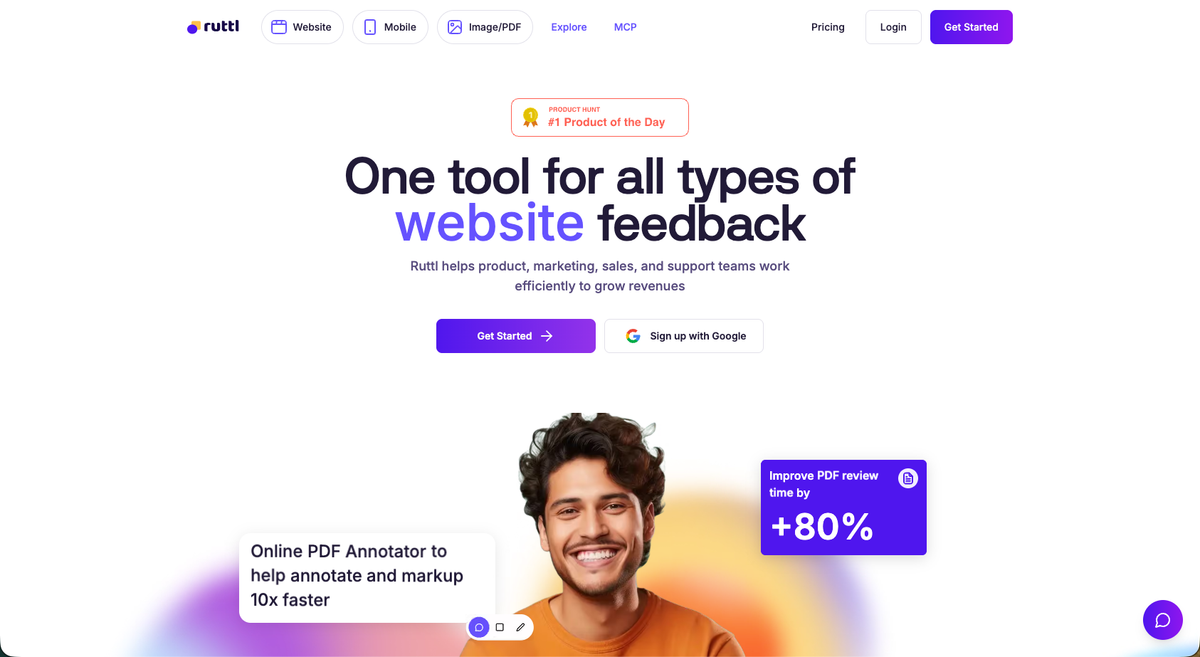
Ruttl has a genuine edge with its edit mode, letting developers and designers change text, layout, and CSS on a live page without touching code. For fast visual iterations, that's useful.
Its AI handles only comment sentiment analysis, with QA automation listed as coming soon (per their public site as of September 2026). No automated agents, no per-client memory, and no structured client sign-off flow. Teams that need AI to run the checklist before a human opens the review will hit that ceiling quickly. For a deeper look at how it stacks up, see our Ruttl alternatives comparison.
- On-page pinned comments on live websites and mobile apps
- Edit mode for live visual and CSS changes directly on the page
- Built-in kanban plus Jira, Asana, and ClickUp integrations
- Free tier and Pro at $18/user/month
Pastel
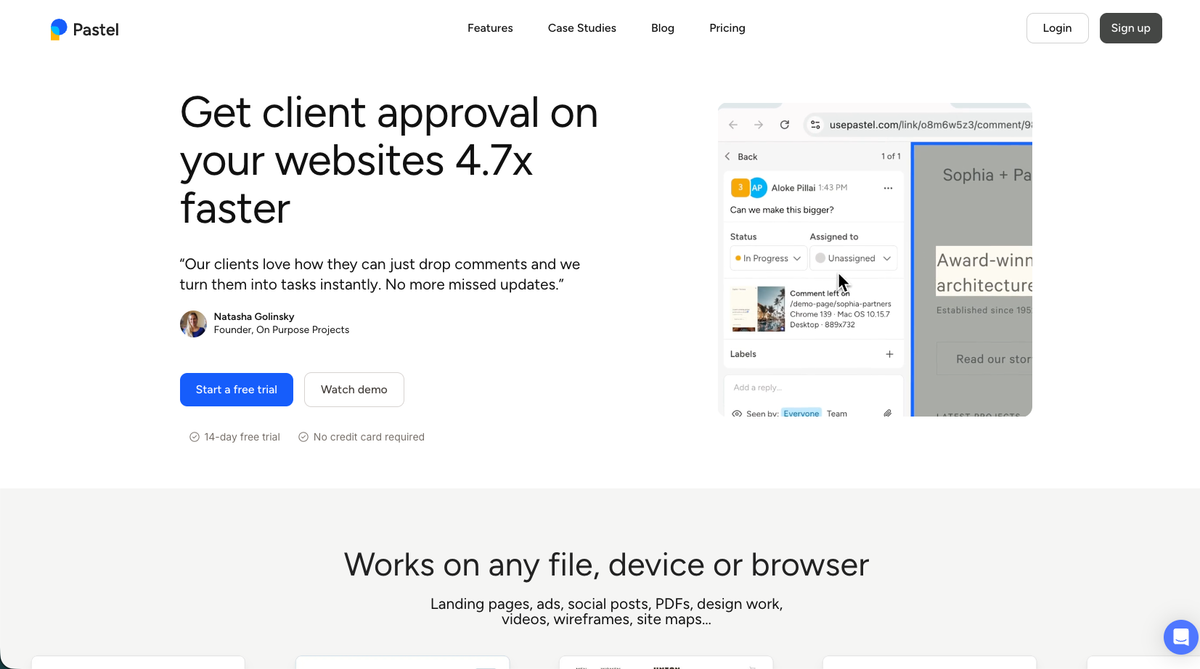
Pastel is built around one idea: paste a URL, share the link, done. No snippet, no extension, no configuration. Clients land on the review canvas and start clicking without creating an account.
Here is what the tool covers:
- Zero-install, proxy-based website review with no snippet required
- Unlimited guest reviewers on every plan including Free
- Finish Review approval gate available on all plans
- Auto-screenshot plus browser and screen-size metadata on every comment
Good for freelancers and very small agencies that need the fastest possible client feedback setup. The ceiling arrives quickly, though. Pastel has launched an MCP integration that lets AI agents act on Pastel comments, but it has no automated QA agents, no per-client memory, and no deploy-triggered checks. It also has no video or Lottie support, and PM integrations are one-way export only, locked to the Team plan at $119/month. Growing agencies that need two-way task sync or compliance audit trails will outgrow it fast. Pastel user reviews on G2 echo this pattern.
Atarim
Atarim is built primarily for WordPress agencies managing ongoing retainers. Its InnerCircle AI agents cover design, UX, SEO, copy, accessibility, and QA, but they run on demand when an admin triggers them, not automatically on every deploy.
There are a few things worth knowing before committing to it.
- Six on-demand AI agents (Claro, Pixel, Navi, Index, Lexi, and Glitch) covering design, UX, SEO, copy, accessibility, and QA, all included in the Pro plan at $67/month
- White-labeled client portal with built-in upsell automation
- Scheduled maintenance workflows including plugin updates and monthly reports
- Global, Project, and User context memory layers
Good for WordPress maintenance shops that want a branded client portal and scope creep tooling in one place. The gaps show up fast for multi-stack agencies: agents are credit-metered, not deploy-triggered, the tool skews heavily WordPress, and HIPAA compliance is not listed in their public security documentation (as of September 2026).
SureFeedback
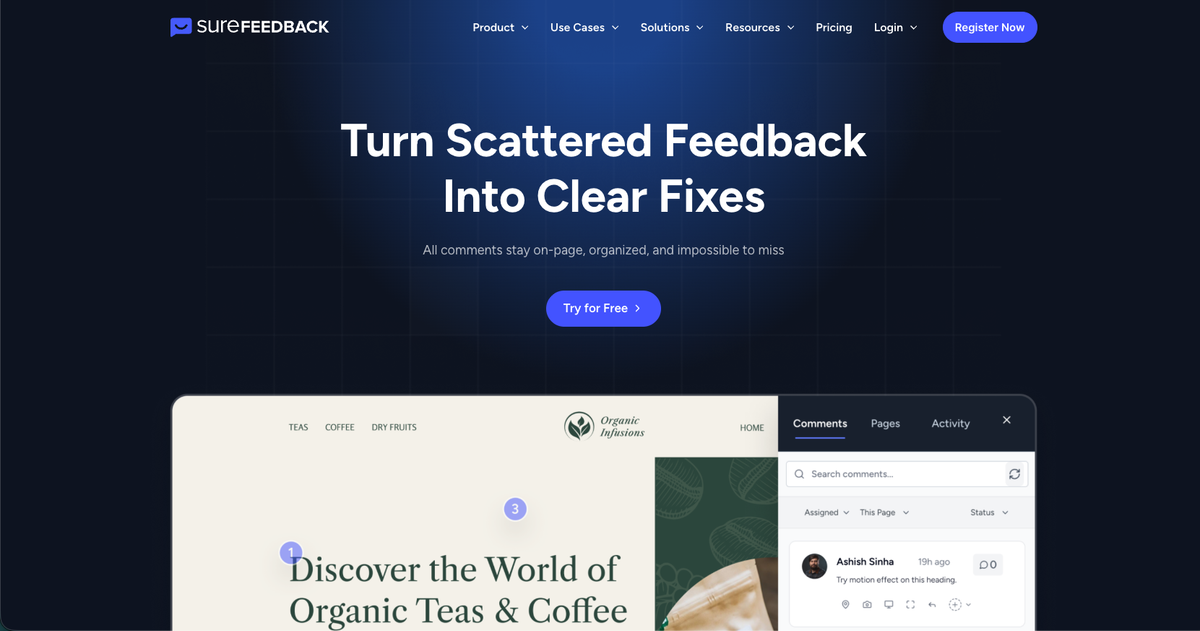
SureFeedback (formerly ProjectHuddle) is built for agencies where data sovereignty outweighs everything else. It now offers two deployment paths: a cloud subscription (Starter at $19/mo, Pro at $29/mo, Business at $59/mo for unlimited sites) and a self-hosted WordPress plugin for teams that want full control over where their data lives.
What They Offer
- Cloud subscription plans (Starter $19/mo, Pro $29/mo, Business $59/mo for unlimited sites) via JS snippet supporting Shopify and custom HTML
- Self-hosted WordPress plugin with unlimited sites under a flat license for teams that need full data ownership
- On-page comments on websites, JPGs, PNGs, and PDFs
- Built-in kanban board for tracking feedback
Good for WordPress freelancers and small agencies that need full data ownership, whether through the self-hosted option or one of the cloud subscription plans. The gaps are real, though: no AI layer, no per-client memory, no video support, no documented PM integrations or webhooks, and no public SOC 2 or HIPAA posture. For agencies that need automated QA, multi-asset reviews, or compliance documentation, those absences add up fast.
Feature Comparison Table of Website Markup Tools
The table below breaks down how each website markup tool stacks up across the features that matter most for agency client review workflows.
| Tool | AI QA Agents | Client Login Required | Multi-Asset Support (Video/Lottie) | Two-Way PM Sync | Structured Approval Workflow | SOC 2/HIPAA Compliance |
|---|---|---|---|---|---|---|
| Superflow | Yes | No | Yes | Yes | Yes | Yes |
| Markup.io | No | No | No | No | Yes | No |
| BugHerd | No (MCP triage only) | No | Video yes, Lottie no | Yes | No | No |
| Ruttl | No | No | No | Yes | Yes | No |
| Pastel | No | No | No | No | Yes | No |
| Atarim | Yes (on demand) | No | No | Yes | Yes | No |
| SureFeedback | No | No | No | No | Yes (cloud) | No |
Why Superflow Is the Best Website Markup Tool for Agencies
Every other tool in this list waits for a human to find a problem. Superflow's agents run on every site change, post findings as pinned comments on the exact element, and leave your team to make decisions instead of hunting the checklist manually. That's a structural difference, not a feature gap.
The workflow follows from there. Your team reviews and approves agent findings first. Then the client signs off from a shared link with no login or account needed. The structured approval workflow holds each stage in order so nothing skips the gate.
Per-client Memory sharpens that further. What agents learn on one client's projects stays scoped to that account and carries forward into future work for them, so rules never bleed between clients and context never resets mid-engagement.
Final Thoughts on the Best Website Markup Tools for Agencies
The real cost of a weak review process is not a cluttered inbox. It's QA issues slipping through to production and approval cycles that drag on because no one has a clear picture of what's been checked, fixed, or signed off. These tools all cut down on annotated screenshot emails, but they vary sharply in how much of the QA and approval work they actually take off your team's plate. If automated QA and compliance matter to your agency, the comparison table above shows exactly where each tool lands. For agencies ready to stop running checklists manually, Try Superflow free.
FAQ
How do I choose the right website markup tool from Superflow, Markup.io, Ruttl, Pastel, Atarim, and SureFeedback for my agency?
Start with two questions: do you need AI to run QA automatically on every deploy, and do you manage clients across multiple tech stacks? If yes to either, Superflow or Atarim are the realistic options, with Superflow covering non-WordPress stacks and deploy-triggered automation that Atarim doesn't offer. If your needs are simpler (pinned comments, predictable pricing, no QA automation or structured approval flow required), Markup.io or Pastel will get the job done without the overhead.
Is Superflow better than Atarim for agencies that work outside of WordPress?
Yes. Atarim is built around WordPress and its AI agents run on demand, not automatically on every deploy. Superflow installs on any stack (Webflow, Framer, Shopify, Wix, plain HTML, and more) and covers the full QA-to-approval loop: agents fire on every deploy and pin findings to the exact element, your team gates the review, then the client signs off from a shared link with no login required. That end-to-end flow is something Atarim doesn't offer, making Superflow the stronger fit for multi-stack agencies.
When should I choose Pastel or SureFeedback over the other tools on this list?
Choose Pastel if you're a freelancer or very small agency that needs the fastest possible client feedback setup with zero configuration: no snippet, no extension, just a URL. Choose SureFeedback if you're a WordPress shop where full data ownership and a one-time flat license matter more than AI features or PM integrations. Both tools hit real ceilings fast as your agency grows.
Can clients leave feedback in Superflow, Markup.io, Pastel, and Ruttl without creating an account?
Yes, all four tools let clients review and comment from a shared link with no login or account required. Where they differ is what happens before and after feedback lands: in Superflow, AI agents run first on every deploy and pin findings to the exact element, your team then reviews those findings and gates what moves forward, and finally the client signs off from a shared link with no account needed. Markup.io, Pastel, and Ruttl skip the automated agent step entirely and handle sign-offs with simpler status or approval toggles.
Which website markup tools on this list include two-way PM sync with tools like Jira and Asana?
Superflow and Ruttl both offer two-way sync with project management tools including Jira, Asana, and ClickUp, meaning comments create tasks and sign-offs close them automatically. Markup.io, Pastel, and SureFeedback do not offer two-way sync, which creates manual work for teams already running structured project management workflows.