
Your QA process shouldn't require someone to manually hunt for issues on every single deploy. Ruttl handles pinned comments well, but that's where it stops. If your team needs automated QA, multi-asset review, or a client approval flow that doesn't require a login, here are the seven tools that actually cover those gaps.
TLDR:
- Ruttl requires manual QA every time, has no per-client memory, and covers websites only
- Most Ruttl alternatives only handle websites and require a person to find every issue
- Only one tool in this list runs AI QA agents automatically on every deploy trigger
- Superflow runs deploy-triggered AI agents with per-client Memory, SOC 2 Type II, and HIPAA with BAA
What Is Ruttl and How Does It Work?
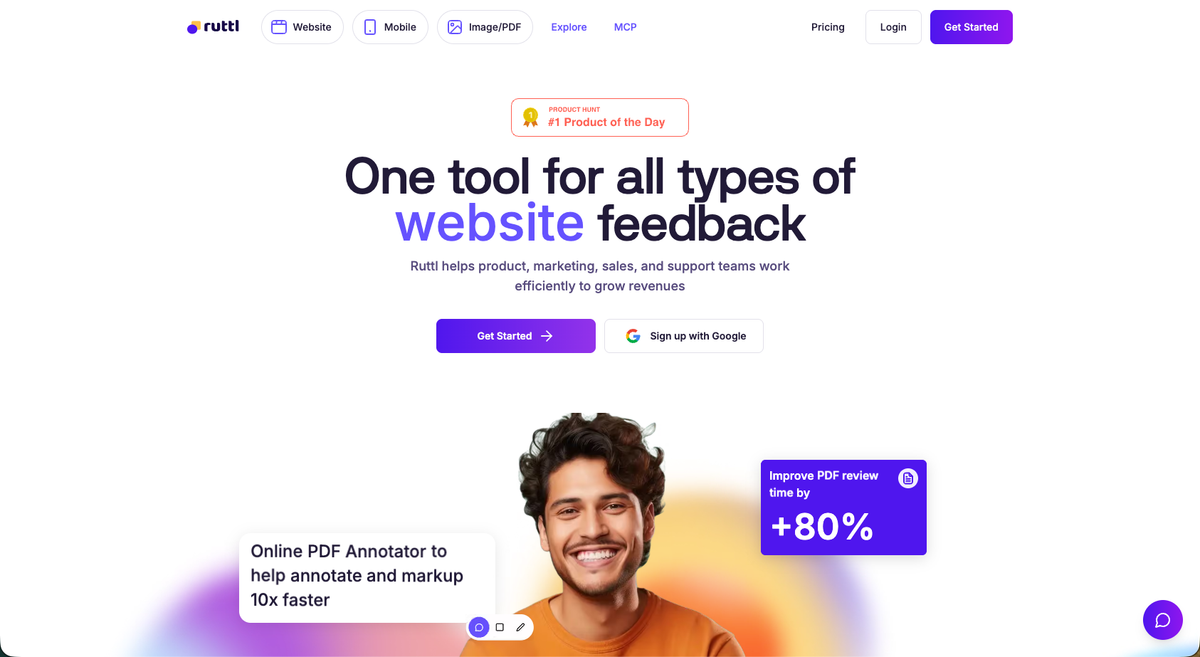
Ruttl is a website feedback tool that lets teams leave comments directly on live websites and make real-time edits to share precise change values with developers. Its core audience is freelancers, small agencies, and design teams who need a straightforward way to review web projects without lengthy back-and-forth.
The standout feature is an in-page edit mode. Users can adjust CSS settings like element sizes, positions, and colors, plus update text and content properties, directly on a live page without touching the codebase. Comment mode lets users tag specific elements and add feedback, questions, or suggestions, which can then be assigned to team members and marked resolved.
Ruttl also includes a built-in kanban board for task tracking and connects with Slack and Trello. Guests can participate without creating an account, keeping the client-side experience low friction.
Why Consider Ruttl Alternatives?
Ruttl's edit mode and pixel-pinned comments serve design teams that need to communicate precise visual changes quickly. For that narrow use case, it works. But several real constraints push agencies to look elsewhere.
The AI story is thin. Ruttl's AI handles comment sentiment analysis and performance suggestions, while accessibility and SEO audits remain listed as "coming soon" on its own roadmap. Every QA pass still requires a person to find and report issues manually. There are no agents running checks in the background, and no findings posted automatically on deploy.
There's also no per-client memory. Every project starts from scratch, meaning brand guidelines and decisions learned on one project don't carry over to the next.
Password-protected sites add friction. Sites behind Basic Auth or staging passwords require the Ruttl Chrome extension, which cuts out mobile feedback entirely for those projects. Users report bugs with password-protected sites.
Beyond that, the tool covers websites only. Teams reviewing video, PDFs, Lottie files, or images alongside websites have to leave Ruttl entirely. Integration options are limited, with fewer third-party app connections than most tools in the category. For teams that need automated checks, multi-asset review, two-way PM sync, or audit trails for compliance, Ruttl's scope becomes a ceiling.
If those gaps match where your team is right now, try Superflow free and run your first AI agent review before your next deploy.
Best Ruttl Alternatives in August 2026
1. Superflow
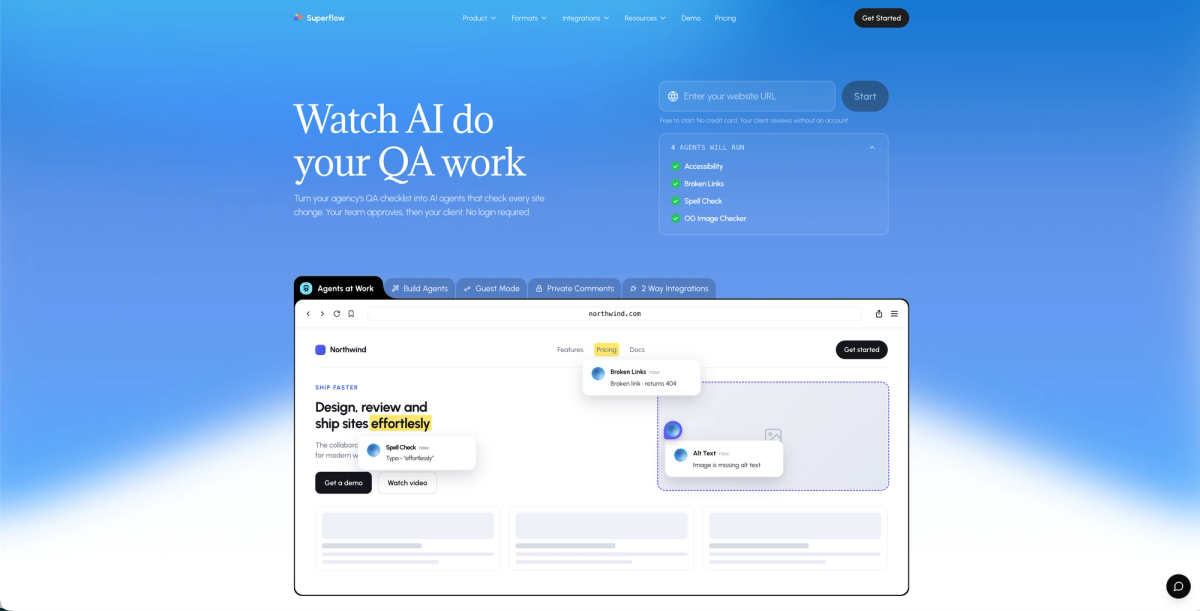
Superflow is an AI-powered QA and review/approval platform built for web and marketing agencies. AI agents run your QA checklist automatically on every deploy, post findings as pinned comments on the exact element, and carry forward what they learn through per-client Memory. Your team resolves findings first, then the client approves via a shareable link. No login or account required on their end, and no manual QA pass before every handoff.
Key strengths:
- AI agents (Accessibility, Broken Links, Spell Check, OG Image, plus custom agents built from any checklist) run on every deploy across desktop and mobile
- Per-client Memory learns brand rules and past decisions across every project so no knowledge resets between jobs
- Works behind SSO and login-gated staging environments with no Chrome extension needed
- Reviews websites, video, PDFs, Lottie files, and images in one workspace with two-way sync to Asana, Monday.com, ClickUp, Trello, and Jira, plus Slack and WhatsApp notifications
2. Atarim
WordPress-focused agency suite with six on-demand AI InnerCircle agents, a white-labeled client portal, and deep PM integrations. Strong for WordPress retainer agencies wanting an all-in-one ops tool. Agents run on demand and are credit-metered, not triggered automatically on every deploy.
3. Marker.io
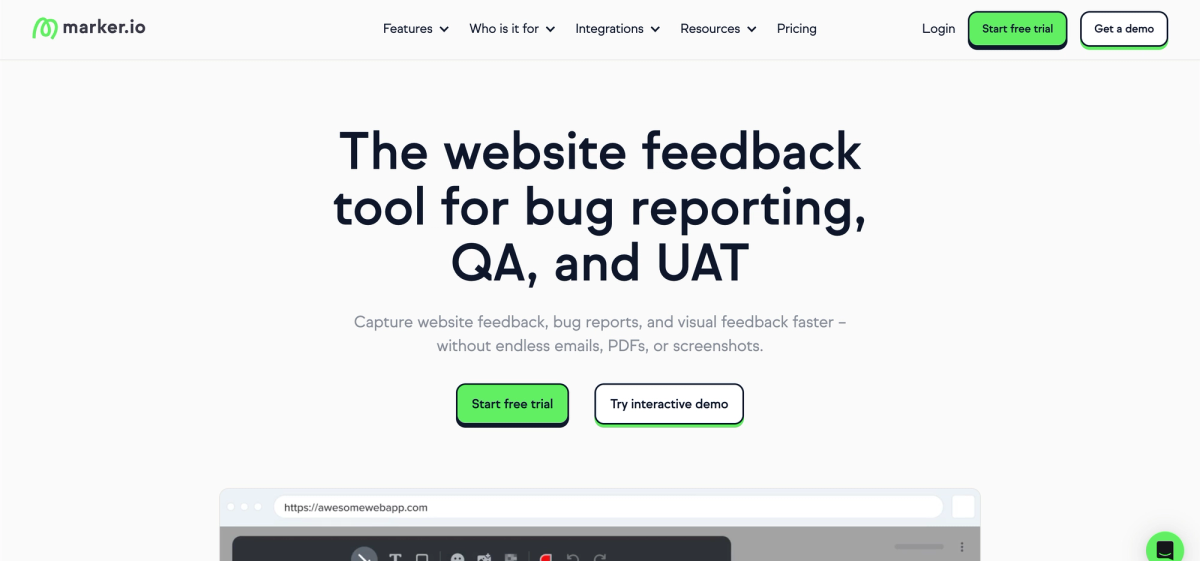
Bug reporting tool built for dev teams, with deep Jira, GitHub, and GitLab sync plus console logs and session replay on Team plan. No AI checks the site itself. Most agencies land on the $149/month Team plan once they exceed Starter's 5,000 page view and 10-guest caps.
4. Pastel
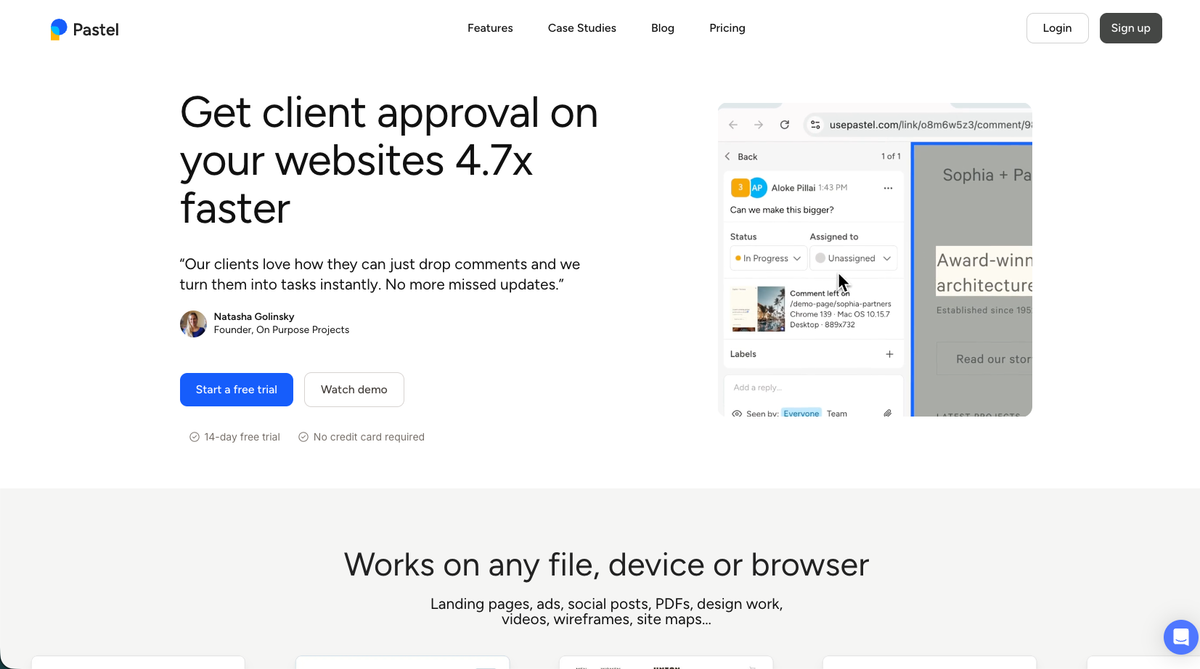
Zero-install proxy canvas where clients comment without any setup. Finish Review approval gate on every plan including free. No AI, no two-way PM sync below $119/month, and proxy routing can break on login-gated sites.
5. Userback
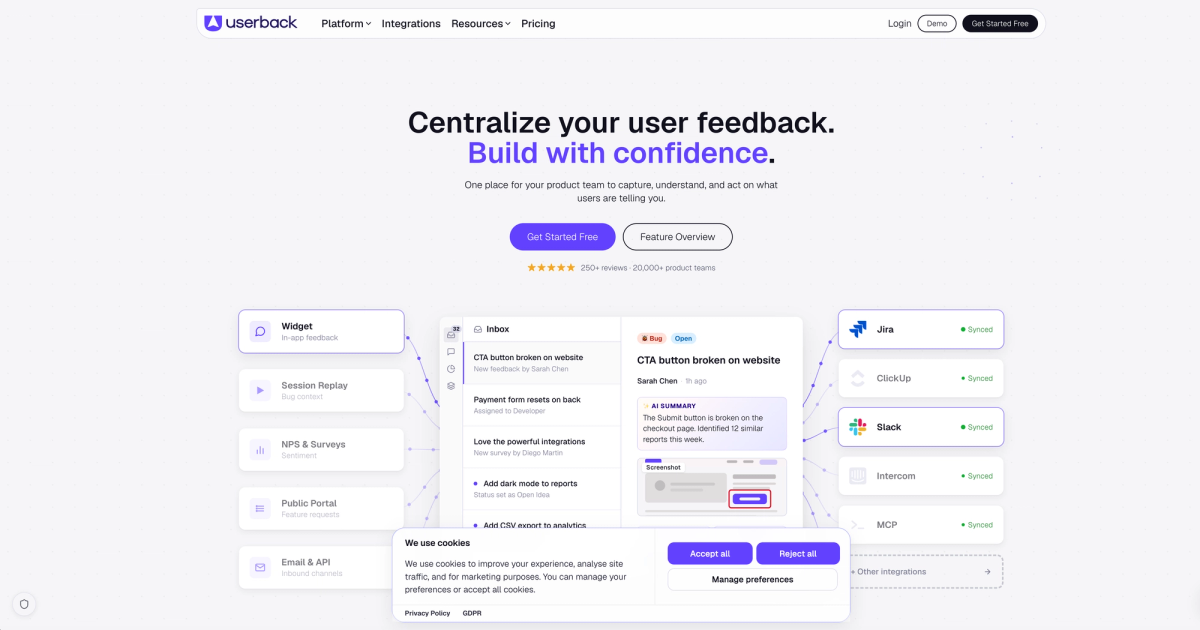
Post-launch product feedback tool with session replay, NPS surveys, a feature voting portal, and two-way Jira and Linear sync. Built for SaaS product teams managing live user feedback, not agency client delivery cycles.
6. SureFeedback
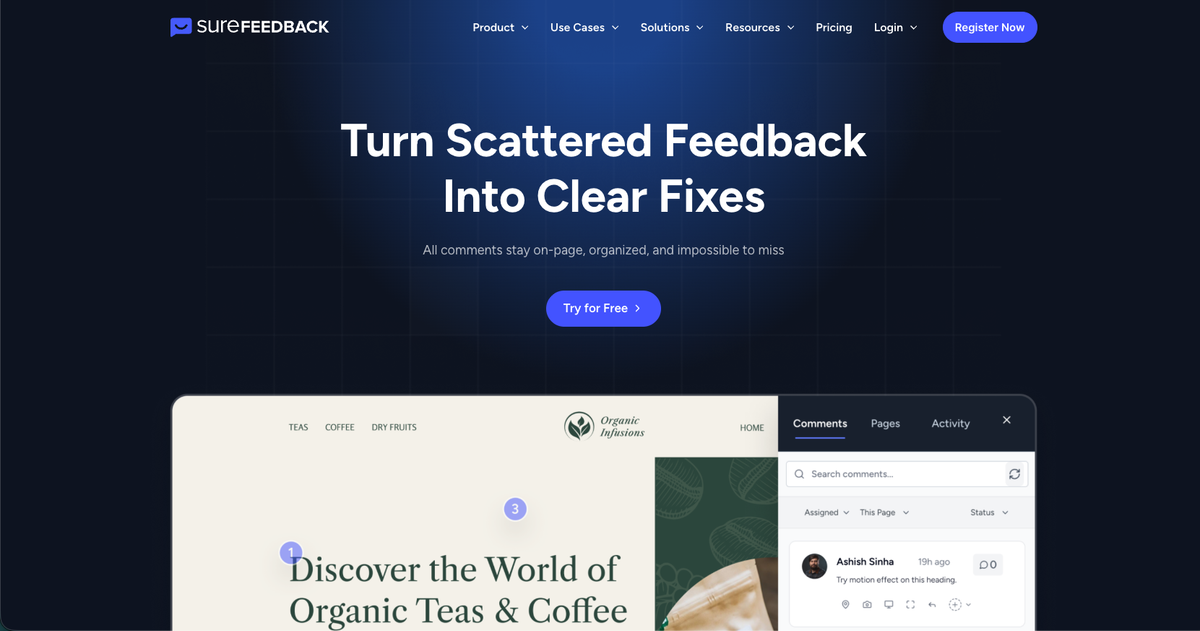
Self-hosted WordPress plugin with a flat one-time license covering unlimited sites and users. GPL licensed, fully white-label, data stays on your server. No AI, no native two-way PM sync, and no SOC 2 or HIPAA documentation.
7. BugHerd
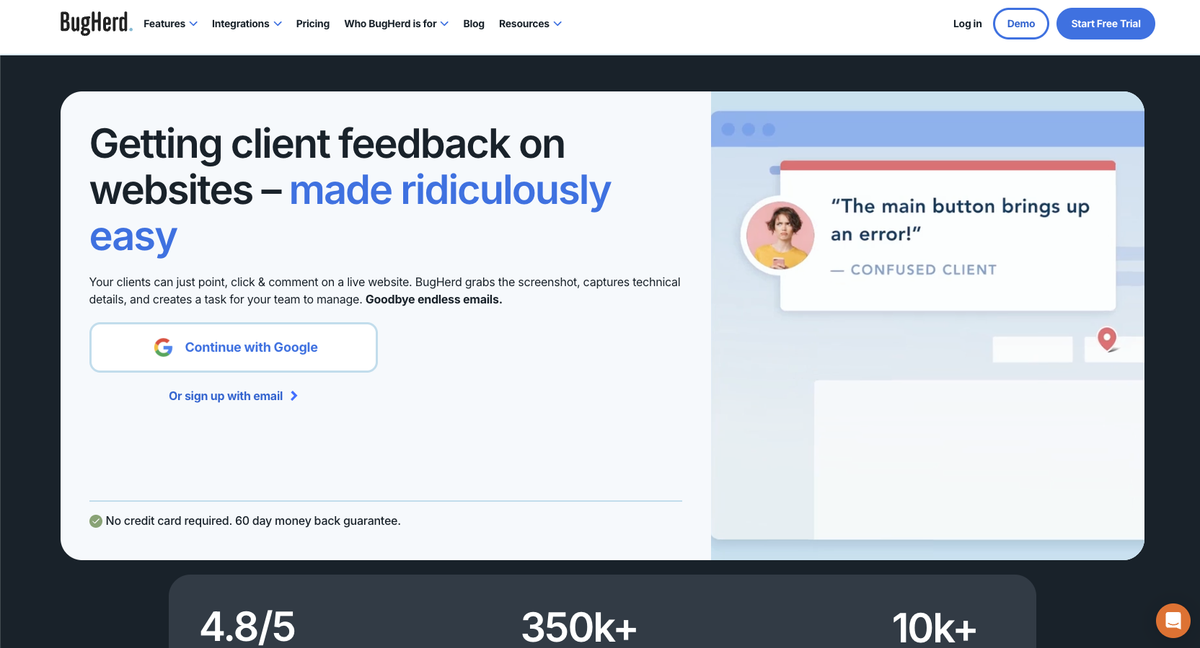
On-page pin comments with browser, OS, and screen metadata on every pin, plus native Jira and Trello sync. Requires a person to find every issue. Starts at $50/month with per-member add-on costs above the base seat count.
Feature Comparison: Ruttl vs Top Alternatives
The table below maps the features that matter most when comparing Ruttl alternatives: AI-assisted QA, asset coverage, project management integrations, client approval workflows, and compliance credentials.
A few things stand out when you scan across the rows.
AI QA and memory are rare
Superflow runs AI QA agents automatically on deploy triggers, and per-client memory is unique to Superflow across every tool listed here. Marker.io has launched Website Monitoring in beta, which surfaces website issues without manual initiation, but it is not deploy-triggered and carries no per-client memory. Every other option still requires a human to manually initiate review.
Asset support varies more than you'd expect
Most tools in this list focus on websites. Superflow, Pastel, and SureFeedback extend to additional file types. Pastel now covers landing pages, PDFs, design files, videos, and wireframes across its plans, but Superflow remains the only one with native Lottie file support alongside websites, video, PDF, and images in one workspace.
PM integrations vary by plan
Marker.io gates Jira sync behind a Team plan upgrade. Pastel only exports, with no live two-way sync. Superflow, Atarim, BugHerd, and Userback all offer native two-way sync out of the box.
Compliance is a real differentiator
If your clients are in healthcare or compliance-sensitive industries, the compliance column is worth reading carefully. Most tools have no documented compliance posture. Superflow carries SOC 2 Type II, HIPAA with a BAA, and SAML/SSO support.
| Feature | Ruttl | Superflow | Atarim | Marker.io | Pastel | Userback | SureFeedback | BugHerd |
|---|---|---|---|---|---|---|---|---|
| AI QA agents (automatic, deploy-triggered) | No | Yes | On demand; credit-metered | No | No | No | No | No |
| Per-client memory | No | Yes | No | No | No | No | No | No |
| Works behind logins/SSO, no extension | No (Chrome extension required) | Yes | WordPress plugin | No | No (proxy) | No | No | No |
| Multi-asset support | Websites only | Websites, video, PDF, Lottie, images | Websites only | Websites only | Websites, images | Websites/apps only | Websites, static mockups | Websites, images |
| Two-way PM sync | No | Asana, Monday, ClickUp, Jira, Trello | Yes (multiple) | Jira (Team plan+) | Export only | Jira, Linear, ClickUp | Zapier/Make only | Jira, Trello |
| Formal client approval gate | Yes (Approve page) | Yes (multi-step, recorded) | Yes (Page Approvals) | Not verified | Yes (Finish Review) | Not verified | Yes (status-based) | Not verified |
| Enterprise compliance | Not documented | SOC 2 Type II, HIPAA with BAA, SAML/SSO | SOC 2, GDPR | SOC 2 Type II, GDPR | Not documented | SOC 2 Type II, GDPR | Not documented | Not documented |
Why Agencies Choose Superflow Over Ruttl
Ruttl's edit mode is a genuine strength for design teams communicating CSS changes to developers. But agencies that need QA to happen before clients see anything still have to run that process manually every time in Ruttl. Superflow replaces that manual loop with a complete QA and review infrastructure: AI agents fire on every deploy, post findings as pinned comments on the exact element, and carry forward what they've learned through per-client Memory. No other tool in this list triggers AI QA automatically on deploy and retains client knowledge across projects.
The compounding effect is what separates it. Each review cycle adds to what Superflow knows about that client (brand rules, past decisions, recurring issues) so project ten starts ahead of where project one finished. Add a no-login client approval flow, two-way PM sync across Asana, Monday.com, ClickUp, Jira, and Trello, and compliance coverage including SOC 2 Type II and HIPAA with BAA, and Superflow is the only tool in this list that grows with an agency's roster without adding manual work as that roster expands.
Try Superflow free and see what your QA process looks like when AI does the first pass.
Final Thoughts on Finding the Right Ruttl Alternative
Ruttl fills a specific need, and for some teams, that's enough. For agencies running multiple client projects with real QA expectations, the manual-review ceiling becomes obvious fast. The tools listed here each solve a different slice of that problem, so the best fit comes down to where your current process breaks first. If the break is QA, approvals, or both, start free with Superflow and run your first AI agent review in under ten minutes.
FAQ
Why do agencies look for Ruttl alternatives?
Ruttl works well for communicating CSS changes to developers, but it hits a ceiling for agencies that need more than manual visual review. There's no automated QA, no per-client memory, limited integrations, and no support for video, PDFs, or Lottie files. Teams covering multiple asset types or scaling their client roster quickly outgrow it.
When should you consider moving from Ruttl to a tool like Superflow?
If your team is running QA manually on every deploy, starting each new project without any knowledge of past client decisions, or hitting friction with password-protected staging sites, it's worth making a change. Superflow's AI agents fire automatically on every deploy and carry forward client-specific rules through per-client Memory, so the work compounds instead of resetting.
What features should you look for in a Ruttl replacement?
Focus on four things: automated QA that doesn't require a person to find every issue, per-client memory so brand rules and past decisions carry across projects, two-way PM sync with tools like Asana, Jira, or ClickUp, and a client approval flow that needs no login. Most tools in this category cover one or two of those. Few cover all four.
Can Superflow review assets other than websites?
Yes. Superflow supports websites, video, PDFs, Lottie files, and images in one workspace. Ruttl and most alternatives in this category handle websites only, so teams reviewing multiple asset formats end up switching between tools unless they're on Superflow.
How does Superflow handle client approvals without requiring clients to create an account?
Clients receive a link and can leave feedback or sign off directly from that link with no login or account required. Your team resolves AI findings first, then the client approves. The whole handoff stays in one place without adding friction for the people on the other side of the project.