
Your search for the right feedback tool probably turned up Usersnap pretty quickly. It's well-rated, it's been around, and it covers a lot of ground for SaaS teams. Whether it's the right fit for you depends a lot on what your actual workflow looks like, so let's get into it.
TLDR:
- Usersnap scores 4.5/5 on G2 and fits SaaS product teams collecting user feedback, not agency delivery work
- Usersnap has no automated QA agents, no formal client approval workflow, and no per-client memory across projects
- Paid plans start at $49/mo with page-view caps and a 5-member limit on the Starter tier
- Five alternatives exist for different needs: Superflow, Marker.io, BugHerd, Ruttl, and Userback
- Superflow runs AI QA checks on every deploy and records multi-step client sign-offs, with guest seats always free
What Is Usersnap and How Does It Work?
Usersnap is a product feedback tool built for SaaS product teams. It sits on your site or app as an embeddable widget, collecting user feedback through annotated screenshots, NPS and CSAT surveys, micro-surveys, and a feature request portal. Product managers use it to gather, organize, and rank what users are asking for.
According to G2, Usersnap holds a 4.5 out of 5 rating across 93 reviews, with 74% of reviewers giving it five stars. On Capterra, it scores 4.8 from 48 reviews. Notable customers include Canva, Runtastic, Dynatrace, and Erste Bank. For a direct Superflow vs Usersnap comparison, the differences run deeper than features.
The AI layer is worth understanding clearly: it categorizes and summarizes feedback that users have already submitted. It does not scan your site, find issues, or flag anything proactively. Someone still has to encounter a problem and report it before Usersnap's AI does anything with it.
Why Consider Usersnap Alternatives?
Usersnap fits a specific buyer well: SaaS product teams collecting ongoing feedback from their own users, running NPS and CSAT surveys, and managing a feature request backlog. If that's your workflow, it's a solid choice.
Agency delivery teams are a different story. The gaps are structural, not cosmetic.
- No proactive QA agents. Usersnap's AI only acts on feedback already submitted by a human. Nothing checks your site automatically.
- No formal client approval gate. There's no multi-step sign-off flow to record that a client approved a deliverable.
- No per-client memory. Brand rules, past decisions, and client preferences don't carry forward between projects.
- No support for PDFs, video, Lottie files, or images. It's built for web apps, full stop.
Pricing adds friction at scale. If you're already comparing Usersnap alternatives for agencies, the seat and project caps are usually the first thing that surfaces. The Starter plan caps at 5 members and 5 active projects. Page-view limits apply across all paid tiers, and high-traffic sites hit the Starter cap of 100k page views per month faster than most teams expect.
The core mismatch is workflow direction. Usersnap points inward, collecting feedback from your users about your product. Agency work points outward, delivering reviewed and approved work to external clients. Those are genuinely different jobs.
If your team delivers work to external clients, Try Superflow free. AI agents run a QA checklist on every deploy, your team resolves findings, and clients approve from a shared link with no account required.
Best Usersnap Alternatives in September 2026
1. Superflow
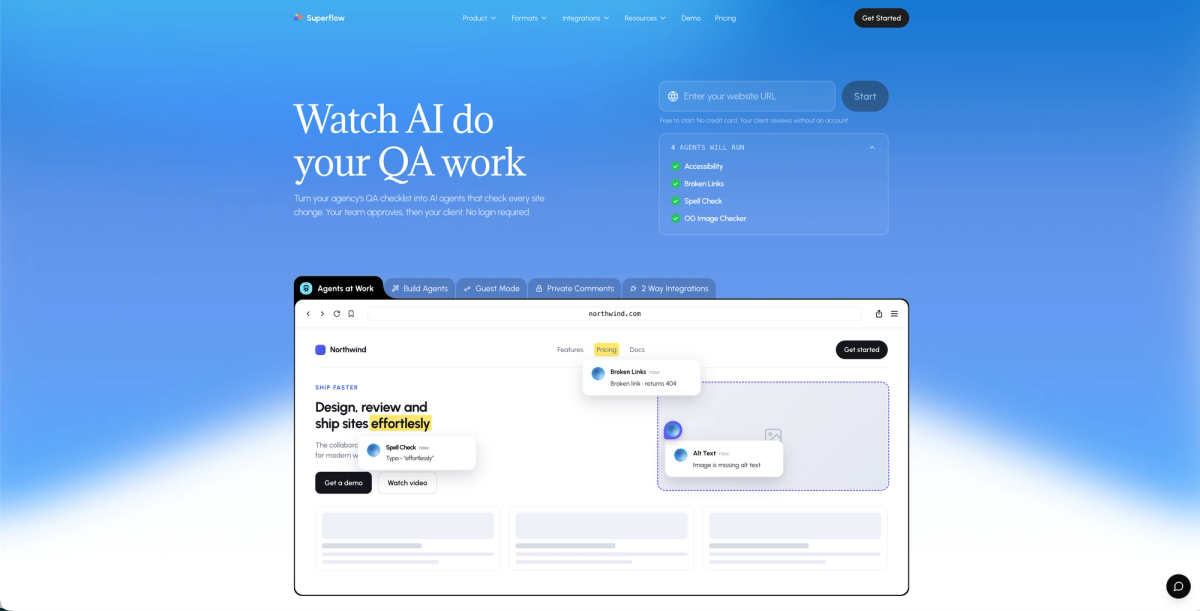
Superflow brings AI-powered QA and review to web and marketing agencies. Convert any QA checklist or brand guide into named AI agents that run automatically on every site change, posting findings as pinned comments on the exact element before any human reviews the build. Built-in agents cover Accessibility, Broken Links, Spell Check, and OG Image. Custom agents handle any checklist item specific to a client or project. Per-client Memory compounds across projects: by project ten, Superflow already knows the rules that project one had to learn. Your team reviews findings, then the client signs off via a shared link with no login required.
Supports websites, video, PDF, images, and Lottie files as part of a broader UAT and QA testing workflow. SOC 2 Type II, HIPAA with BAA, and SAML/SSO for compliance-sensitive teams.
Best for: Agencies that want AI to run the first QA pass on every deploy and get documented client approvals across multiple asset types.
2. Marker.io
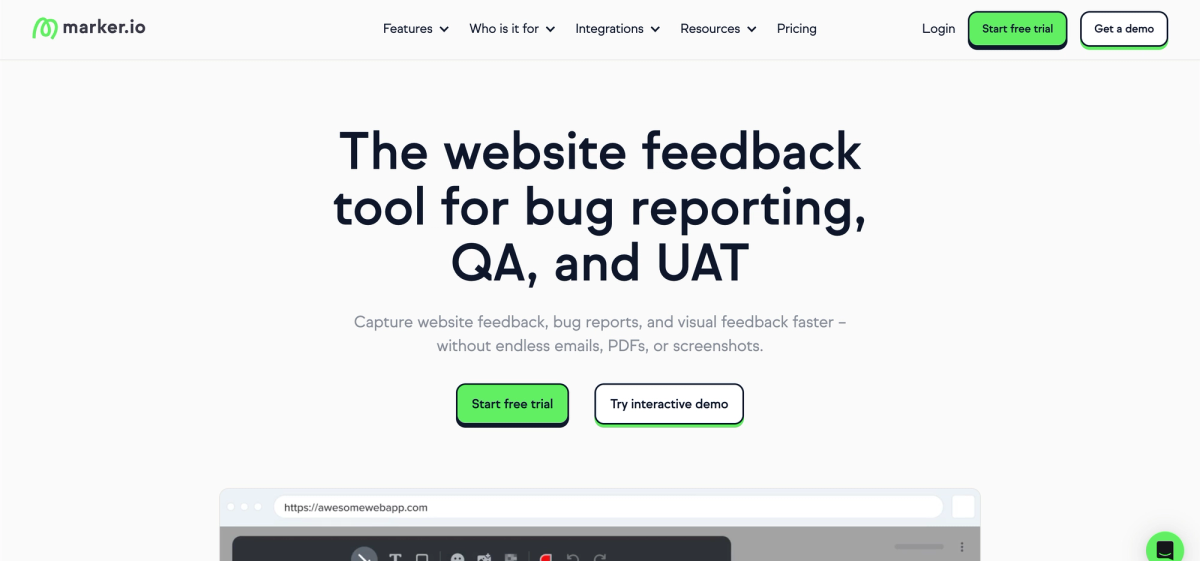
Marker.io is a bug reporting tool built for dev and QA teams that need client feedback routed directly into their issue tracker. Reviewers annotate screenshots on a live site and the report files straight into Jira, GitHub, GitLab, Linear, Azure DevOps, or one of 13+ other trackers. Two-way sync keeps the Marker.io board and connected trackers in step. There are no automated QA agents and no per-client memory. The Starter plan caps at 5,000 page views per month and 10 guests, which pushes most agencies to Team at $149 per month.
Key Features
- Annotated bug reports filed directly into Jira, GitHub, GitLab, Linear, and 13+ other trackers.
- Two-way sync between the Marker.io board and connected issue trackers on the Team plan.
- Clients submit feedback from a shared link with no account required.
- Session replay available on the Team plan for additional debugging context.
- Automatic metadata capture (browser, OS, screen size) attached to every submitted report.
Best for: Dev and QA teams already living inside Jira who need clients to submit annotated reports without creating accounts.
3. BugHerd
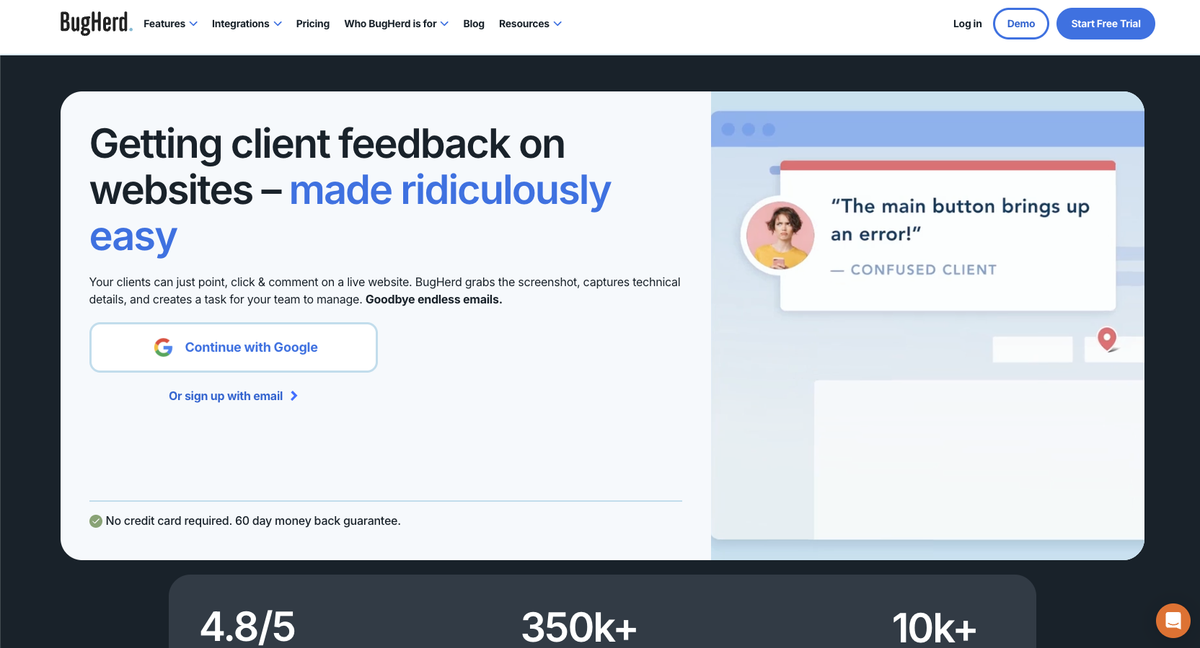
BugHerd is a client feedback and bug tracking tool built for web development teams. Reviewers click any element on a live page to pin a report, and BugHerd automatically captures browser, OS, and screen metadata alongside it. A built-in Kanban board organizes issues as they come in, and native integrations push tasks into Jira, Trello, Asana, and ClickUp. Every issue still requires a person to find and report it first as there is no automated QA that runs on its own. Free guest seats let clients submit feedback without a paid account.
Key Features
- On-page bug pinning with automatic browser, OS, and screen metadata capture.
- Built-in Kanban board for managing and prioritizing reported issues.
- Native integrations with Jira, Trello, Asana, and ClickUp.
- Free guest seats so clients can submit feedback without a paid account.
- Supports websites, Figma files, PDFs, and images in a single review workflow.
Best for: Web dev teams with Jira-centric workflows needing structured client bug logs.
4. Ruttl
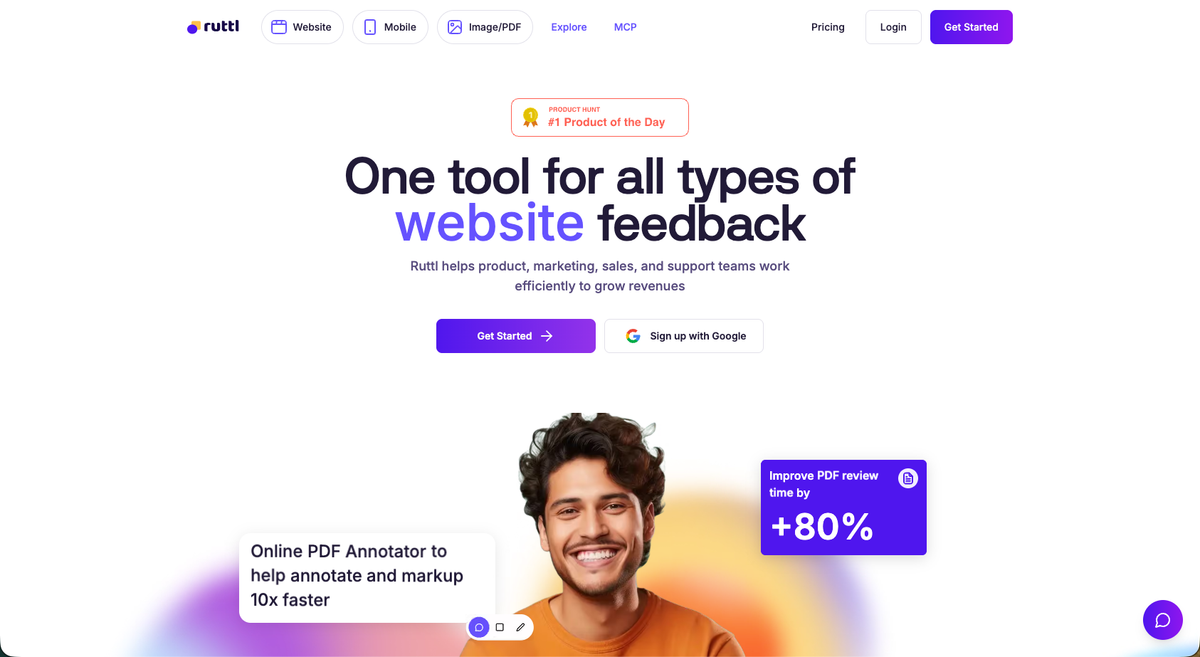
Ruttl is a visual feedback tool built for designers and small web teams who need a lightweight way to collect comments on live work. It places pixel-pinned comments directly on websites, apps, images, and PDFs, so collaborators can point to exactly what needs changing. A single-step approval gate lets clients sign off on a page, and unlimited guest seats keep review costs flat. There are no automated QA agents, no per-client memory, and no support for video or Lottie files. Setup is minimal, which suits smaller teams with straightforward review cycles.
Key Features
- Pixel-pinned comments on live websites, apps, images, and PDFs.
- Single-step Approve Page sign-off gate for client review.
- Native two-way integrations with Jira, Asana, and ClickUp.
- Unlimited guest seats on all plans, keeping client review costs flat.
- Free plan available for solo creators with up to one project.
Best for: Designers who need lightweight comment collection with minimal setup.
5. Userback
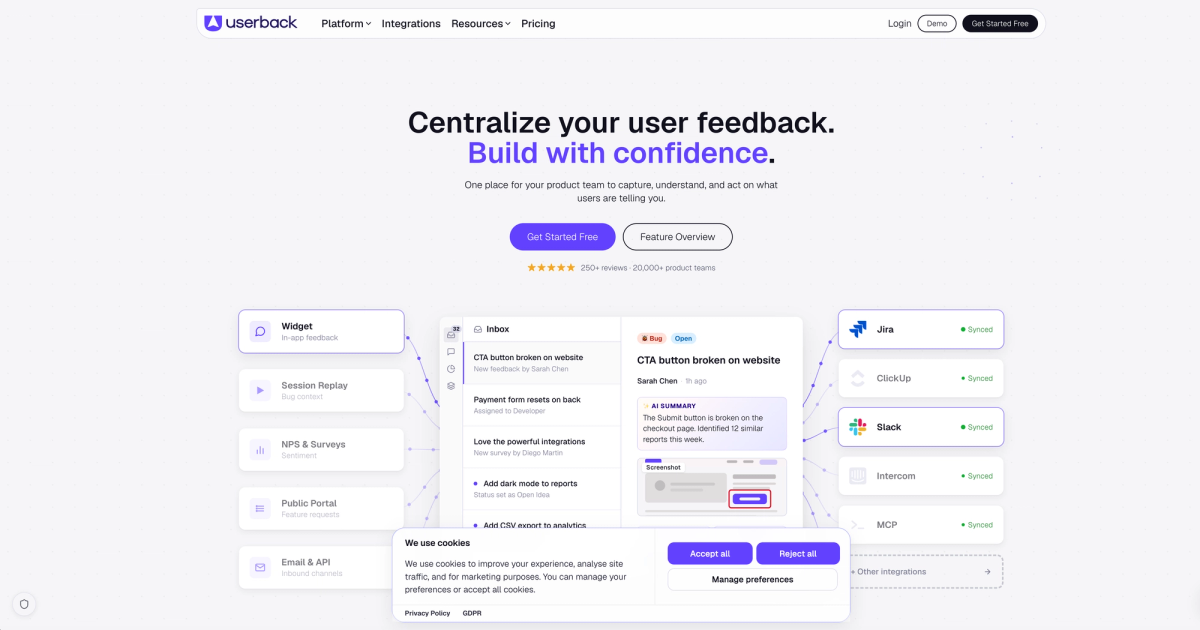
Userback is a post-launch feedback and user research tool built for SaaS product teams. It captures annotated screenshots and session replays from live users, and pairs them with NPS/CSAT surveys and a feature voting portal to help teams prioritize what to build next. A native MCP connector integrates with Cursor, Claude, and ChatGPT for AI-assisted analysis of incoming feedback. It does not run pre-launch QA checks, has no formal client approval workflow, and is limited to web apps and websites. Guest seats are free and unlimited on paid plans.
Key Features
- Session replay and console log capture for debugging live user issues.
- Built-in NPS/CSAT surveys and feature voting portal for product prioritization.
- Two-way Jira sync plus native MCP connector for Cursor, Claude, and ChatGPT.
- Free and unlimited guest seats on paid plans.
- Annotated screenshot capture with automatic browser and environment metadata.
Best for: Product teams managing ongoing feedback from live end users.
Feature Comparison: Usersnap vs Top Alternatives
The table below puts the main differentiators side by side across six tools so you can see where each one fits without having to dig through six separate pricing pages.
A few things worth noting before you read it. Usersnap is the only tool here with NPS/CSAT surveys built in, which matters if you run a SaaS product and need feedback collection baked into the same workflow. Superflow is the only one with AI QA agents that run on every deploy and per-client AI memory. HIPAA compliance with a BAA is rare across this group, with only Superflow documenting it clearly.
| Feature | Usersnap | Superflow | Marker.io | BugHerd | Ruttl | Userback |
|---|---|---|---|---|---|---|
| AI QA agents (pre-launch) | No | Yes, runs on every deploy | No | No | No | No |
| Per-client AI memory | No | Yes | No | No | No | No |
| Built-in client approval workflow | No | Yes, multi-step and recorded | Not verified | Not verified | Single-step gate | No |
| No client login required | Not stated | Yes | Yes | Yes | Yes | No |
| Multi-asset support | Websites and web apps | Websites, video, PDF, images, Lottie | Websites only | Websites, Figma, PDFs, images | Websites, apps, PDF, images | Websites and web apps |
| Session replay | No | No | Yes (Team plan) | No | No | Yes (Business+) |
| NPS/CSAT surveys | Yes, core feature | No | No | No | No | Yes |
| HIPAA with BAA | No | Yes | Not listed | Not verified | Not documented | Not listed |
| SOC 2 Type II | Yes | Yes | Yes | Not verified | Not documented | Yes |
| Two-way PM sync | Jira, Azure DevOps, Trello, Asana | Asana, Monday, ClickUp, Trello, Jira | Jira, GitHub, GitLab, Linear, 13+ | Jira, Trello, Asana, ClickUp | Jira, Asana, ClickUp | Jira, Linear, ClickUp, GitHub |
| Pricing entry point | $49/mo flat | Free; $24/seat/mo (Growth, annual) | $39/mo flat | $50/mo flat | Free; $18/seat/mo (Pro) | Free; $29/mo (Team, annual) |
Usersnap Pricing vs Alternatives
Usersnap's pricing starts at $49 per month for the Starter plan, which Usersnap plan limits. Growth costs $109 per month, Professional $189, and Premium $369. Page-view limits apply across all paid tiers, and high-traffic sites hit those ceilings fast.
Marker.io's Starter sits at $39 per month but caps at 5,000 page views and 10 guests, pushing most agencies to the Team plan at $149 per month, which is why many look at Marker.io alternatives before committing. BugHerd runs $50 to $150 per month flat, with an $8 charge per additional member on top. Those per-member fees compound quickly on larger teams, a common reason agencies consider BugHerd alternatives.
Superflow runs $24 per seat per month on the annual Growth plan, with guest seats always free and unlimited. Clients reviewing and approving work never count against your seat total. The free Starter plan includes one project and 60 AI credits per month.
| Tool | Entry Paid Price | Guest Seats | Pricing Traps |
|---|---|---|---|
| Usersnap | $49/mo flat | Not free | Page-view caps on all plans |
| Superflow | $24/seat/mo (Growth, annual) | Free and unlimited | AI credits are usage-based |
| Marker.io | $39/mo flat | Capped at 10 on Starter | 5k page-view cap forces Team at $149/mo |
| BugHerd | $50/mo flat | Free | $10/extra member (monthly) or $8/extra (annual) on top of flat fee |
| Ruttl | $18/seat/mo (Pro) | Free | None worth noting |
| Userback | $29/mo (Team, annual) | Free and unlimited | 7-day feedback availability on free tier |
Why Superflow Is the Best Usersnap Alternative
Usersnap is built to collect feedback from end users of a product that has already shipped. NPS surveys, roadmap voting, and AI-categorized bug reports are genuinely useful for that job. But that is a different problem from what web and marketing agencies face: catching issues before a client sees the build, getting a formal sign-off on record, and carrying client-specific rules forward across every project.
Superflow is built for exactly that workflow. AI agents run a QA checklist on every site change and leave findings as pinned comments before anyone manually reviews the build. Your team resolves findings, then the client approves via a shared link with no account required. Per-client Memory means every brand rule and past decision carries into the next project automatically. The Superflow vs Usersnap for agencies post digs into exactly why that matters at delivery scale.
Superflow is the only tool in this comparison where AI agents run your QA checklist on every deploy and post findings as pinned comments before a human touches the build. Your team reviews and resolves, then the client signs off from a shared link with no login. Per-client Memory compounds across projects so every brand rule, past decision, and learned preference carries forward automatically. For agencies serving compliance-driven clients, it also covers HIPAA with BAA, SOC 2 Type II, and a full audit trail. If the job is pre-launch QA and documented client approval, Superflow is built for that workflow.
Final Thoughts on Usersnap and What to Use Instead
Good Usersnap reviews reflect a tool doing exactly what it was built for. The gap shows up when your job is delivering work to clients, not collecting feedback from end users. Knowing that difference makes picking the right tool a lot easier.
Ready to stop manually chasing QA issues and get documented client sign-offs on every project? Start free. No credit card required.
FAQ
Why do agencies look for Usersnap alternatives?
Usersnap is built around collecting feedback from end users of a live product, which works well for SaaS teams but creates structural gaps for agency delivery workflows. There is no automated QA that runs before a client sees the build, no formal client approval gate with a recorded sign-off, and no way to carry brand rules or client preferences between projects. Every engagement starts from zero.
When should you switch from Usersnap to a tool like Superflow?
If your work involves delivering reviewed, approved websites or creative assets to external clients, Usersnap is not built for that job. The right time to switch is when you need AI agents running a QA checklist on every deploy, findings posted as pinned comments for your team to resolve, and a documented client sign-off that doesn't require your client to create an account. Per-client Memory that compounds across projects is the piece that's hardest to replicate elsewhere.
What features should you focus on when comparing Usersnap alternatives for agency work?
Look for AI agents that run a QA checklist automatically on every deploy and post findings as pinned comments before a human manually reviews. A formal client approval workflow with a recorded sign-off matters for accountability. So does multi-asset support beyond web apps, per-client memory that carries rules between projects, and free guest seats so clients reviewing work never count against your team's costs.
Can clients approve deliverables in Superflow without creating an account?
Yes. Clients approve work in Superflow through a shared link with no login or account required on their end. Guest seats are always free and unlimited, so there is no cost added when a client reviews or signs off on a project.
Does Usersnap support PDF, video, or image reviews alongside websites?
Usersnap is built for web apps and websites only. If your agency delivers PDFs, videos, Lottie files, or images alongside web builds, you will need a different tool. Superflow supports all five asset types under one review workflow.