
Getting a PDF approved by a client sounds like it should take an afternoon. In practice it eats days, mostly because feedback arrives scattered, versioning gets fuzzy, and there's no clear moment where everyone actually signed off. The best PDF review tools go beyond collecting comments. They run automated QA, route approvals, and give your team a clear record of who signed off and when.
TLDR:
- Most PDF review tools only collect comments; the best ones run AI-automated QA on every change and enforce structured approval workflows before anything ships.
- Approval workflow and collaboration features matter most for creative teams, where sign-off delays cost the most time.
- Marker.io covers websites only, making it a poor fit for design teams reviewing PDFs, images, or video.
- Filestage starts at $199/month, which is steep for smaller agencies compared to per-seat pricing models.
- Superflow is the only tool in this list with AI-automated QA on every review and per-client Memory, starting free with Growth at $24/seat/month.
What Are PDF Review Tools?
PDF review tools are collaborative software products that let teams annotate, comment on, and approve PDF documents in one shared space. Instead of printing a draft, scrawling margin notes, and scanning it back, or firing off five separate emails with conflicting feedback, everyone works in the same file, in real time.
For creative and design teams, the handoff between "here's the draft" and "this is approved" is where projects stall. These tools give stakeholders a structured way to leave feedback tied to specific pages or elements, track revisions, and sign off without the back-and-forth.
How We Ranked These PDF Review Tools
Every tool in this list was ranked on eight criteria, drawn from publicly available product information:
- PDF annotation and commenting, including page-level pinning and markup precision
- Team collaboration features like threaded comments and private vs. guest modes
- Approval and sign-off workflows covering formal multi-step gates and audit trails
- AI automation, meaning whether the tool checks the file or just sorts feedback after the fact
- Task management integrations, distinguishing two-way sync from one-way exports
- Guest and client access, meaning no-login review links vs. required accounts
- Security and compliance, including SOC 2, HIPAA, and audit logs
- Pricing model, whether per-seat, flat, or usage-based
No single tool wins every category. The ranking weights approval workflow and collaboration most heavily, since those are where creative teams lose the most time. AI capabilities are weighted next, given how fast the category has moved. Pricing is noted but not used as a tiebreaker.
For agencies tired of chasing scattered feedback across email threads with no structured QA catching errors before they reach the client, there is a faster path. Try Superflow free and see what AI-automated QA on every review actually looks like in practice.
Best Overall PDF Review Tool: Superflow
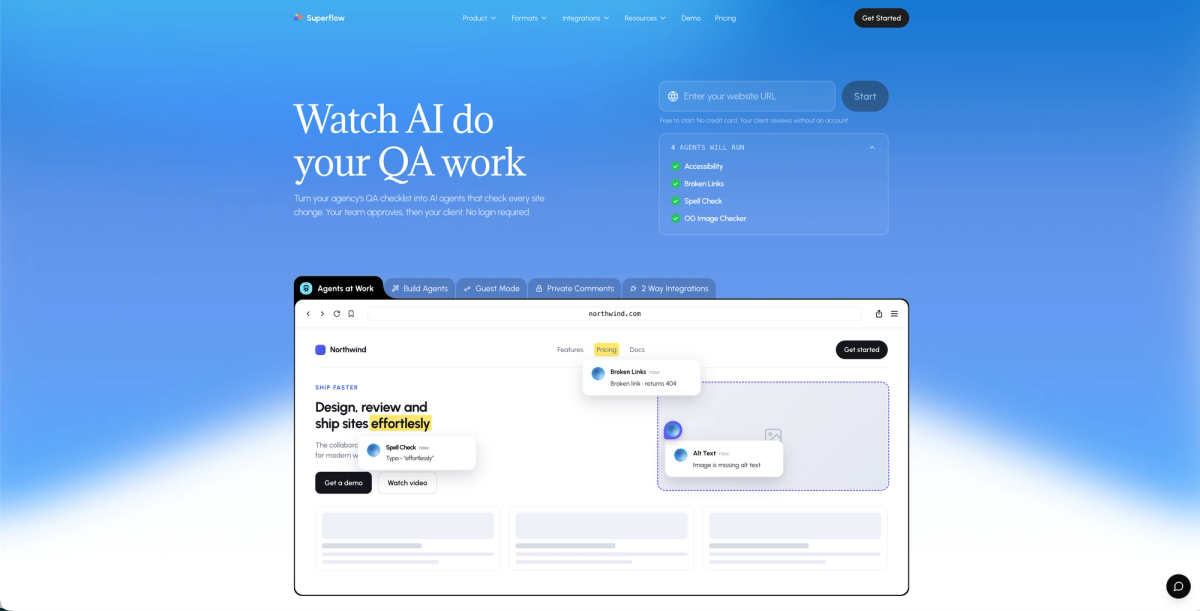
Most PDF review tools do one thing: collect comments. Superflow is built differently: it's an AI-powered QA and review/approval platform where AI agents run your checklist on every asset change, leave findings as pinned comments on the exact element, and your team approves before the client signs off.
PDF is one of five asset types Superflow supports alongside websites, video, images, and Lottie files. For creative teams reviewing a brand deck alongside a landing page and an animation, that matters. Everything lives in one workspace instead of three.
The AI layer is where Superflow separates from the field. Agents convert any QA checklist or uploaded brand guide into named checks that run automatically on every asset change across desktop and mobile, pinning findings as comments on the exact element. Built-in agents cover Accessibility, Broken Links, Spell Check, and OG Image. You can build custom agents for any checklist item without an engineer. Per-client Memory stores brand rules and past decisions, so the tenth review for a client starts already knowing what the first had to learn.
The approval flow is structured: your team reviews AI findings and signs off first, then the client approves from a shared link with no account or app install required. Two-way sync covers Asana, Monday.com, ClickUp, Trello, and Jira, where comments create tasks and sign-offs close them. Security includes SOC 2 Type II, HIPAA with BAA, and a full audit trail of every comment, finding, and approval.
Pricing starts free (Starter includes 60 AI credits/month). Growth runs $24/seat/month on annual billing with 300 AI credits/month. Guest seats are unlimited and free on every plan. All plans include a 10-day free trial and 500 bonus AI credits on signup.
Marker.io
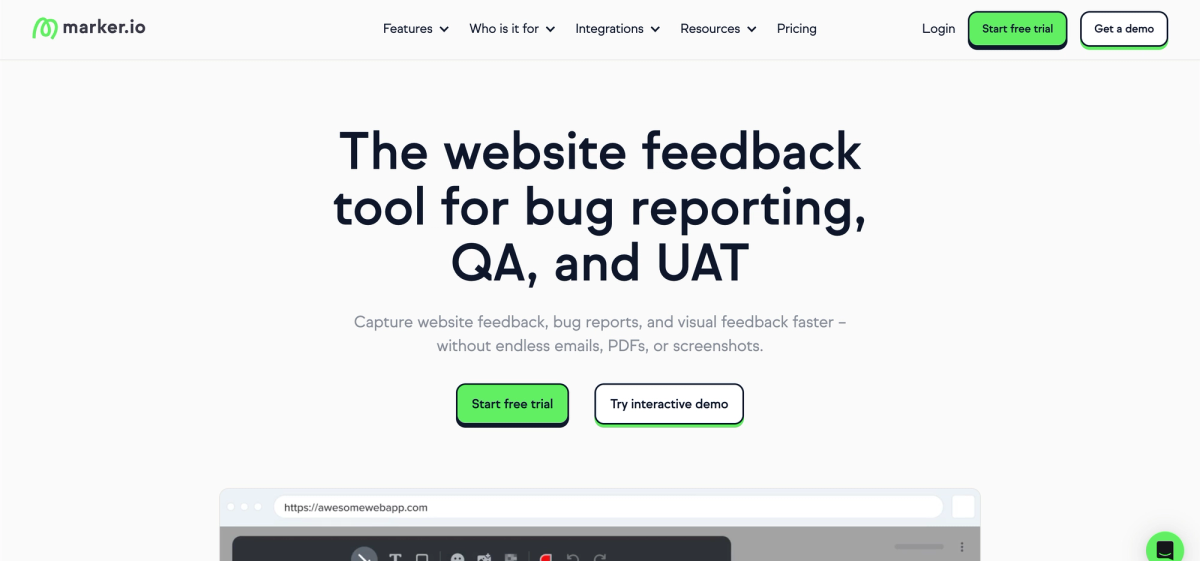
Marker.io is a bug-reporting and QA tool built for dev teams. It captures annotated screenshots with browser metadata (console logs, network requests, and session data) and pushes reports directly into Jira, GitHub, Linear, and 13 other trackers with two-way sync. It covers websites only, so PDF, image, video, and animation reviews each need a separate tool. No automated QA layer, no per-client memory, and no structured client approval workflow. Teams researching Marker.io alternatives should note the Starter plan caps at 5,000 page views/month and 10 guests.
Key Features
- Annotated screenshot capture with browser metadata such as console logs, network requests, and session replay on the Team plan.
- Two-way issue sync with Jira, GitHub, GitLab, Linear, Bitbucket, Azure DevOps, and more.
- Internal comments available on all plans, including Starter.
- AI features in beta covering translation, issue rewriting, and title generation.
BugHerd
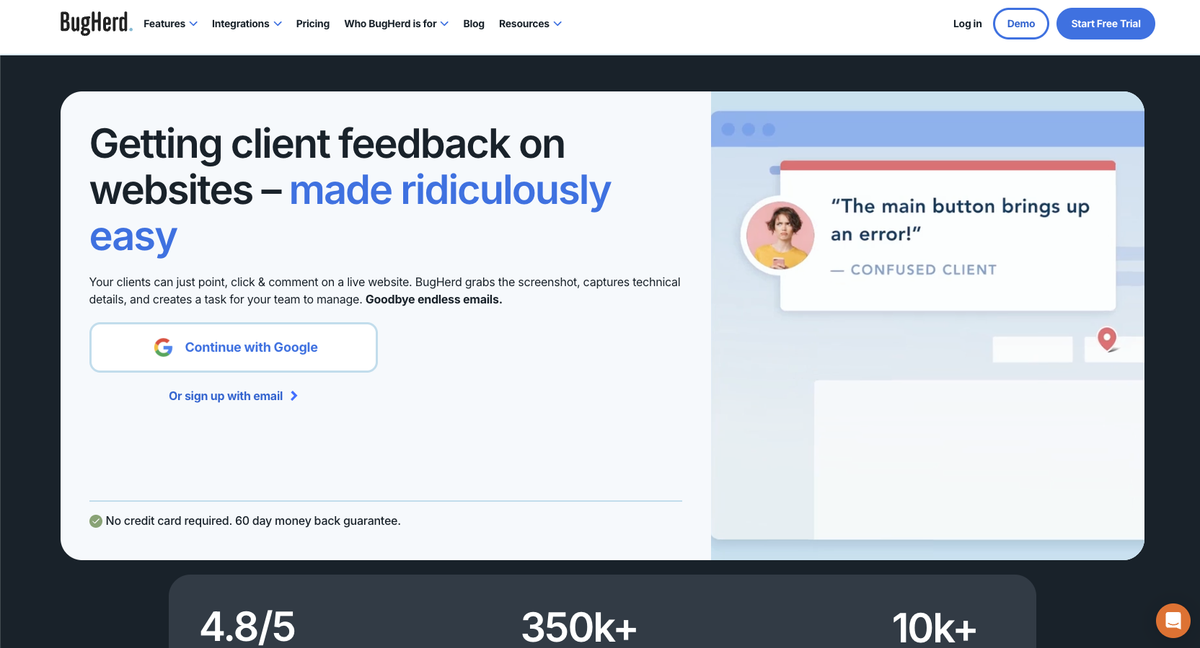
BugHerd is a visual bug-tracking tool built for web teams and agencies. The core workflow is simple: a client or team member clicks on a live site, pins feedback, and the task lands on a built-in Kanban board with automatic screenshot and browser metadata attached. It connects to Jira, Trello, Asana, ClickUp, Slack, and GitHub with two-way sync, and 350,000+ users across 10,000+ companies have given it a 4.8/5 on G2. BugHerd covers websites and uploaded files; PDF annotation is limited compared to dedicated proofing tools. There is no structured client approval gate, no per-client memory, and no automated QA layer that runs proactively on every change. A recently launched AI layer (BugHerd MCP) triages and resolves tasks from the board after a person finds the issues. Pricing is flat monthly: $50/month for 5 members, $80/month for the Standard plan, and $150/month for the Premium plan, with each extra member at $8/month. No free tier is available.
Key Features
- Client-pinned comments on live websites with automatic screenshot and browser metadata capture.
- Built-in Kanban board for managing feedback tasks, with two-way sync to Jira, Trello, Asana, ClickUp, Slack, and GitHub.
- No-login guest links so clients can submit feedback without creating an account.
- BugHerd MCP AI layer that triages and resolves tasks from the board, where a human reviews what the AI did instead of the AI running checks proactively.
- For a direct comparison, the Superflow vs BugHerd page covers workflow and pricing differences in detail.
Filestage
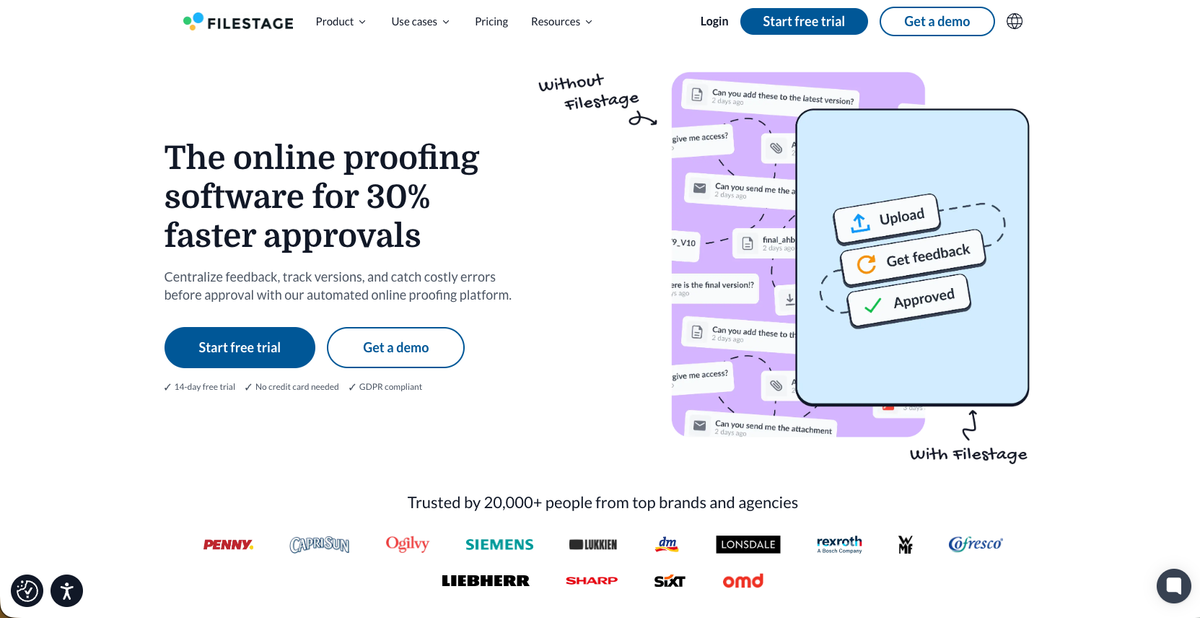
Filestage is an online proofing tool built around structured approval routing across creative file types, including PDFs, video, images, audio, and HTML files. It targets marketing and creative teams that need multi-step sign-off chains and Adobe-native integrations. Independent reviewers cite its clean interface and approval workflows as standout strengths. The Starter plan runs $199/month with 10 seats; the Business plan ($329/month) is where AI Review Agents live, scanning uploaded files for grammar, tone, and logo errors after upload only.
Key Features
- Page-level commenting and annotation on PDFs, video, images, audio, and HTML files
- Multi-step approval routing with reviewer groups, due dates, and automated reminders
- Integrations with Asana, Jira, Slack, Microsoft Teams, and Adobe apps including Premiere, Photoshop, and InDesign
- AI Review Agents on the Business plan ($329/month) that scan uploaded files for grammar, tone, style, QR codes, barcodes, and mandatory images, though they do not run automatically on every change and carry no per-client memory layer
- For agencies weighing where those AI and pricing gaps matter most, the Superflow vs Filestage comparison covers the details
Markup.io
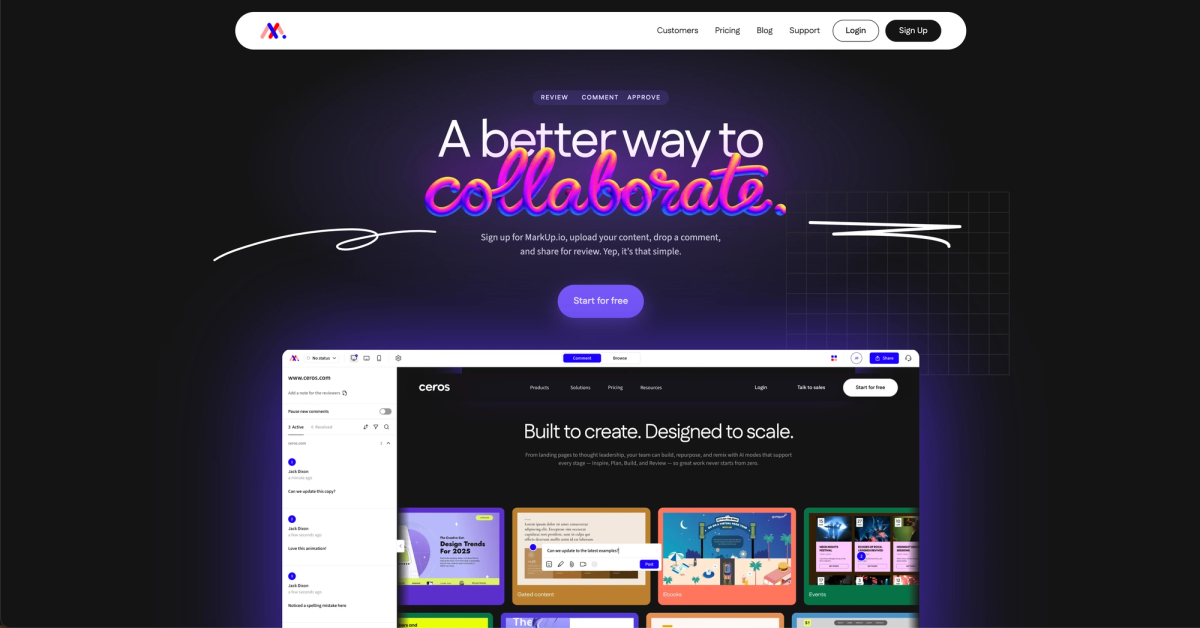
Markup.io is a visual annotation tool for freelancers and small teams that need fast, low-friction feedback on 30+ file types, including websites, images, PDFs, and video. The workflow is simple: paste a URL or upload a file, drop a pinned comment, and share with clients. Guests can leave feedback with no login or account required. Pro starts at $79/month for unlimited users with 50 MarkUps/month; Business starts at $499/month. A 14-day free trial is available, but there is no permanent free tier.
Key Features
- Pinned visual comments on websites, images, PDFs, and video across 30+ file types
- Guest access with no login required for client reviewers
- Per-reviewer statuses and a sign-off flow for marking items resolved
- Flat per-month pricing covering unlimited users, making costs predictable for larger teams with basic review needs
- No AI automation, no per-client memory, and no two-way sync with Asana, Jira, or ClickUp
Ruttl
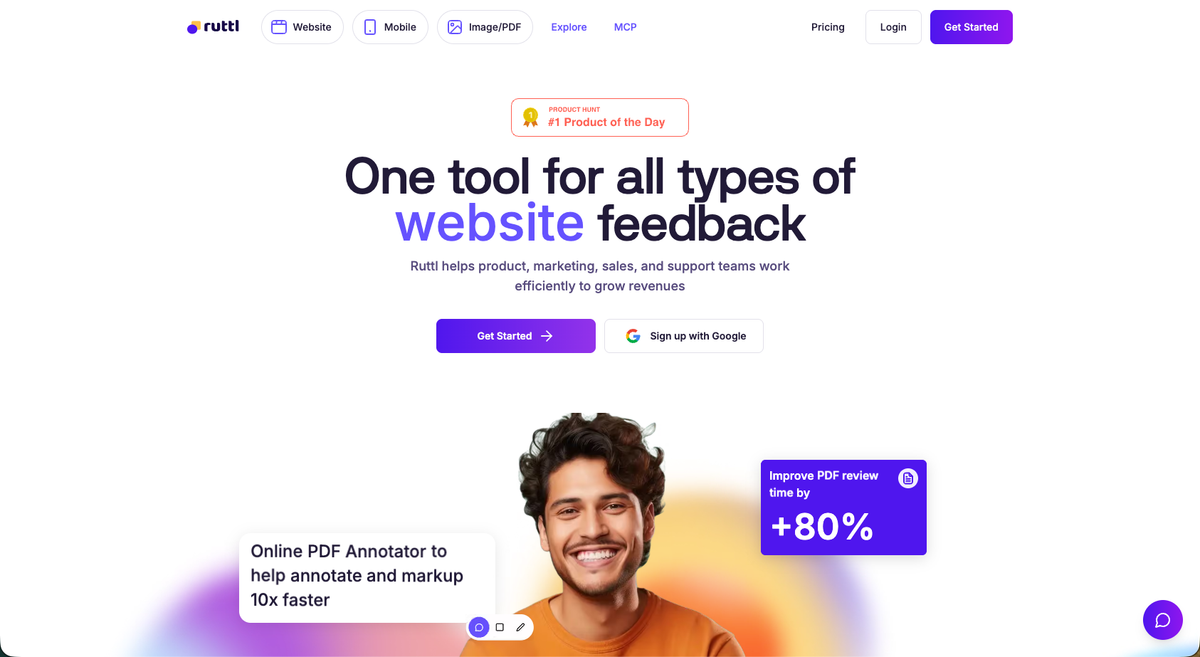
Ruttl is a web feedback and annotation tool for designers and developers. It supports pixel-pinned comments on live websites, PDFs, and images, and includes an edit mode that lets users change text, images, and layout on a live page without code. A built-in kanban board and PM integrations round out the offering. Its AI layer handles comment sentiment analysis only, and QA automation and accessibility checks are listed as coming soon. SOC 2 and HIPAA certifications are not publicly documented. Pro starts at $18/user/month with a free tier. Teams comparing options can also review Ruttl alternatives.
Key Features
- Pixel-pinned comments on live websites, PDFs, and images.
- Edit mode lets users make visual and HTML/CSS changes directly on a live page without touching code.
- Built-in kanban board with Jira, Asana, ClickUp, and Trello integrations.
- Approve page sign-off gate that locks a page until approved.
Frame.io
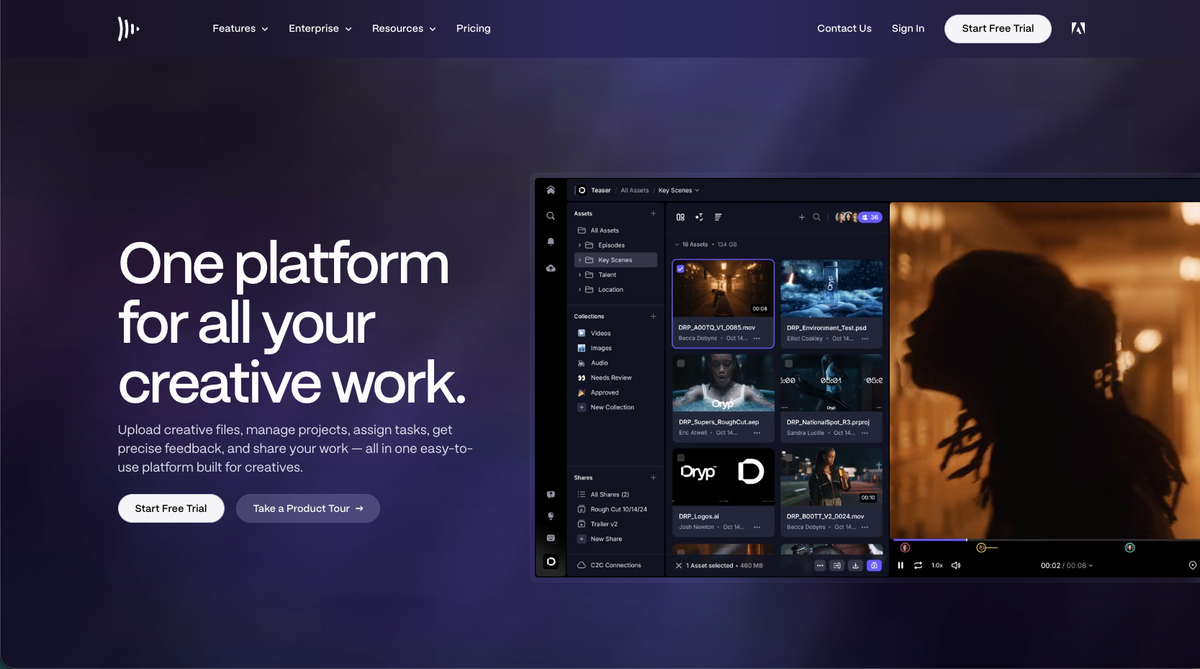
Frame.io is an Adobe-owned video review platform built for post-production teams. It offers frame-accurate commenting, version stacks, camera-to-cloud hardware integration, and deep ties across Adobe Creative Cloud apps. PDF and document review exist in the product but are secondary to video. Design agencies will find real limits: no live website review, no Lottie support, no automated QA, and HIPAA with BAA is not listed. AI features are in experimental Labs mode with plan-based usage limits. Pro starts at $15/seat/month. See the Superflow vs Frame.io comparison for a full breakdown.
Key Features
- Frame-accurate comments with version stacks and a comparison viewer on every plan.
- Auto-transcription with speaker labels and captions for video content.
- Camera-to-cloud hardware integration with RED, Teradek, and Panasonic LUMIX devices.
- Deep Adobe ecosystem ties across Premiere Pro, Final Cut Pro, and Lightroom.
Feature Comparison Table of PDF Review Tools
| Feature | Superflow | Marker.io | BugHerd | Filestage | Markup.io | Ruttl | Frame.io |
|---|---|---|---|---|---|---|---|
| PDF Review | Yes | No | Limited | Yes | Yes | Yes | Yes |
| AI Automated QA on Every Review | Yes | No | No | No | No | No | No |
| Per-Client AI Memory | Yes | No | No | No | No | No | No |
| Structured Client Approval Workflow | Yes | No | No | Yes | No | Yes (page gate) | No |
| No Client Login Required | Yes | Yes | Yes | Yes | Yes | Yes | Limited |
| Two-Way PM Tool Sync | Yes | Yes | Yes | Yes | No | Yes | No |
| Live Website Review | Yes | No | Yes | Yes | Yes | Yes | No |
| Video Review | Yes | No | No | Yes | Yes | No | Yes |
| Lottie File Review | Yes | No | No | No | No | No | No |
| SOC 2 Type II | Yes | Yes | Not documented | No (ISO 27001) | Not confirmed | Not documented | Yes (Enterprise) |
| HIPAA with BAA | Yes | No | Not documented | No | Not confirmed | Not documented | No |
| Free Tier Available | Yes | No | No | Yes | Yes | Yes | Yes |
Why Superflow Is the Best PDF Review Tool for Teams
Superflow is more than a place to collect comments. It's the QA and approval infrastructure between your build and your ship: AI agents run your checklist on every change, findings land as pinned comments on the exact element, your team signs off, then your client approves from a link with no account required.
For creative and design agencies handling PDFs alongside websites, video, images, and Lottie files, that structure matters. Every review feeds Memory, so each project builds on the last. And when something slips through, Ask AI can surface where in the review history it was flagged, without anyone building a dashboard.
Final Thoughts on Collaborative PDF Review Tools
Choosing a collaborative PDF review tool comes down to what slows your team down most. For some, it's a missing approval gate. For others, it's QA mistakes that make it to production because no one ran the checklist. The comparison table above is a good place to start narrowing it down based on what your workflow actually needs.
If your team needs more than a place to drop comments, if you want AI running QA on every change, findings tracked, and clients approving from a link, try Superflow free and see how it fits your review workflow.
FAQ
How do I choose the right PDF review tool from Superflow, Filestage, Markup.io, Ruttl, and Frame.io?
Start with your asset mix. If your team reviews PDFs alongside websites, video, and animations in the same client workflow, only Superflow covers all of those in one workspace. If your work is primarily Adobe-native video production, Frame.io is the stronger fit. If you need fast, low-friction PDF annotation without structured approvals, Markup.io works for smaller teams.
Is Superflow better than Filestage for agencies managing multiple active clients?
For agencies that need AI-automated QA and per-client memory that builds across projects, Superflow pulls ahead. Filestage has structured approval routing and solid Adobe integrations, but its AI agents scan files after upload only, with a 50-credit monthly cap and no per-client Memory layer. Superflow's agents run automatically on every asset change, across desktop and mobile, and Memory compounds per client so each new project starts smarter than the last.
When should a creative team choose Markup.io or Ruttl over Superflow?
Markup.io and Ruttl make sense for freelancers or small teams with straightforward annotation needs and no requirement for automated QA or two-way PM sync. Markup.io's flat $79/month pricing is attractive if your team is large and your review process is basic. Ruttl is worth considering for designers who want live visual editing alongside annotation, though SOC 2 and HIPAA compliance are not publicly documented, which rules it out for compliance-sensitive verticals.
Does Frame.io work as a PDF review tool for design agencies?
Frame.io handles PDF and document review, but it was built for video post-production teams inside the Adobe ecosystem. Design agencies reviewing PDFs alongside live websites, images, or Lottie files will find real gaps: no live website review, no Lottie support, no automated QA, and no HIPAA with BAA. For video-heavy studios already in Adobe Creative Cloud, it makes sense. For broader creative agency work, it covers only part of the workflow.
What should teams look for in a collaborative PDF review tool beyond basic annotation?
Look for AI-automated QA that runs on every change, not a comment box alone. Beyond that: structured client approval workflows (not a simple status toggle), guest access with no login required, and two-way PM integrations instead of export-only. For compliance-driven industries, verify SOC 2 Type II and HIPAA with BAA documentation before committing. Of the tools in this list, only Superflow covers all of those criteria, including the AI QA layer.