

Your team ships a revision, a client finds three things wrong in the live review, and by the time you've untangled the email thread it's Tuesday. Online proofing software exists to fix that, but the better question is whether it catches issues before a human even has to look. The category has split: some tools give feedback a structured place to land; others run AI agents on every deploy and post findings as pinned comments before your team opens the review. Some picks here are built for video post-production. Some are built for WordPress shops on retainer. Some are dead simple for one-off website feedback. Each is assessed on asset type coverage, AI automation depth, client access friction, approval workflow structure, PM integrations, and compliance posture. If you only review websites for WordPress clients on retainer, the right answer looks different than if you deliver video, PDFs, and live sites across a dozen clients with compliance requirements. Read the full breakdown to find the fit.
TLDR:
- Online proofing software replaces email feedback threads with pinned comments, approvals, and revision records in one place.
- The biggest split in the category: some tools use AI to sort feedback after the fact, others catch issues before a human looks.
- Tool fit depends on asset types, client login requirements, compliance needs, and whether PM sync is two-way or one-way exports.
- Superflow is the only tool here with deploy-triggered AI QA agents and per-client Memory, starting at $24/seat/month with free guest seats (two-way PM sync requires Scale at $28/seat/mo).
What Is Online Proofing Software?
Online proofing software is a category of tools that lets teams review, annotate, and approve creative assets (websites, PDFs, videos, images) without relying on email threads or scattered screenshots.
Reviewers leave pinned comments directly on the asset. Stakeholders can respond, approve, or request changes in one place, creating a clear record of who said what and whether the asset is approved or still in revision.
Agencies use it most, as do in-house marketing and creative teams managing high volumes of content with multiple approvers. If you're shopping for website annotation tools, that comparison covers the category in more depth. For a broader look at the market, Wrike's proofing software roundup covers 21 tools across different team types. The core problem it solves: creative feedback is messy by default, and online proofing software gives it structure.
How We Ranked These Online Proofing Tools
Each tool on this list was reviewed across seven dimensions that matter to agencies and creative teams buying in 2026:
- Asset type support (websites, PDFs, video, images)
- AI automation (does it check the site, or just sort feedback after the fact?)
- Client access (does your client need an account to approve something?)
- Approval workflow depth (single click vs. multi-step recorded sign-off)
- Task management integrations (two-way sync vs. one-way exports)
- Security and compliance (SOC 2, HIPAA, audit trails)
- Pricing model (per-seat, flat, or one-time)
AI automation got weighted more heavily here because the category has split. Some tools use AI to organize feedback humans already submitted. Others use AI to find issues before a human even looks. That difference changes the ROI calculation substantially.
Best Overall Online Proofing Software: Superflow
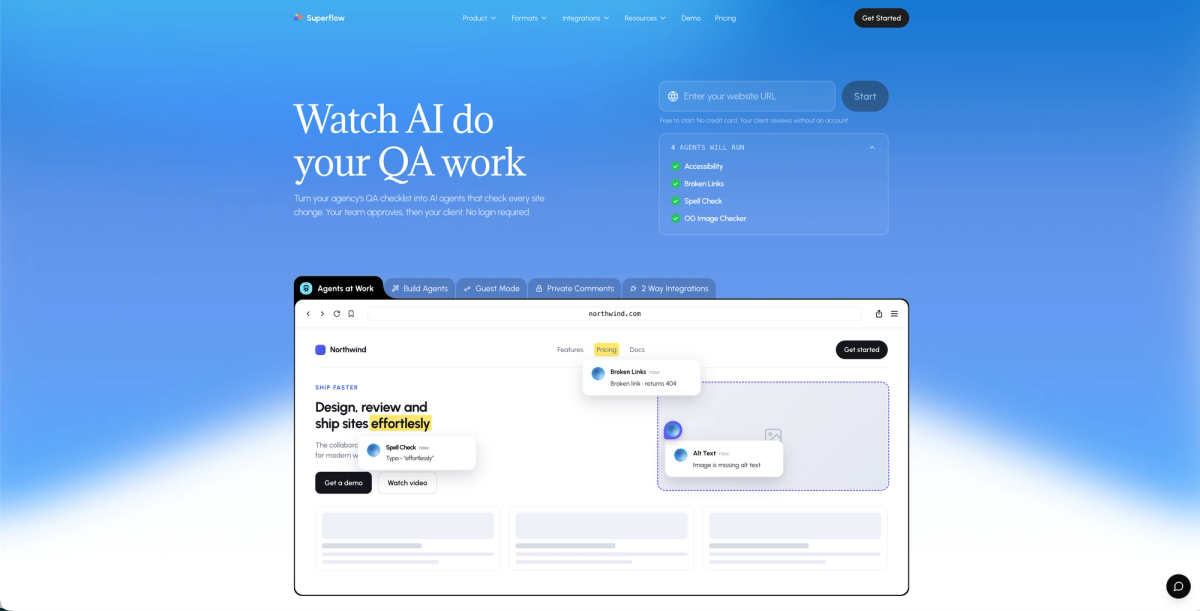
Superflow sits at the top of this list for one reason that separates it from every other tool here: it is an AI-powered QA and review system, more than a place to collect comments. AI agents run your QA checklist automatically on every site change, post findings as pinned comments on the exact element, and get smarter with every project. Every other tool in this category waits for a person to find the problem first. Superflow catches issues before your team opens the review.
Here is how the workflow runs:
- AI agents run your QA checklist on every deploy, posting findings as pinned comments on the exact element across desktop and mobile
- Built-in agents cover Accessibility, Broken Links, Spell Check, and OG Image; custom agents handle any checklist item via a prompt-and-test interface
- Per-client Memory learns brand rules, past decisions, and taste from every review so project ten already knows what project one had to learn
- Reviews five asset types in one workspace: websites, video, PDF, images, and Lottie files
- Your team signs off first; clients approve via a link with no login or account required, from any device
- Two-way task sync with Asana, Monday.com, ClickUp, Trello, and Jira, where comments create tasks and sign-offs close them
- SOC 2 Type II, HIPAA with BAA, full audit trail, and data residency options
- Free to start; Growth plan at $24/seat/month (annual) with unlimited free guest seats
No other tool here combines deploy-triggered AI agents, per-client Memory that compounds across projects, and a human-in-the-loop approval layer where your team signs off before the client ever sees it. If your team is still running UAT and QA testing by hand, that gap is worth taking seriously.
Marker.io
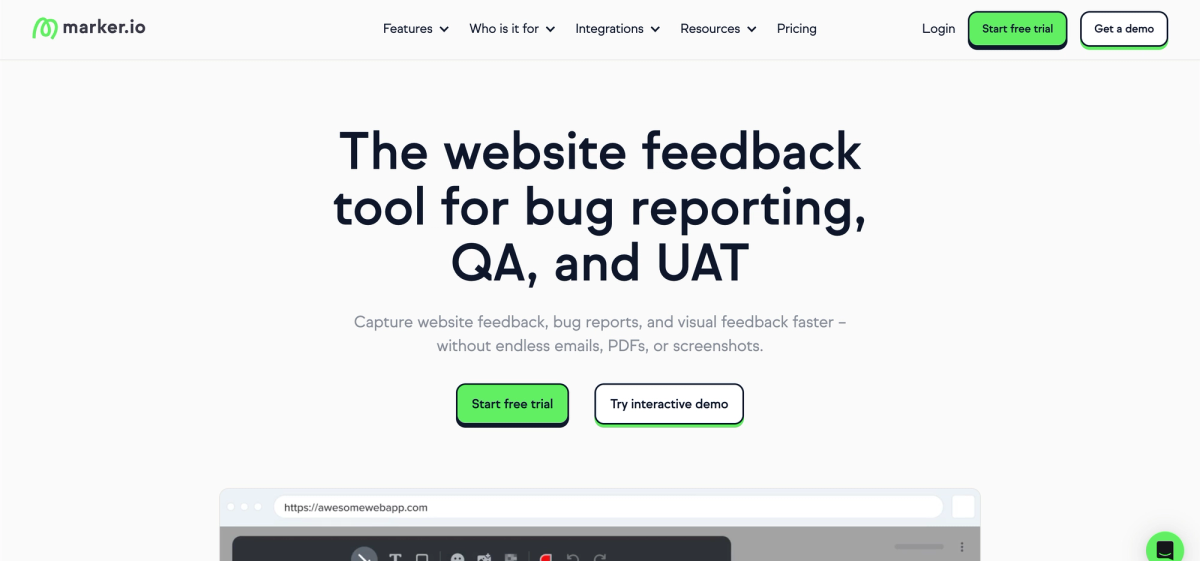
Marker.io is a website feedback and bug reporting tool built for dev, QA, and agency teams that need structured issue capture on live sites. Reviewers click any element on a page to pin a comment with auto-attached metadata: browser, OS, screen resolution, console logs, and a screenshot. No client account is required to leave feedback. Paid plans start at $39/month (15-day trial). Teams assessing alternatives can check the Superflow vs Marker.io comparison for a detailed breakdown.
Key Features
- One-click feedback capture with automatic browser metadata, console logs, and screenshot attached to every comment.
- Two-way sync with Jira, Asana, ClickUp, Trello, GitHub, GitLab, and more, so issues land in your PM tool without copy-paste.
- No client login required to submit feedback; reviewers leave comments from a shared link.
- SOC 2 Type II and GDPR compliance, covering most regulated-industry requirements outside of HIPAA.
- Website Monitoring in beta adds basic automated checks, though the feature set is not yet fully published.
Limitations
- No deploy-triggered AI QA agents; all issue finding relies on a person clicking through the site manually.
- No per-client Memory; every project starts from zero with no carried context.
- Website-only scope with no support for video, PDF, Lottie, or image asset review.
- No HIPAA with BAA, which rules it out for healthcare and other strictly regulated client work.
- No free tier; entry point is $39/month with a 15-day trial only.
BugHerd
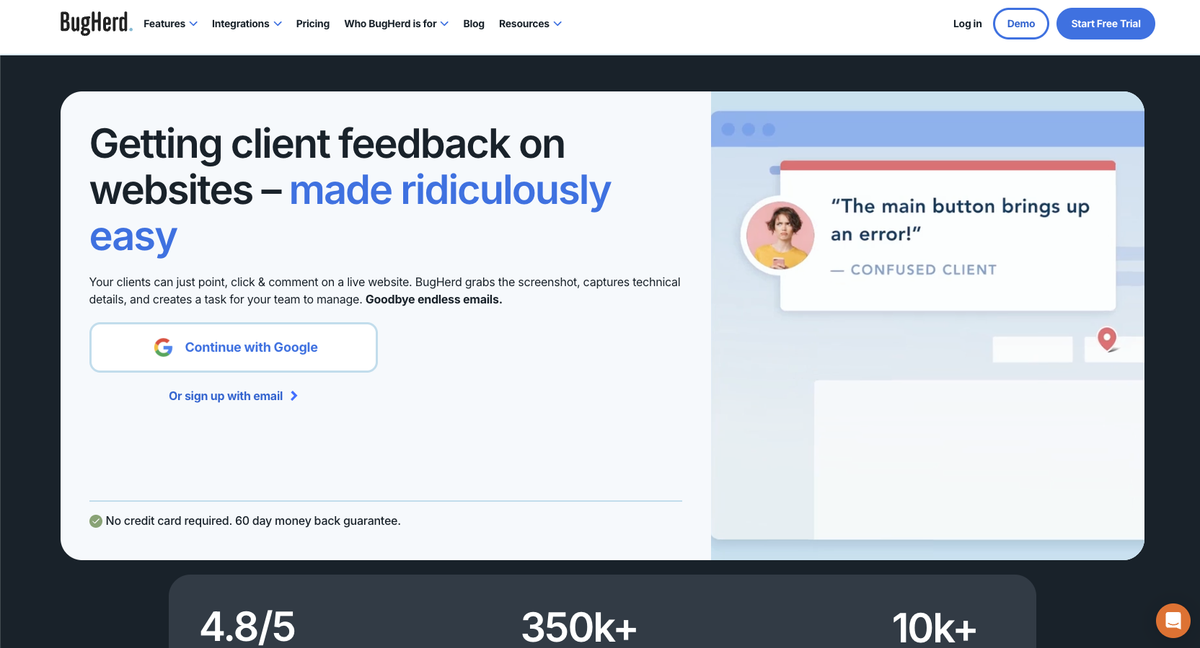
BugHerd is a visual bug-tracking tool for web teams and agencies that need clients to pin feedback directly on a live site and have it land on a Kanban board. Reviewers use a browser extension or JS snippet to click any element and leave a comment; each submission auto-attaches browser metadata and a screenshot. The tool has 350k+ users and strong PM integrations including Jira, Trello, Asana, and ClickUp. Pricing starts at $50/month for up to five members. Teams considering other paths can check the Superflow vs BugHerd comparison or a list of BugHerd alternatives.
Key Features
- Clients pin feedback on any element from a guest link with no account required; each comment auto-attaches browser and screen metadata.
- Native two-way sync with Jira, Trello, Asana, ClickUp, Slack, GitHub, and Zapier.
- Kanban board gives dev teams a familiar task view of all reported issues, filterable by priority and status.
- BugHerd MCP is an AI layer that triages and resolves tasks from the board after a person submits them.
- One-click setup via JS snippet or integrations with WordPress, Shopify, Webflow, and Google Tag Manager.
Limitations
- No deploy-triggered AI QA agents; BugHerd MCP triages after a person finds issues, not before.
- No per-client Memory; brand rules and past decisions do not carry forward between projects.
- Limited to live website review with no coverage for video, PDF, Lottie, or image files.
- No formal recorded approval gate; client sign-off is a comment thread instead of a logged approval step.
- No SOC 2 or HIPAA documentation publicly available, limiting use in regulated industries.
Filestage
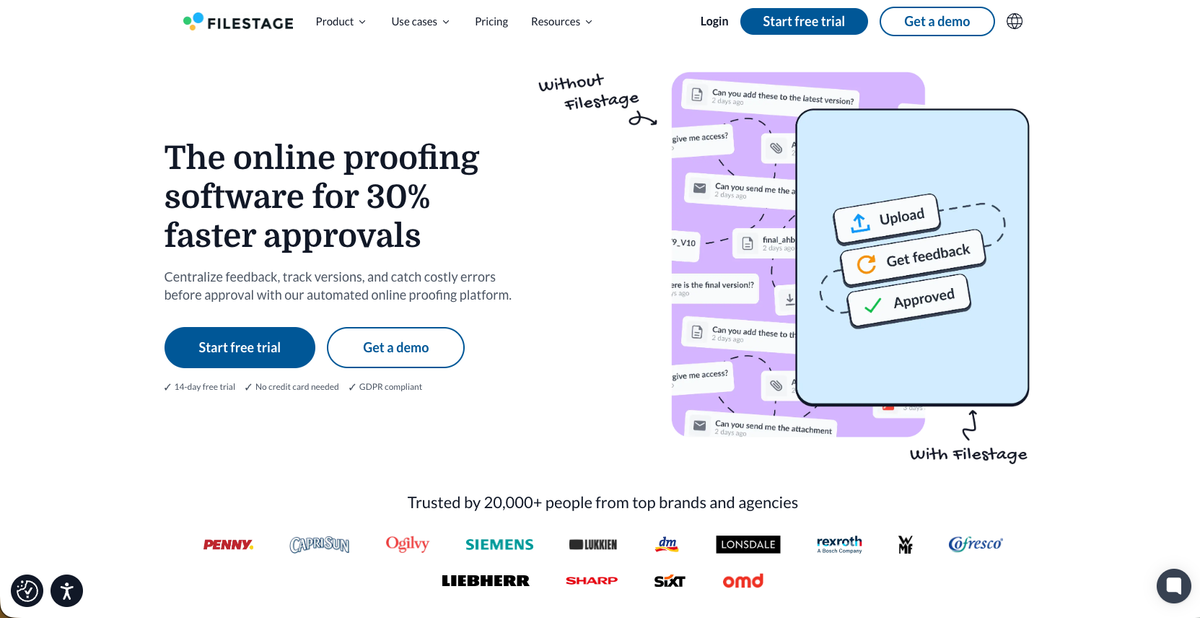
Filestage is a review and approval tool built for marketing and brand teams managing structured sign-off chains across creative files. It covers video, images, PDFs, audio, documents, and live URLs, with approval routing, reviewer groups, due dates, and reminders built in. Paid plans start at $199/month. Agencies comparing Filestage alternatives or wanting a deeper look can check the Superflow vs Filestage breakdown.
Key Features
- Structured approval routing with reviewer groups, due dates, and automated reminders keeps sign-offs moving.
- Covers video, images, PDFs, audio, and live URLs in one workspace.
- Integrates with Asana, Jira, Trello, ClickUp, Basecamp, and Adobe Creative Cloud apps including Premiere and Photoshop.
- AI Review Agents are available on the Business tier and scan uploaded files for issues.
Limitations
- No deploy-triggered QA agents; AI Review Agents scan uploaded files on demand, not on every site change.
- No per-client Memory; each project starts fresh with no carried context.
- Pricing starts at $199/month, among the highest entry points in this category.
- No HIPAA or SOC 2 Type II documentation publicly available.
Pastel
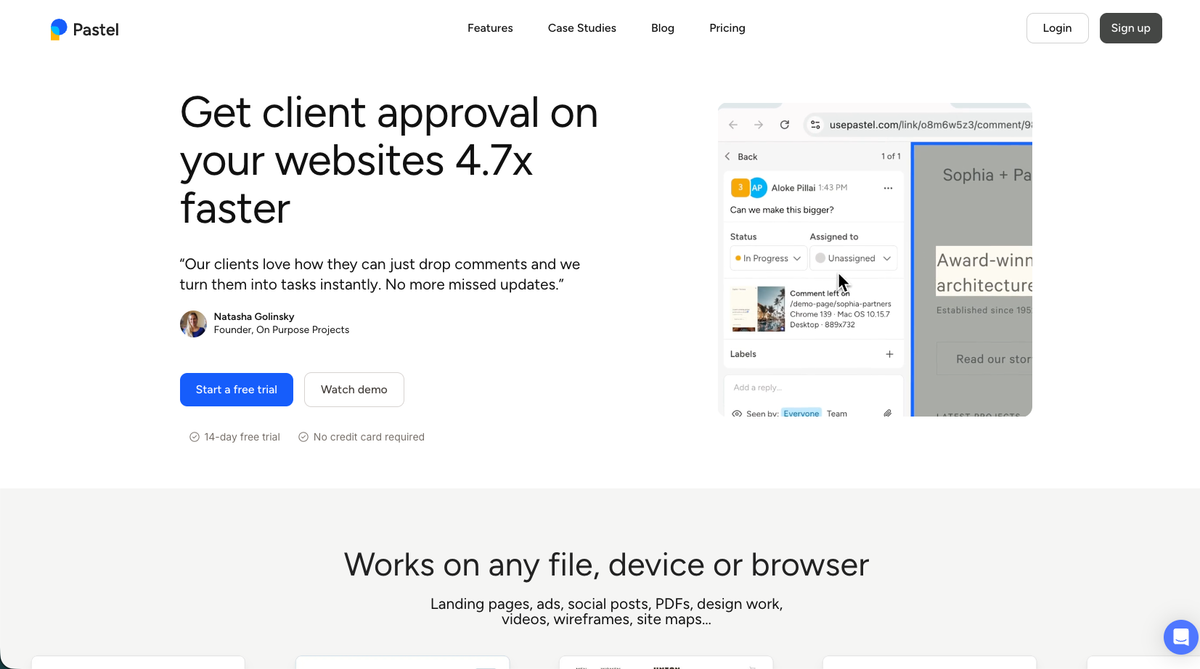
Pastel is a website feedback tool built for teams that want to share a URL and start collecting comments right away, with no snippet, extension, or client account needed. Reviewers paste a link and leave comments directly on the live site, which makes it a fit for freelancers and small agencies handling straightforward web review. Pricing runs from $0 to $450/month, and teams considering other paths can review the Superflow vs Pastel comparison or a list of Pastel alternatives.
Key Features
- Reviewers paste any URL into a zero-install canvas to start commenting without setup.
- Every plan, including the free tier, allows unlimited guest reviewers.
- Comments attach an auto-screenshot along with browser and screen size metadata.
- A Finish Review approval gate is built into every plan, including Free.
- The Team plan unlocks PM exports and direct integrations with Jira, Asana, ClickUp, Monday, Trello, and Zapier.
Limitations
- No AI QA agents, so there is no automated checking before a human reviews the work.
- No two-way PM sync; the Team plan offers PM exports and integrations but not two-way task sync.
- Scope is limited to live website review, with no support for video, Lottie, or PDF assets.
- No SOC 2 or HIPAA documentation, which rules it out for regulated client work.
Atarim
Atarim is a review and project management tool built for WordPress agencies running ongoing site maintenance retainers. It pairs website feedback collection with a white-labeled client portal, AI agents for copy, UX, SEO, and accessibility checks, and automated maintenance workflows. Agents run on demand using monthly credits instead of triggering on every deploy, and clients interact through the branded portal instead of a no-login link.
Key Features
- White-labeled client portal gives agencies a branded space for client interaction and project communication.
- On-demand AI agents check copy, UX, SEO, and accessibility, drawing from a monthly credit pool.
- Automated scope quoting and scheduled plugin maintenance workflows reduce manual project admin.
- Supports only live website review with no coverage for video, PDF, Lottie, or image assets.
Limitations
- AI agents run on demand using a monthly credit pool instead of triggering automatically on every deploy.
- Limited to live website review only, with no support for video, PDF, images, or Lottie files.
- Clients must log into a branded portal instead of approving via a no-login link, which adds onboarding friction.
- No SOC 2, HIPAA, or publicly documented compliance posture.
Frame.io
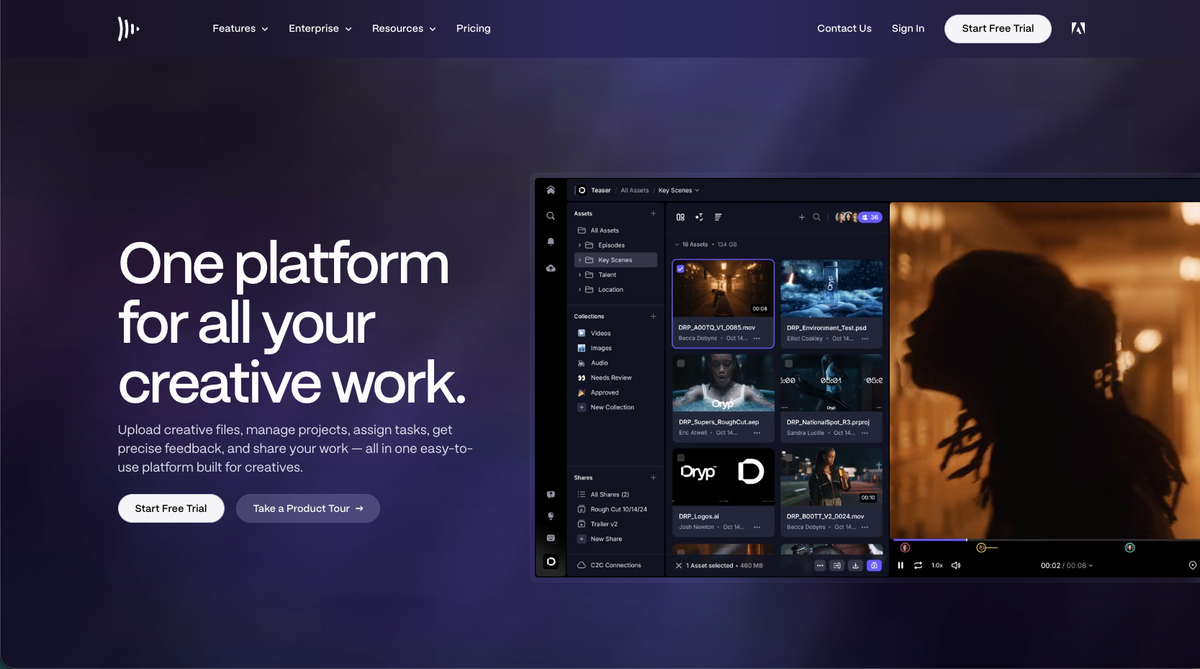
Frame.io is Adobe's video review tool, built for post-production teams who need frame-accurate feedback on footage. It serves video editors, production studios, and marketing teams working inside the Adobe ecosystem, connecting directly to Premiere, Final Cut Pro, and Lightroom. The Digital Project Manager's Frame.io review breaks down its strengths and limitations in detail. Its scope stays narrow by design: video review, not website, PDF, or image feedback. The Superflow vs Frame.io page breaks down where each tool wins, and a list of Frame.io alternatives covers five options for teams needing broader asset coverage.
Key Features
- Frame-accurate comments with version stacks and a comparison viewer on every plan.
- Native integrations with Adobe Premiere, Final Cut Pro, and Lightroom.
- Camera to Cloud hardware support for RED, Teradek, and Panasonic LUMIX cameras.
- Auto-transcription with speaker labels and captions.
- No live website review, automated QA agents, or two-way sync with Jira, Asana, or ClickUp.
Limitations
- Video-only tool with no live website review, PDF, image, or Lottie file support.
- No automated QA agents of any kind.
- No two-way task sync with Jira, Asana, or ClickUp.
- Clients must create an account or be invited, which adds access friction for non-technical stakeholders.
- Deeply tied to the Adobe ecosystem, a lock-in risk for teams not already using Premiere or Creative Cloud.
SureFeedback
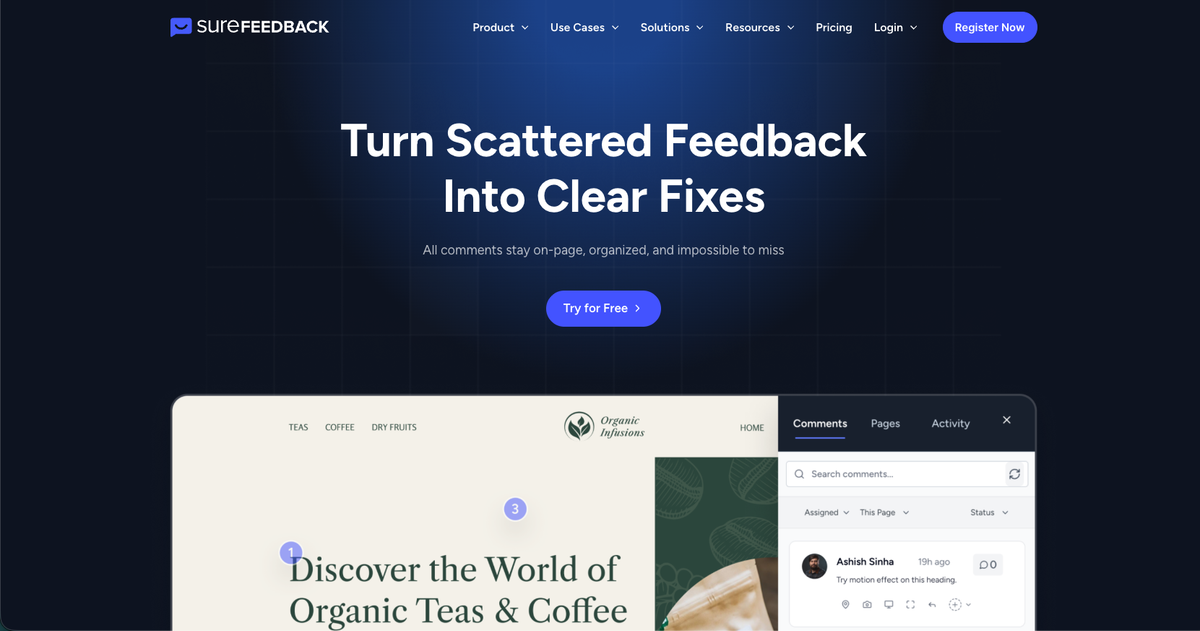
SureFeedback, formerly known as ProjectHuddle, is a website feedback tool built for WordPress developers, freelancers, and small agencies that need a way to collect client comments directly on a live page. The company offers both a cloud version for WordPress, Shopify, and custom HTML sites, and a self-hosted WordPress plugin for teams that want to keep data on their own servers. Cloud pricing runs from $19 to $59 per month, while the self-hosted plugin is sold as an annual license from $99 to $169 per year, with site counts capped at 1, 3, or 5 depending on the plan.
Key Features
- The cloud version works across WordPress, Shopify, and custom HTML sites without charging per seat.
- A self-hosted plugin option gives WordPress-only teams full control over where client data lives.
- Guests can leave comments after entering just a name and email, with no account setup.
- PM integrations are limited to Zapier and Make, with no native two-way sync to tools like Jira or Asana.
- SOC 2 and HIPAA compliance are not publicly documented, which matters for regulated client work.
Limitations
- No AI agents or automated QA, so all issue finding stays manual.
- PM integrations are limited to Zapier and Make, with no native two-way sync to Jira, Asana, or ClickUp.
- The self-hosted plan caps site counts at 1, 3, or 5 depending on license tier.
- SOC 2 and HIPAA compliance are not publicly documented, which rules it out for regulated client work.
- No support for video, Lottie, or image asset review.
Feature Comparison Table of Online Proofing Software
Here is a quick look at how these tools stack up across the features that matter most to agency teams.
| Feature | Superflow | Marker.io | BugHerd | Filestage | Pastel | Atarim | Frame.io | SureFeedback |
|---|---|---|---|---|---|---|---|---|
| Automated AI QA agents (deploy-triggered) | Yes | No | No | No | No | No | No | No |
| Per-client AI Memory | Yes | No | No | No | No | No | No | No |
| Live website review | Yes | Yes | Yes | Yes | Yes | Yes | No | Yes |
| Video review | Yes | No | No | Yes | Yes | No | Yes | No |
| PDF review | Yes | No | No | Yes | Yes | No | No | Yes |
| Lottie file review | Yes | No | No | No | No | No | No | No |
| No client login required | Yes | Yes | Yes | Yes | Yes | No | No | Yes |
| Two-way PM sync (Asana/Jira/ClickUp) | Yes | Yes | Yes | Yes | No | No | No | No |
| SOC 2 Type II | Yes | Yes | No | No | No | No | No | No |
| HIPAA with BAA | Yes | No | No | No | No | No | No | No |
| Free tier available | Yes | No | No | Yes | Yes | Yes | Yes | Yes |
Why Superflow Is the Best Online Proofing Software
The difference comes down to where the intelligence sits. Most tools on this list wait for a human to find a problem, then give that human a structured place to report it. Superflow runs the QA checklist itself. AI agents trigger on every deploy, post findings as pinned comments on the exact element across desktop and mobile, and accumulate client-specific knowledge through per-client Memory, so the agent checking project ten already carries everything learned from projects one through nine for that client.
That compounding effect matters more than it might sound. Built-in agents cover Accessibility, Broken Links, Spell Check, and OG Image out of the box. Custom agents handle any checklist item you write in plain language, and they get more accurate over time as Memory absorbs brand rules, past decisions, and client preferences. No other tool on this list has that feedback loop.
Coverage breadth is the second reason. Superflow reviews websites, video, PDFs, images, and Lottie files in one workspace. Filestage comes close on file types but lacks deploy-triggered QA and per-client Memory. Frame.io is strong for video but leaves websites entirely uncovered. Every other tool here reviews only live sites, only files, or only one platform's CMS.
Compliance is the third. SOC 2 Type II, HIPAA with BAA, a full audit trail, and data residency options are included. Of the six tools here, Superflow is the only one that publicly documents all four. For agencies serving clients in healthcare, legal, or finance, that is not a nice-to-have; it is a contract requirement. Teams still researching the wider category can find twenty options in this website annotation tools for effective teams roundup.
Final Thoughts on Picking Online Proofing Software
Creative feedback has always been messy, and these tools each clean it up differently. Your choice comes down to what you review, who approves it, and how much you want the software doing before a human steps in. If automated QA, per-client Memory, and a clean client approval layer matter to your team, the gap between Superflow and every other tool on this list is real and measurable. AI agents run your QA checklist on every deploy, your team reviews findings instead of hunting for them, and clients approve from a link with no login required.
Try Superflow free. Get started in minutes, no engineer required, and see what your first AI QA run finds.
FAQ
How do I choose the right online proofing software for my agency from this list?
Start with two questions: what asset types do you review, and do you need automated QA or just a place to collect feedback? If you handle websites, video, PDFs, and images across multiple clients, Superflow or Filestage cover the widest range. If you only review live websites for WordPress clients on retainer, Atarim or SureFeedback may be enough.
Is Superflow or Filestage a better fit for teams managing structured approval chains?
Filestage is built around approval routing with reviewer groups, due dates, and reminders, which suits marketing teams running sign-offs on static creative files. Superflow fits better when your team needs automated QA before the approval step, or when you're delivering across formats beyond creative files, including live websites and Lottie files.
When should I consider Pastel or SureFeedback instead of a more full-featured tool?
Pastel and SureFeedback make sense for freelancers or small agencies with straightforward website feedback needs and no compliance requirements. Once you're managing multiple client sites, need two-way task sync, or serve clients in healthcare or finance, both tools hit their ceiling fast on compliance and integration depth.
Can clients approve work in these tools without creating an account?
Most tools on this list allow guest access, but the experience varies. Superflow, Pastel, and SureFeedback let clients comment or approve via a link with no login required. Atarim requires clients to log into a branded portal, which adds an onboarding step that can slow down approvals on time-sensitive projects.
Is Frame.io a viable option for agencies that deliver more than video?
Frame.io is strong for post-production video review with frame-accurate comments and native Adobe integrations, but it does not review live websites, has no automated QA agents, and lacks two-way sync with tools like Jira or Asana. Agencies delivering across formats will need a second tool to cover the rest of their workflow.