You're comparing Superflow vs Marker.io and both seem like they'd do the job. Marker.io is a bug capture and feedback reporting tool; Superflow is an AI-powered QA and review tool that runs automated checks on every deploy before any human reviews the site. The difference shows up in what happens before and after that feedback gets posted, and that gap is bigger than the feature list suggests.
TLDR:
- Marker.io handles bug capture well; Superflow adds AI QA, client review flows, and formal sign-off.
- Superflow's AI agents run checks on every deploy before any human reviews the site.
- Marker.io covers websites only; Superflow handles video, PDFs, images, and Lottie files too.
- Superflow starts free, with paid plans from $24/seat/month (annual) and unlimited guest seats on every plan; Marker.io starts at $39/month (annual) with capped seats.
- Superflow includes HIPAA with BAA and a full audit trail, which Marker.io does not offer.
What Is Marker.io?
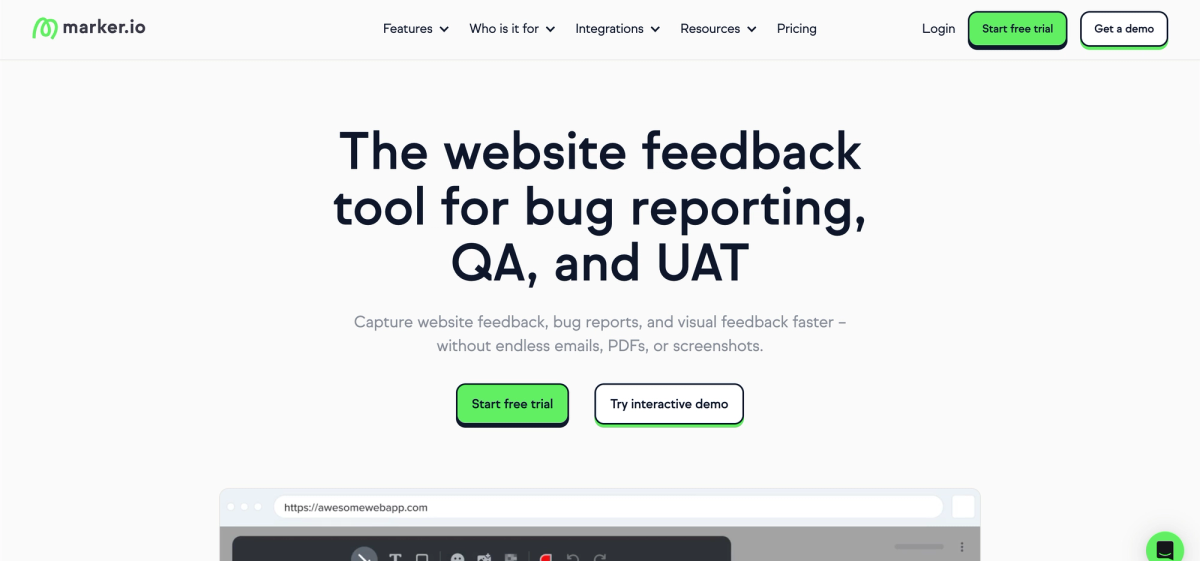
Marker.io is a website feedback tool built for teams that need to collect bug reports and visual feedback directly on live sites or staging environments. Reviewers click anywhere on a page to pin a comment, and Marker.io automatically captures a screenshot, browser metadata, and console logs alongside it.
The tool integrates with project management apps like Jira, Trello, and Asana, so feedback lands where developers already work. It tends to appeal to QA-focused teams that want structured bug reporting without a lot of manual setup.
What Is Superflow?
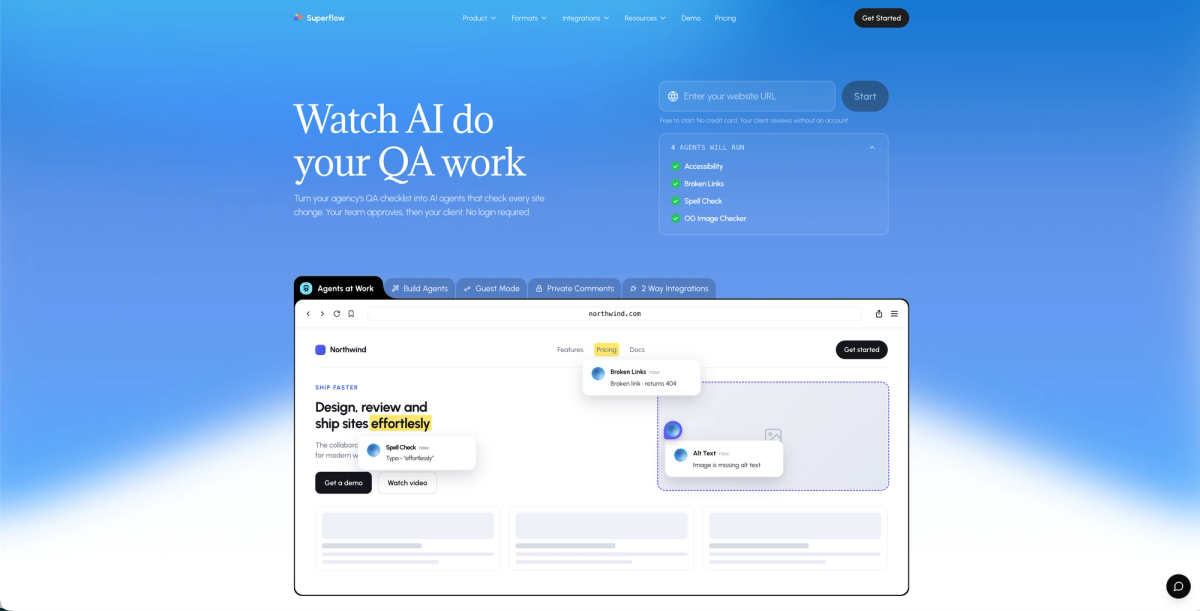
Superflow is an AI-powered QA and review tool built for web and marketing agencies. AI agents run your QA checklists on every site change, catch issues automatically, and post findings as pinned comments directly on the live site. Clients approve from a shared link with no login, no app install, and no account setup required, so sign-off happens in one round instead of several.
Core Use Case: Bug Reporting vs. Full QA and Approval
Marker.io is built around one thing: capturing bugs with context. You click, annotate, and send a report straight to your project management tool. It's clean, fast, and does that job well.
Superflow covers more ground. It handles bug reporting, but also structured QA checklists, client review flows, and multi-stage approvals. Teams use it to replace the back-and-forth that drags out website launches, beyond simply logging what broke.
If your workflow stops at bug capture, Marker.io is a reasonable fit. If you need AI-automated QA, structured client review, and formal sign-off in one place, Superflow is the better match.
Start free and run your first AI agent review on a real project in under 10 minutes.
AI Automation: Automatic QA vs. Manual Bug Capture
Marker.io has added some AI features over time, and they're genuinely useful in the right context. You can translate a comment, rewrite it for clarity, or auto-generate a ticket title. Marker.io has also launched Website Monitoring (currently in beta), which runs automated accessibility scans on a schedule and flags WCAG issues directly in your project tools. It's a step toward automated issue detection, though it's limited to accessibility checks for now, and content quality and other check types are listed as coming soon. For anything outside accessibility, a human still has to visit the page, spot the issue, and file the report.
Superflow's AI review agents run before any human looks at the site. On every deploy, they check accessibility, broken links, spelling, OG images, and any custom rule from your QA checklist, then post pinned findings directly on the relevant element. Your team reviews what the agents flagged. Clients sign off from a shared link. The QA step itself has already happened.
Superflow also builds a memory layer from every review. Upload a brand guide or checklist once per client, and agents apply those rules automatically on every subsequent deploy. Past decisions compound: by project ten, agents already know what project one had to learn the hard way.
Asset Coverage: Websites Only vs. Full Deliverable Set
Marker.io is built for teams managing websites, and within that scope, it works well. The problem for many agencies is that websites are rarely the only deliverable. Brand videos, PDFs, image assets, and Lottie animations are common parts of a project, and Marker.io doesn't cover them.
Superflow handles all five: websites, video feedback, PDFs, images, and Lottie files. Feedback stays pinned to the right element in each format, and clients sign off from the same shared link whether they're reviewing a homepage or a motion file. If you need client feedback across all deliverables, Superflow handles every format in one place. If your project scope runs wider than the browser, you won't need a separate tool for each asset type.
Integrations and Task Sync
Both tools connect to the project management apps agencies already rely on. Marker.io integrates with Jira, Trello, Asana, and a handful of others. The integration story is similar across comparable tools in this space, pushing bug reports directly into your existing workflow. Superflow does the same, syncing feedback comments to tools like Jira, Asana, and ClickUp so nothing gets lost in email threads.
Where Superflow pulls ahead is in how feedback maps to tasks. Comments convert into actionable tickets without manual reformatting, keeping your team moving without extra admin work between client review and developer handoff.
Security and Compliance
Both tools clear the baseline bar. Marker.io holds SOC 2 Type II certification, which covers most standard professional environments.
Superflow goes further. On top of SOC 2 Type II and GDPR, we offer HIPAA with BAA, data residency options, SAML/SSO, SCIM, penetration testing, and a full audit trail that logs every comment, finding, and approval. For agencies working with healthcare clients, enterprise procurement teams, or any buyer who needs documented sign-off history, that gap matters. Teams comparing other tools in this space will find a similar divide on compliance depth. If a client ever asks for a BAA or wants to know where their data lives, Superflow is the one that can answer. Agencies that also need white-label client review will find it included on the same tool.
Pricing Comparison
Superflow has a free Starter tier and paid plans from $24/seat/month (annual) or $29/seat/month (monthly). Guest seats are free and unlimited on every plan. Marker.io starts at $39/month (annual) or $59/month (monthly), with reviewer seats capped depending on the plan.
For agencies managing a high volume of client projects, Superflow's per-seat model scales more predictably. Adding clients never forces you into a higher tier just because reviewers need access. Marker.io's capped-seat structure can get expensive as your roster grows. Use the agency ROI calculator to map out what that difference costs your team annually.
All plans include a 10-day free trial and 500 bonus AI credits on signup, so you can run agent reviews on real projects before paying anything.
Side-by-Side Comparison Table
| Feature | Superflow | Marker.io |
|---|---|---|
| Visual feedback on live sites | Yes | Yes |
| Screenshot annotation | Yes | Yes |
| Video feedback | Yes | No |
| Guest feedback (no login) | Yes | Limited |
| Project management built-in | Yes | No |
| Two-way integrations | Yes | Yes |
| White-labeling | Yes | No |
| Pricing (starting) | Free; paid from $24/seat/mo | $39/mo (annual) |
Who Should Use Marker.io?
Marker.io fits development teams and QA testers whose workflow ends at bug capture and developer handoff. If your feedback loop terminates at a Jira ticket and your reviewers are all internal with no client sign-off needed, it handles that scope well. Teams with no need for AI checks, multi-asset review, or a formal client sign-off layer will find it focused and functional for that narrower use case. For a broader look at how tools stack up, see our agency tool comparisons or the full Superflow vs Marker.io breakdown.
Why Superflow Is the Better Choice for Agencies
Superflow was built for agencies managing client feedback across live websites. Where Marker.io covers the basics well, Superflow goes further in the areas that matter most when you're running multiple client projects simultaneously.
AI QA Runs Before Anyone Opens the Site
Superflow's AI agents check every deploy against your QA checklist before any human or client looks at it. Accessibility, broken links, spelling, OG images, and custom brand rules are verified automatically, with findings posted as pinned comments on the exact element. Your team reviews what the agents flagged. That's it. No manual checklist walk-through, no missed issues that make it to production.
Clients Sign Off Without Creating an Account
Clients review and approve from a shared link, with no login, no app install, and no account setup. They see findings, leave feedback, and sign off. Marker.io requires guest users to register, which adds friction to every approval cycle and slows down sign-off on time-sensitive projects.
Built for High-Volume Agency Workflows
Superflow handles multiple concurrent projects without degrading the feedback experience. Teams managing 10+ active client sites will find the organizational structure holds up where simpler tools start to feel cluttered.
Final Thoughts on Superflow vs Marker.io
Your choice here comes down to scope. Marker.io fits teams who need clean bug capture and nothing more. For agencies that want AI agents handling QA automatically, structured client review, and formal sign-off across websites, video, PDFs, images, and Lottie files, Superflow covers the full delivery workflow in one place.
Try Superflow free with a 10-day trial, 500 AI credits included, no engineer required to get started.
Frequently Asked Questions
Is Marker.io free?
Marker.io doesn't offer a permanent free tier, but there's a 15-day trial. After that, plans start at $39/month.
Does Marker.io support video or PDF review?
No. Marker.io is built for website feedback only. For video, PDF, or image review, you'd need a separate tool. Consider one of the top Marker.io alternatives for agencies that covers all asset types.
Does Superflow require clients to create an account?
No. Clients review and sign off from a shared link with no login required. Guest seats are always free and unlimited on every plan.
What is the difference between Marker.io and Superflow?
Marker.io captures bugs and routes them to your project management tool. Superflow runs AI QA checks automatically on every deploy, manages client feedback, and handles formal sign-off across websites, video, PDFs, images, and Lottie files.
Does Superflow work with Jira?
Yes. Superflow syncs two ways with Jira. Comments become tickets and status updates sync back, so nothing requires manual handoff between client review and your dev team.