Your client just questioned whether they approved that copy. Your team is digging through email threads to prove they did. That's the gap most brand compliance software doesn't close, and it's worth knowing which tools actually solve it before you commit to one.
TLDR:
- Most brand compliance software checks uploaded files only; your live site can drift out of spec without any tool catching it.
- A client approval gate with a logged audit trail matters more than it looks; without it, sign-off disputes have no paper trail.
- Bynder and Frontify both require custom pricing with no self-serve tiers, which rules them out for most smaller agencies.
- IntelligenceBank suits compliance-heavy industries like healthcare and finance but applies checks to files inside the system, not deployed pages.
- Superflow is the only tool here where AI agents run a full QA checklist on the live site automatically on every deploy, post findings as pinned comments, and route work through a team sign-off and client approval loop, with public per-seat pricing starting free.
What Is Brand Compliance Software?
Brand compliance software gives teams a single system to check that every piece of marketing content (web pages, creative assets, campaign copy) meets brand guidelines and regulatory requirements before it ships. Without it, off-brand logos slip through, disclaimers get missed, and clients approve things they shouldn't. According to Gartner's brand compliance software category, the core job is automating review and approval so nothing reaches the market out of spec. For marketing agencies managing multiple clients with different rules, that kind of control is what keeps accounts.
How We Ranked Brand Compliance Software
Every tool here was ranked on publicly available information, not proprietary testing. Six criteria drove the scoring:
- Whether the tool checks the live site or only uploaded and static files
- AI automation depth: does it run checks automatically on every change, or only when triggered manually
- Client-facing approval workflow and whether there's a verifiable audit trail
- Per-client memory or brand rules that carry forward across projects
- Pricing accessibility for agencies, including smaller teams, beyond enterprise budgets
- Integration with common project management tools like Asana, Monday.com, or ClickUp
A tool that scores well on all six is rare. Most excel at one or two, and the ranking reflects how well each covers the full loop: catch issues early, route to approval, log everything, and get smarter over time.
Best Overall Brand Compliance Software: Superflow
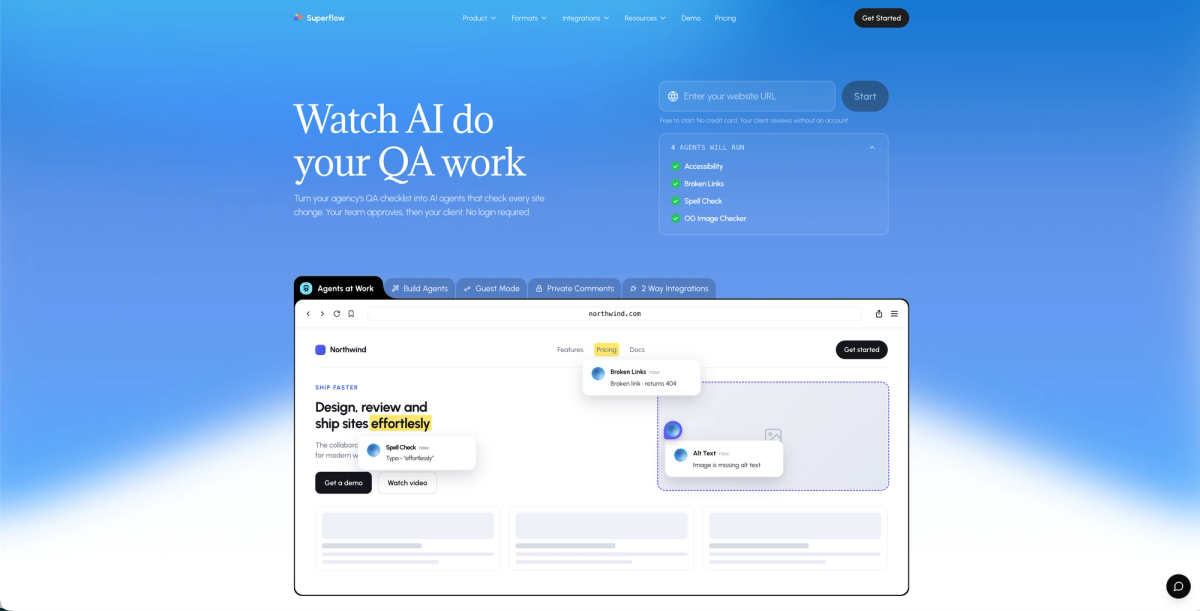
Superflow sits at the top of this list because it's the only tool here built around AI agents that run your QA checklist automatically on every site change. No manual trigger, no uploaded file required. Agents check the live site across desktop and mobile, then post findings as pinned comments directly on the page element where the issue lives.
- AI agents run your QA checklist automatically on every deploy. Built-in agents cover site monitoring checks; custom agents handle brand rules, tone-of-voice, and anything else on your checklist.
- Per-client Memory stores brand guides and learns from past review decisions, so the rules built on project one carry forward to project ten without re-uploading guidelines each time.
- The review workflow routes findings to the team first, then the client signs off via magic link, with no account or login required on their end, and every action is logged in a full audit trail.
- SOC 2 Type II, HIPAA with BAA, data residency options, and SAML SSO make it viable for compliance-driven industries.
Pricing starts free (Starter plan, no credit card required), with Growth at $29/seat/month and Scale at $34/seat/month.
If brand compliance needs to happen on the live site, automatically, on every deploy, with a verifiable sign-off record, Superflow is the only tool in this list built for that exact job. Try Superflow free and run your first AI QA check today.
BugHerd
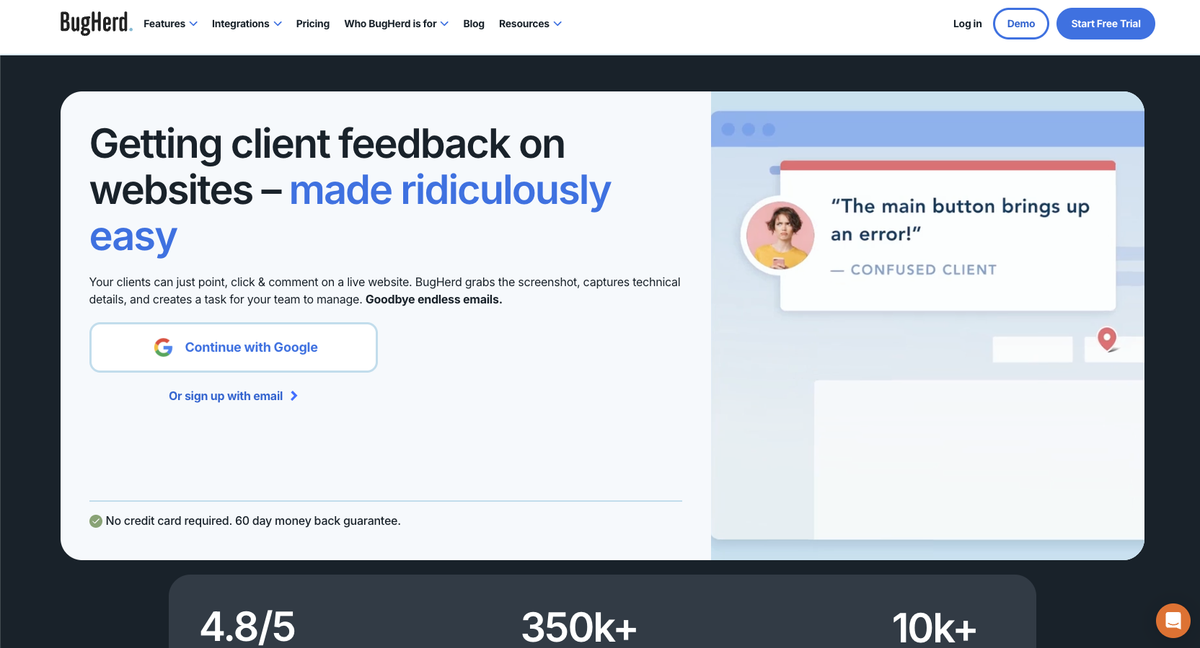
BugHerd is a visual bug-tracking tool built for web teams and agencies. Reviewers click anywhere on a live site, pin a comment, and the feedback lands on a Kanban board for the dev team to triage. With 350k+ users and a 4.8/5 rating on G2, it has a strong reputation for collecting and organizing website feedback. It fits dev-heavy delivery stacks and agencies that want a straightforward way to capture, sort, and act on client input without complex setup.
Key Features
- Guest links let clients leave feedback directly on live sites with no account required.
- A built-in Kanban board organizes bug reports by status so dev teams can triage and track work in one place.
- Native integrations with Jira, Asana, ClickUp, Slack, MS Teams, Trello, and GitHub connect feedback to existing project workflows.
- BugHerd MCP is an AI layer that triages and helps resolve tasks already on the board after a person flags them.
- Flat monthly pricing starts at $50/mo (Starter, 5 members), $80/mo (Standard), and $150/mo (Premium), plus $8 per extra member.
Marker.io
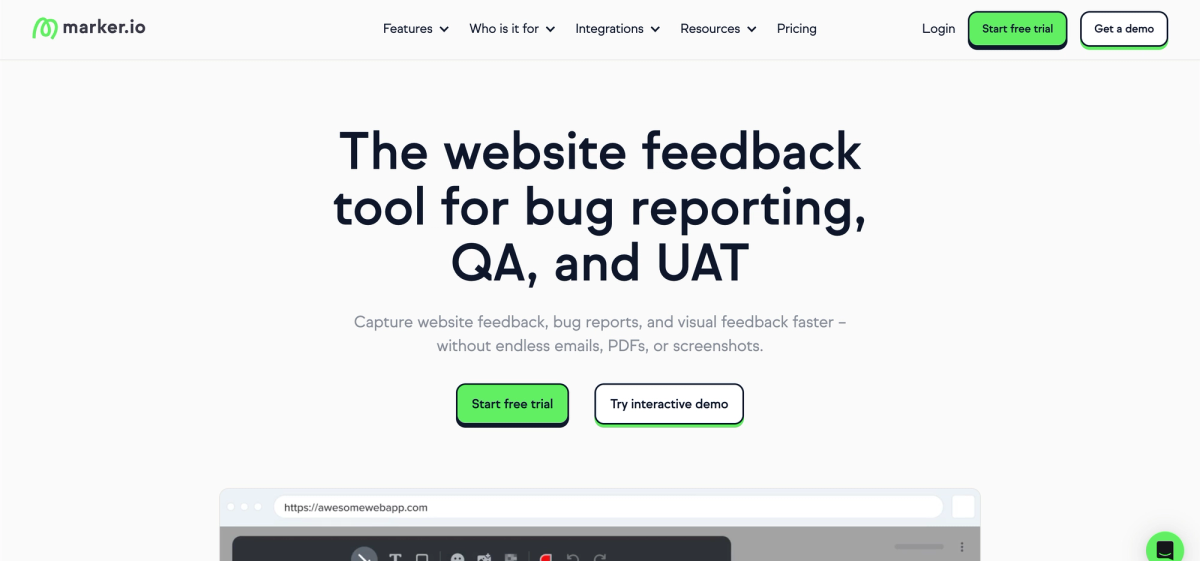
Marker.io is a website feedback and bug reporting tool built for dev, product, and QA teams. Reviewers click anywhere on a live site to pin a comment, screenshots capture automatically, and issues sync to project management tools without any manual export. It suits teams that need structured, reproducible bug reports tied directly to the page element where the problem lives. Pricing starts at $39/mo with a 15-day trial.
Key Features
- No-login guest links let clients submit feedback on a live site without creating an account.
- Screenshots attach automatically to every piece of feedback, capturing the exact state of the page at the time of submission.
- Session replay helps dev teams reproduce bugs by showing exactly how an issue was triggered.
- Two-way sync with Jira, Asana, ClickUp, and GitHub keeps issue status updated across tools without duplicate entry.
- SOC 2 Type II and GDPR compliance cover the baseline security requirements most client contracts require.
Good for product and dev teams that need structured bug reporting on websites with strong Jira sync and session replay context. The gaps matter for agencies doing brand compliance work: Marker.io covers websites only (no video, PDFs, images, or Lottie files), has no AI that proactively checks the site on deploy, no per-client memory, and no verified client approval gate with a logged audit trail, which is the gap referenced in the comparison table below.
Bynder
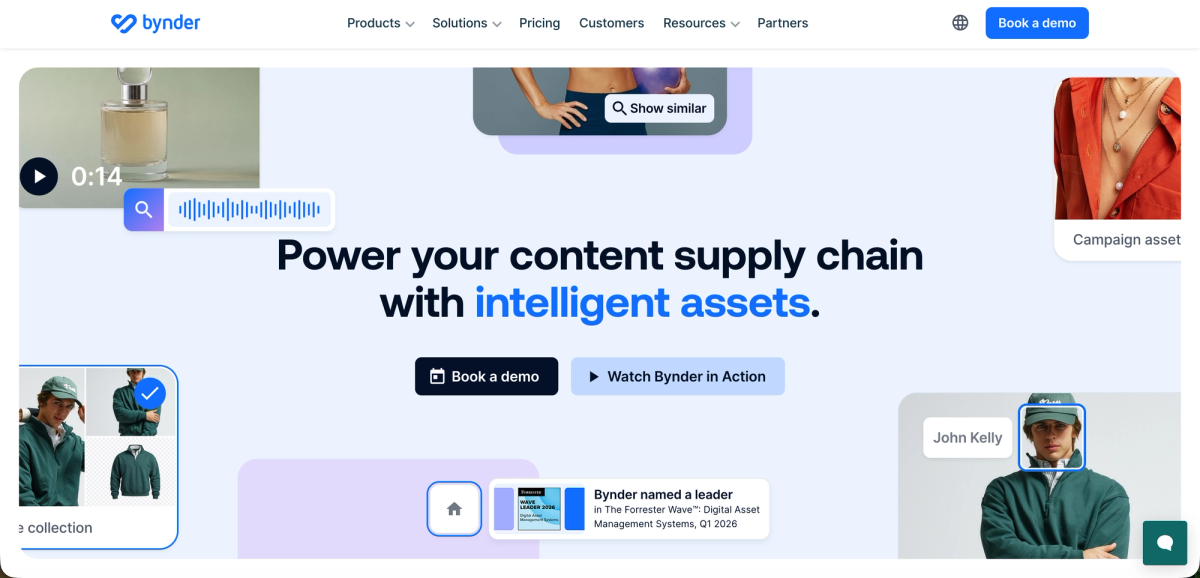
Bynder is an enterprise digital asset management tool built for large brand teams managing high volumes of creative assets across markets. Its Brand Compliance Agent audits assets uploaded to the DAM library against brand and regulatory rules. The tool suits global organizations with complex governance needs, though its checks apply only to files inside the system, not to live websites or staging environments. Pricing is fully custom with no self-serve tiers.
Key Features
- The Brand Compliance Agent audits uploaded DAM assets against brand and regulatory rules automatically.
- Logo detection covers distortion, incorrect spacing, and missing trademark symbols.
- Color palette and messaging compliance rules are enforced at the asset level.
- Configurable rulesets can be set per brand, region, or distribution channel.
- Pricing is custom-quoted only with no self-serve tiers available. Not built for live-site QA testing.
Frontify
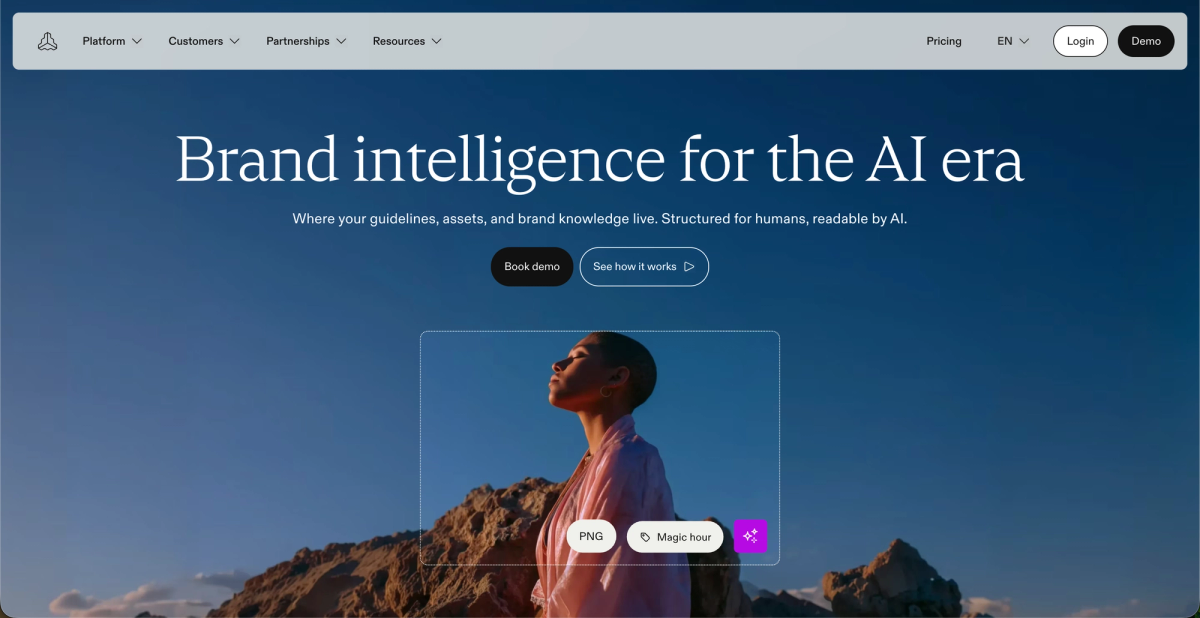
Frontify is a brand management tool for large in-house teams. It combines living brand guidelines, a DAM, design system documentation, and content templates in one place. Its AI brand check feature, Specs, reviews content against defined brand rules before distribution. It suits enterprises focused on governance and guideline consistency, though there is no live-site review, no automated QA on deployed pages, and no client sign-off workflow. Average contract values run around $32,386 per year.
Key Features
- Living brand guidelines hub lets teams publish, update, and distribute brand rules from a single source.
- Built-in DAM with asset distribution controls and locked template zones.
- Design system documentation supports product and marketing teams working from a shared component library.
- Specs AI brand check flags logo, typography, and messaging issues before assets are distributed.
- Pricing runs on a monthly active user model with custom contracts and no self-serve tier.
IntelligenceBank
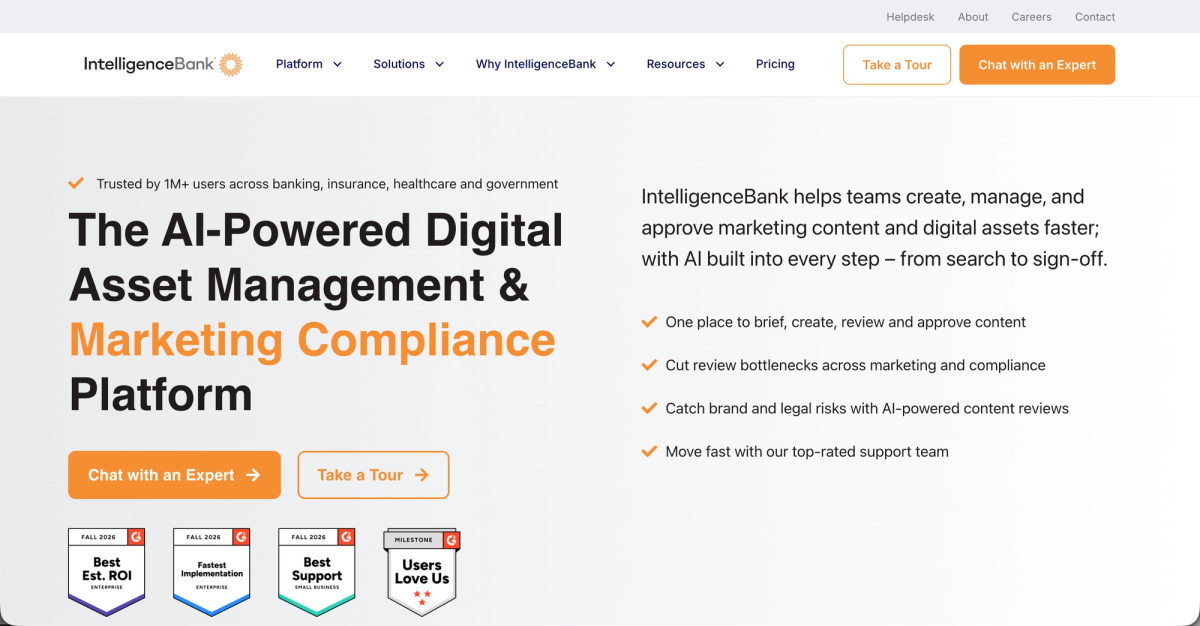
IntelligenceBank is a marketing compliance and DAM tool built for tightly overseen industries including healthcare, financial services, and pharma. Its AI capabilities, expanded in 2026, check logos, tone-of-voice, banned words, and over-promissory language during content production. Checks apply to files inside the system, not to live websites or deployed pages, and pricing is custom only with no self-serve tier.
Key Features
- AI brand detection covers logos, copy, imagery, and messaging during the proofing stage.
- Banned word and over-promissory language checks run automatically before approval.
- Structured approval routing with configurable sign-off workflows.
- Centralized DAM with brand guidelines and controlled asset distribution.
- Compliance-focused workflows suited to financial services, healthcare, and pharma teams.
Filestage
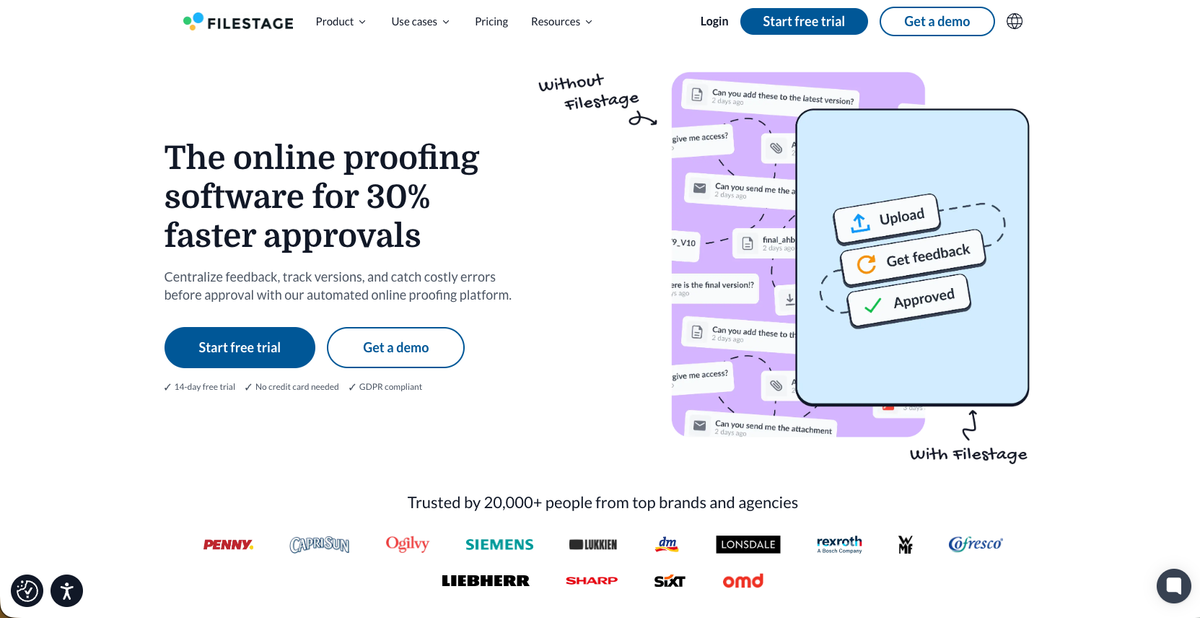
Filestage is a creative proofing and approval tool built for marketing and creative teams. It centralizes review and sign-off across a wide range of file formats, giving teams one place to collect feedback, manage approval rounds, and document who signed off on what. It serves agencies, in-house marketing departments, and production teams that move high volumes of creative assets through structured review cycles.
Key Features
- AI Review Agents (Business plan only) pre-scan uploaded files for grammar, tone, style, QR codes, barcodes, and mandatory images before any reviewer sees them.
- Formal client feedback approval workflow includes reviewer groups, due dates, reminders, and verified sign-off on every round.
- Multi-format proofing covers video, images, PDFs, audio, interactive HTML, and live website URLs in one workspace.
- Integrations with Jira, Monday, Slack, Teams, Zapier, and Adobe apps (Premiere Pro, InDesign, After Effects) connect proofing to existing delivery stacks.
- Paid plans start at $199/month (Starter) and $329/month (Business), with Enterprise on custom pricing.
Feature Comparison Table of Brand Compliance Software
| Tool | AI Checks Live Website | AI Runs Automatically | Per-Client Brand Memory | Client Approval Gate with Audit Trail | No Login Required for Clients | Pricing Transparency | HIPAA/SOC 2 Support |
|---|---|---|---|---|---|---|---|
| Superflow | Yes | Yes | Yes | Yes | Yes | Public, per-seat | Yes (both) |
| BugHerd | No | No (manual trigger only) | No | No | Yes | Public, flat monthly | No (not verified) |
| Marker.io | No | No | No | No | Yes | Public, per month | Yes (SOC 2, GDPR) |
| Bynder | No | Yes (DAM assets only) | No | No (not verified) | No | Custom quote only | No |
| Frontify | No | No | No | No | No | Custom quote only | No (not verified) |
| IntelligenceBank | No | Yes (uploaded files only) | No | Yes | No | Custom quote only | Varies by plan |
| Filestage | No | Yes (uploaded files only, Business plan) | No | Yes | No | Public, EUR-denominated | No (not verified) |
The client approval gate with audit trail column matters more than it looks: without a logged record of who approved what and when (something tools like Marker.io don't fully provide), you're one dispute away from a painful conversation.
Why Superflow Is the Best Brand Compliance Software
Every other tool on this list catches issues in uploaded files. Superflow catches them on the live site, automatically, before anyone has to ask. That distinction matters when your production environment is where brand drift actually happens.
The workflow is: AI agents run your checklist on every deploy, post findings as pinned comments on the exact element, the team fixes and approves, then the client signs off from a link with no login required. On a 10-client agency, that compounds across every project. Per-client Memory means the rules built on an early engagement carry forward, and the AI gets smarter with each review instead of starting from scratch.
When a client approves via magic link, that action is logged with a timestamp. If someone later questions what was signed off and when, the answer is in the audit trail, not buried in an email thread.
Final Thoughts on Picking Brand Compliance Software That Works
The comparison above should make one thing clear: most tools stop at uploaded files, and that gap is real. Your live site, your client approval record, and your per-project rules all need a home somewhere. Find the tool that covers the full loop, with AI checks on deploy, findings routed to the team, and client sign-off logged, and the friction that comes with manual QA starts to shrink.
Start free and see how Superflow handles that loop from day one.
FAQ
How do I choose the right brand compliance software when my agency manages live websites for multiple clients?
If your work involves live site delivery, the most important filter is whether the tool checks deployed pages or only uploaded files. Only Superflow runs AI agents on the live site automatically after every deploy, posting findings as pinned comments and routing them through a team and client approval workflow. That's where brand drift actually happens on agency projects, and it's the gap every other tool on this list leaves open.
Is Bynder or IntelligenceBank a better fit for compliance-heavy industries like healthcare and financial services?
IntelligenceBank was built with compliance-heavy industries in mind, covering banned words, over-promissory language, and tone-of-voice checks inside its proofing workflow. Bynder has broader DAM governance but no verified HIPAA support. If HIPAA compliance with a signed BAA is a hard requirement, Superflow is currently the only tool on this list that confirms both SOC 2 Type II and HIPAA with BAA.
When should I choose Frontify over the other tools on this list?
Frontify makes sense when your main job is publishing and distributing brand guidelines to a large in-house team, not running QA on delivered assets. If you need living documentation, locked templates, and design system governance at enterprise scale, Frontify covers that. If you need automated checks on delivered work and a client sign-off record, it does not.
Can Filestage handle brand compliance for agencies that work across multiple file types?
Filestage covers the widest format range of any tool here: video, images, PDFs, audio, interactive HTML, and website URLs. Its AI review agents catch typos, logos, and forbidden terms on uploaded files, though that capability is capped at 50 credits per month on the Business plan and does not extend to live site checking. Agencies with high file variety and structured approval needs will find it useful; agencies whose primary output is deployed web pages will hit its limits quickly.
How do I know if per-client brand memory is worth factoring into my software decision?
If you run three or more active client accounts simultaneously, per-client memory directly affects how much setup work repeats across projects. Tools like Bynder, Frontify, IntelligenceBank, and Filestage do not carry brand rules forward between projects automatically. Superflow's Memory stores brand guides and past review decisions per client, feeds those rules to AI agents on every check, and learns from each project, so by project ten, the AI already knows what project one had to catch manually.