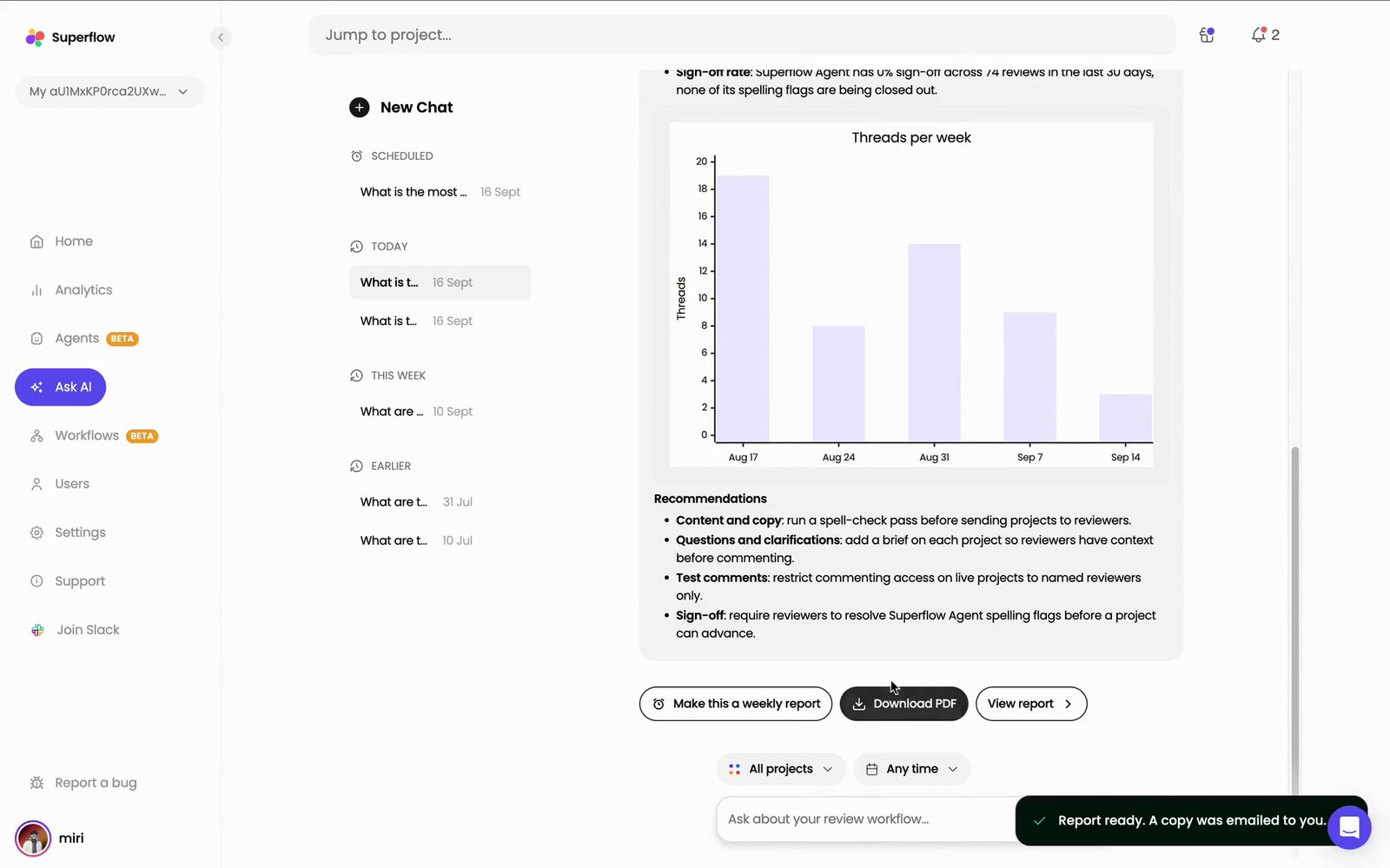
Ask AI answers from the review threads and comments that already exist in your workspace. Every answer opens with a Scope line naming exactly what it read, so you can always see what the numbers are based on.
1
On the Superflow Dashboard, click Ask AI in the left sidebar
Type your question into the box in the middle of the page and press Enter, or click one of the suggested questions underneath it.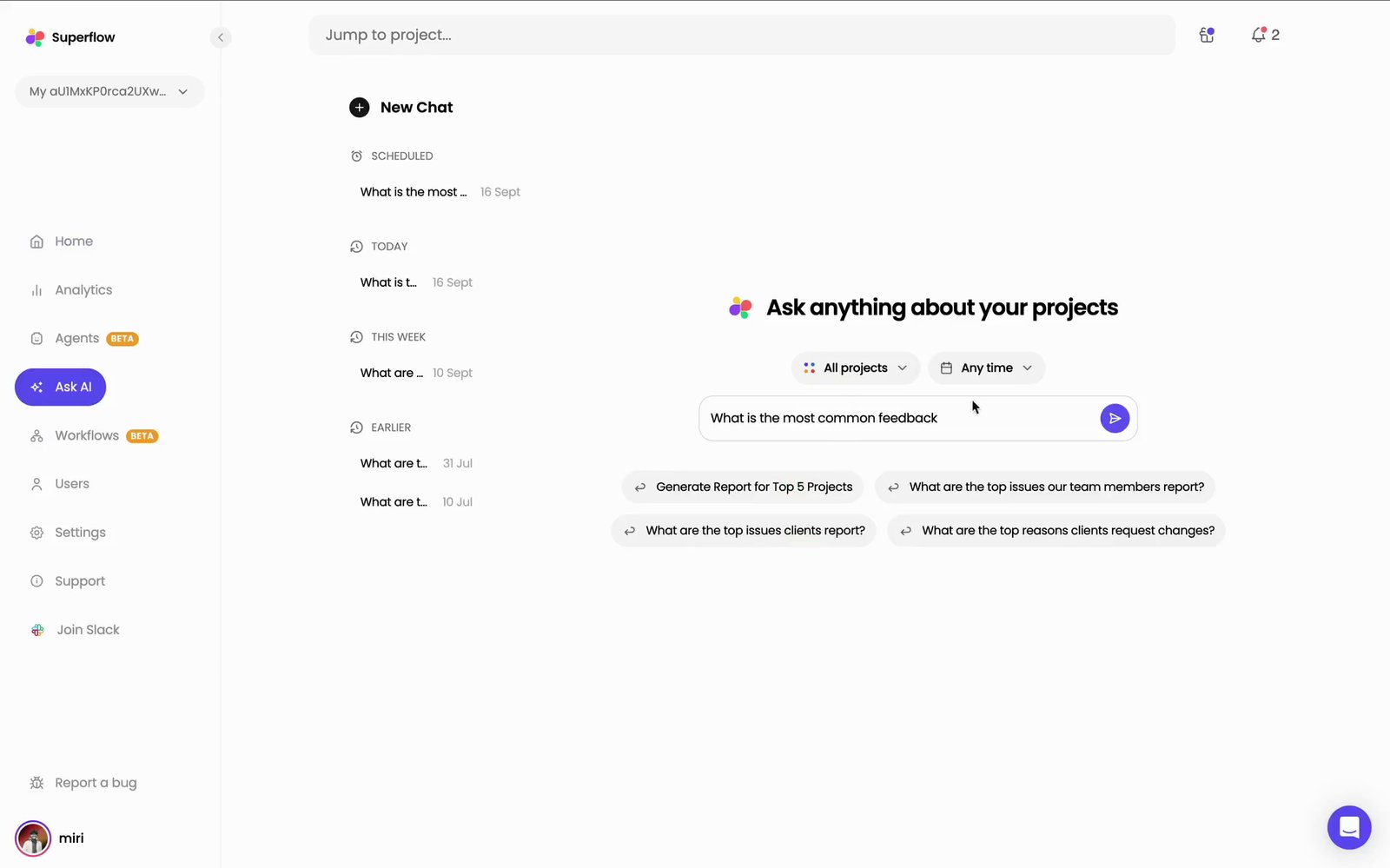
2
Superflow reads every project in scope and answers with a breakdown
The answer opens with a Scope line — the number of projects, review threads and comments it read, and the dates they cover — then breaks the feedback into two tables.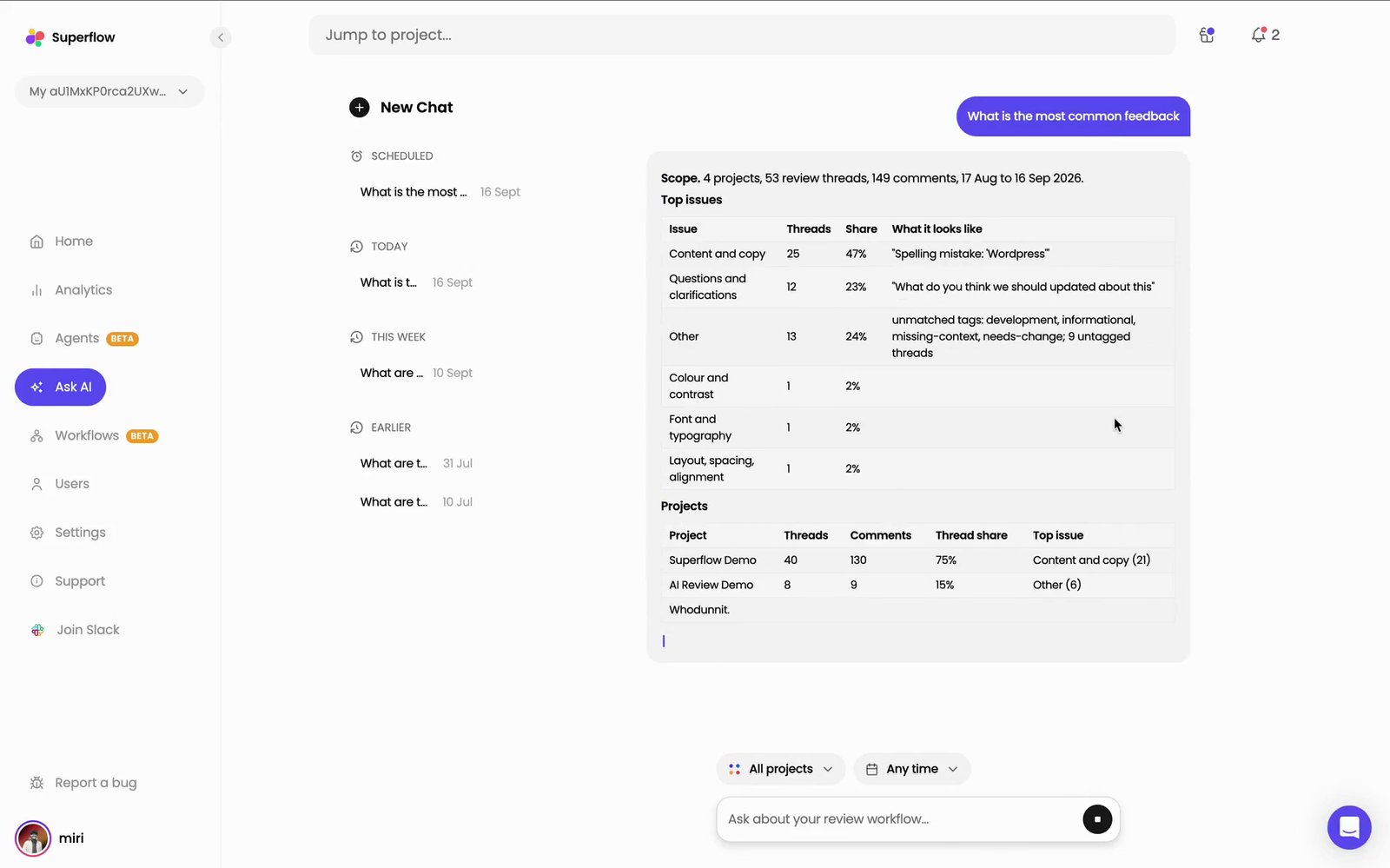
3
Scroll down for the trends and the recommendations
Below the tables the answer continues with Key trends, a Threads per week chart, and Recommendations — each one a specific change to make, rather than a restatement of the numbers above it.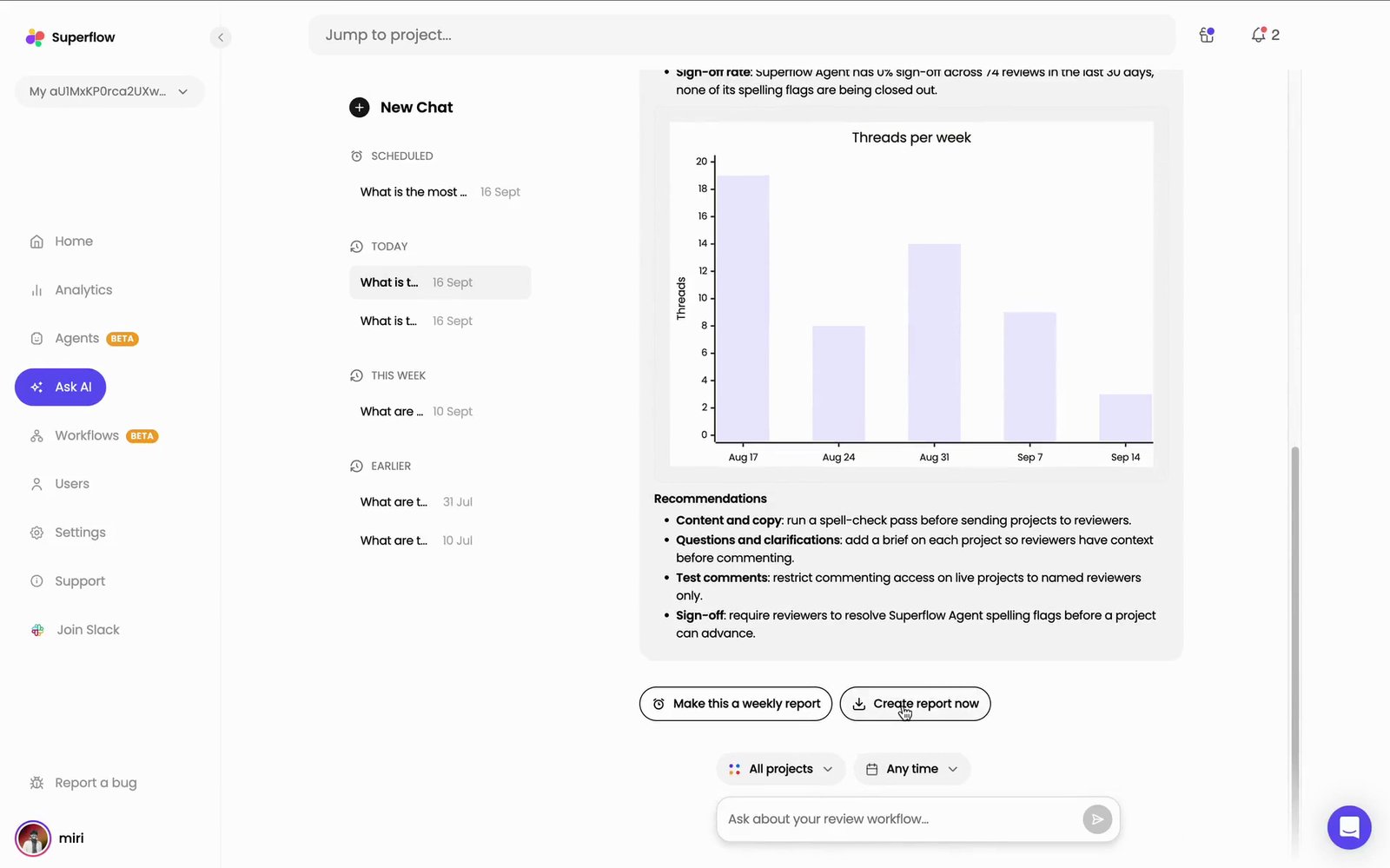
4
Click Create report now to turn the answer into something you can share
Two buttons sit at the end of every answer. Create report now builds the report straight away. Make this a weekly report schedules it instead, so you do not have to ask again.Once the report is ready the buttons change to Download PDF and View report, and a copy is emailed to you.